Page 47 of 110 Pages
7.3 Screens following a fail cycle:
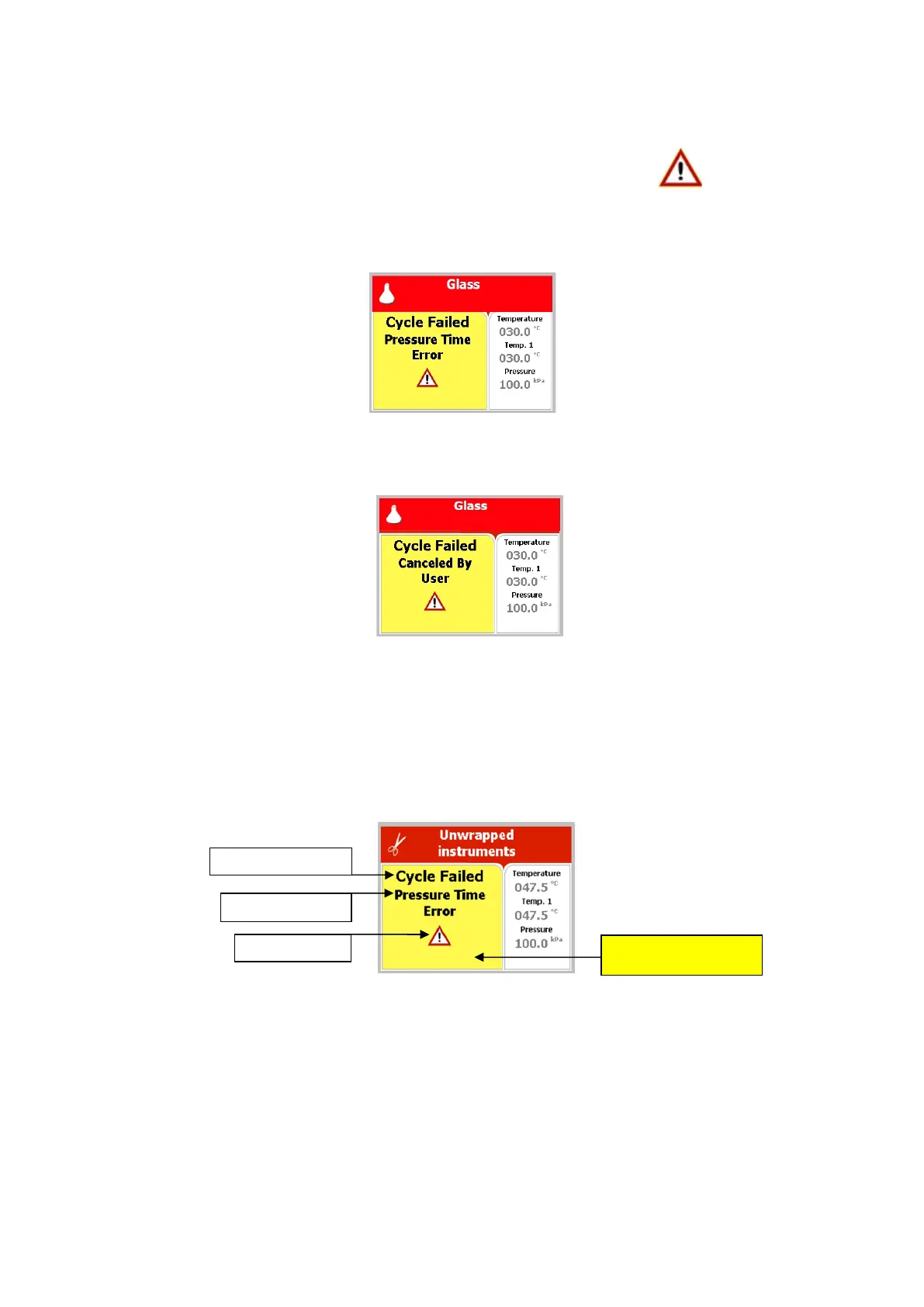
In this case, the display becomes yellow, a warning sign and
the reason of failure will be displayed.
For example the next two scenarios:
7.3.1 Failure according to Pressure Time Error
7.3.2 Failure according to Cancellation by user before complete
sterilization stage
When "Cycle Failed" appears on the screen, the user shall press
START/STOP key in order to delete the "Cycle Failed"
message
An example for all displayed warnings according to Cycle Failed:







 To Next Page