Page 67 of 110 Pages
13. CHECKING AND CHANGING PARAMETERS AND OTHER DATA
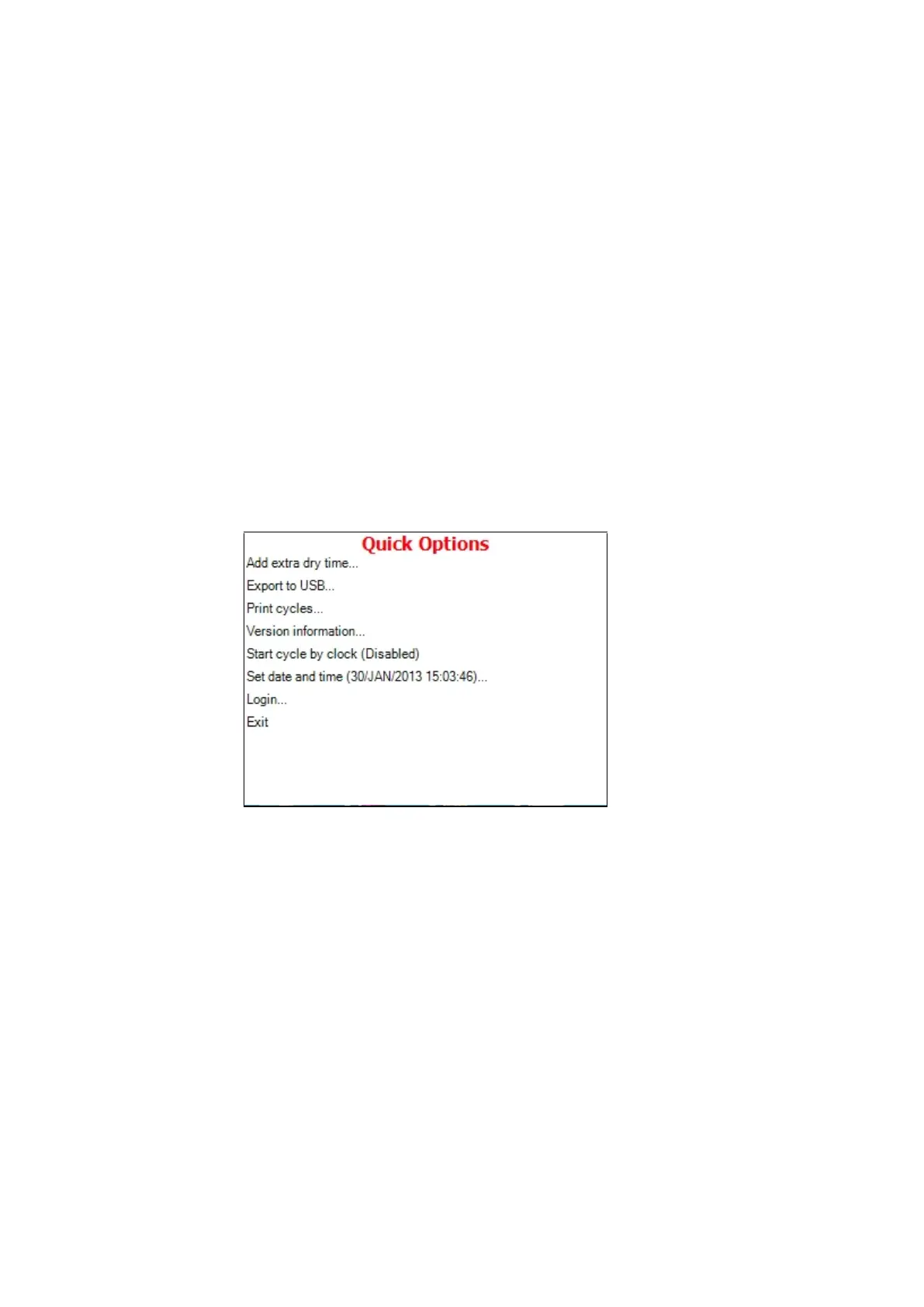
1. When the system is ready, enter the QUICK OPTIONS
screen by pressing the UP and DOWN keys simultaneously.
Note: To exit every screen:
move the cursor to Exit by pressing UP
or DOWN keys and then press START/STOP key.
press the UP and DOWN keys
simultaneously.
On this screen you can either proceed to login (see 6.2 Entering the main
menu) or choose one of the quick options available without login.
13.1 Quick options screen
On the Quick Options screen, you can choose the following options:
13.1.1 Add extra Dry Time
This subdirectory allows changing the Dry Time parameter for
the current cycle.







 To Next Page