Page 68 of 110 Pages
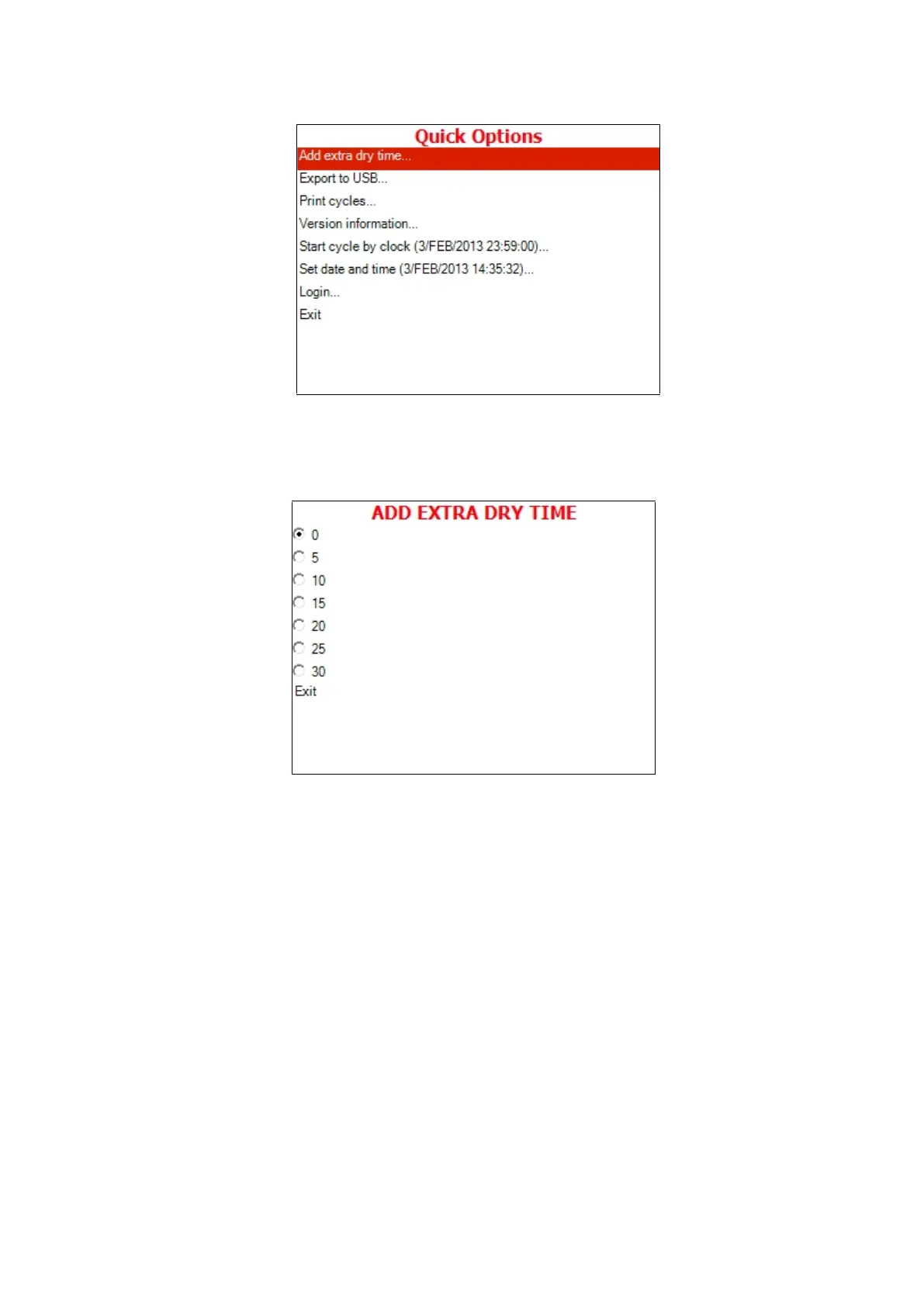
2. Move the cursor to Add extra dry time.
3. Press the START/STOP key.
4. The following screen will be displayed:
5. Move the cursor to the required item and press START/STOP
key.
6. The time shown on the screen will be added to the current
value and you will return to the cycle main screen.
For example, if the dry time was 2 min., and you chose 10
minutes on the Add Dry Time screen, the dry time for the current
cycle will be 12 minutes. See the screens below.







 To Next Page