Page 60 of 110 Pages
12. OPERATING INSTRUCTIONS
12.1 Turning on the autoclave
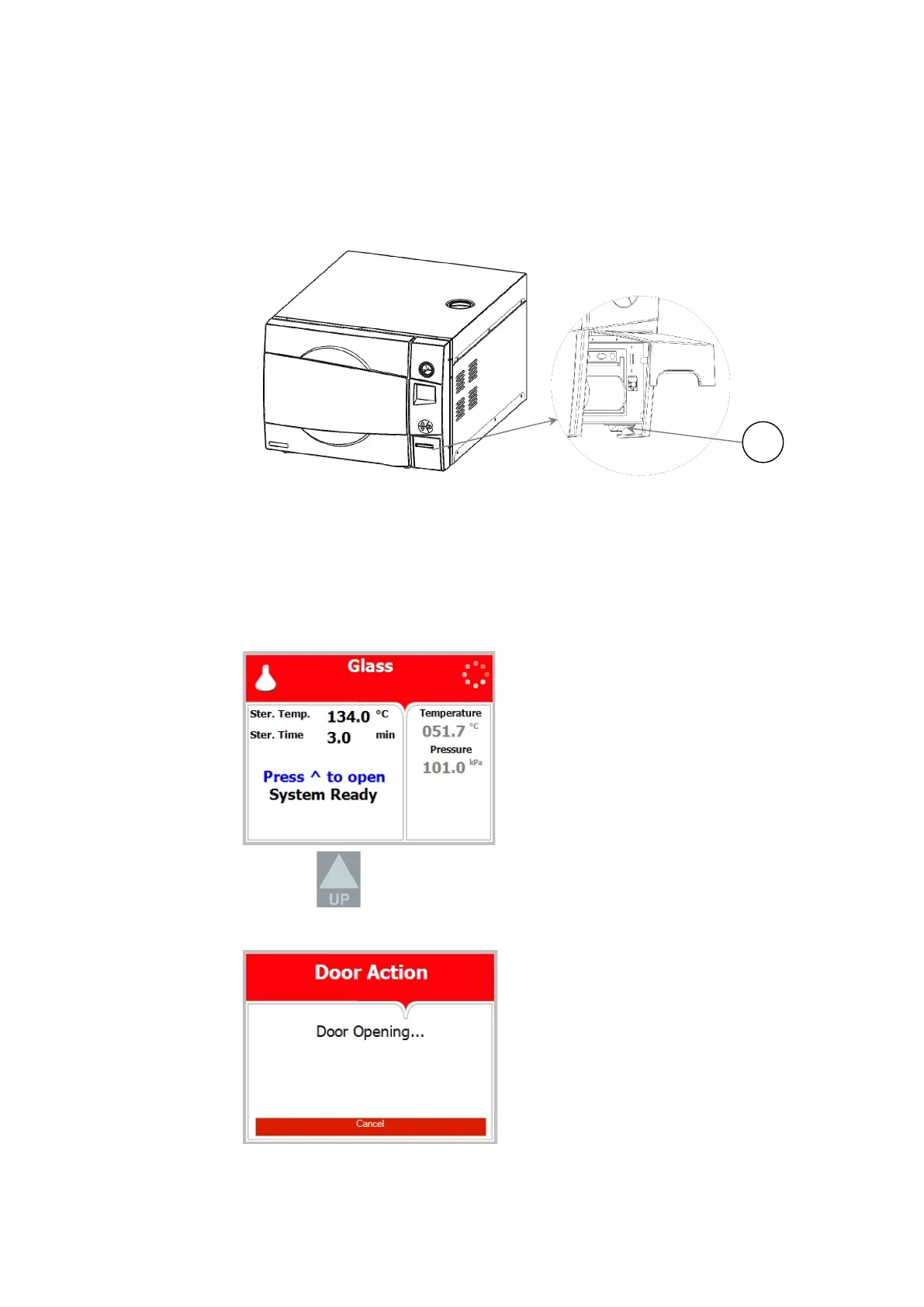
To start the system, turn on the main switch (1), located under the
printer cover.
The door is equipped with an electrical cylinder. This electrical cylinder
perform the automatic opening and closing of the door.
12.2 Opening the door
In order to open the door, follow the next steps:
When the door is closed, the screen below will be displayed:
Press the Key in order to open the door
The following screen will be displayed:







 To Next Page