Page 70 of 110 Pages
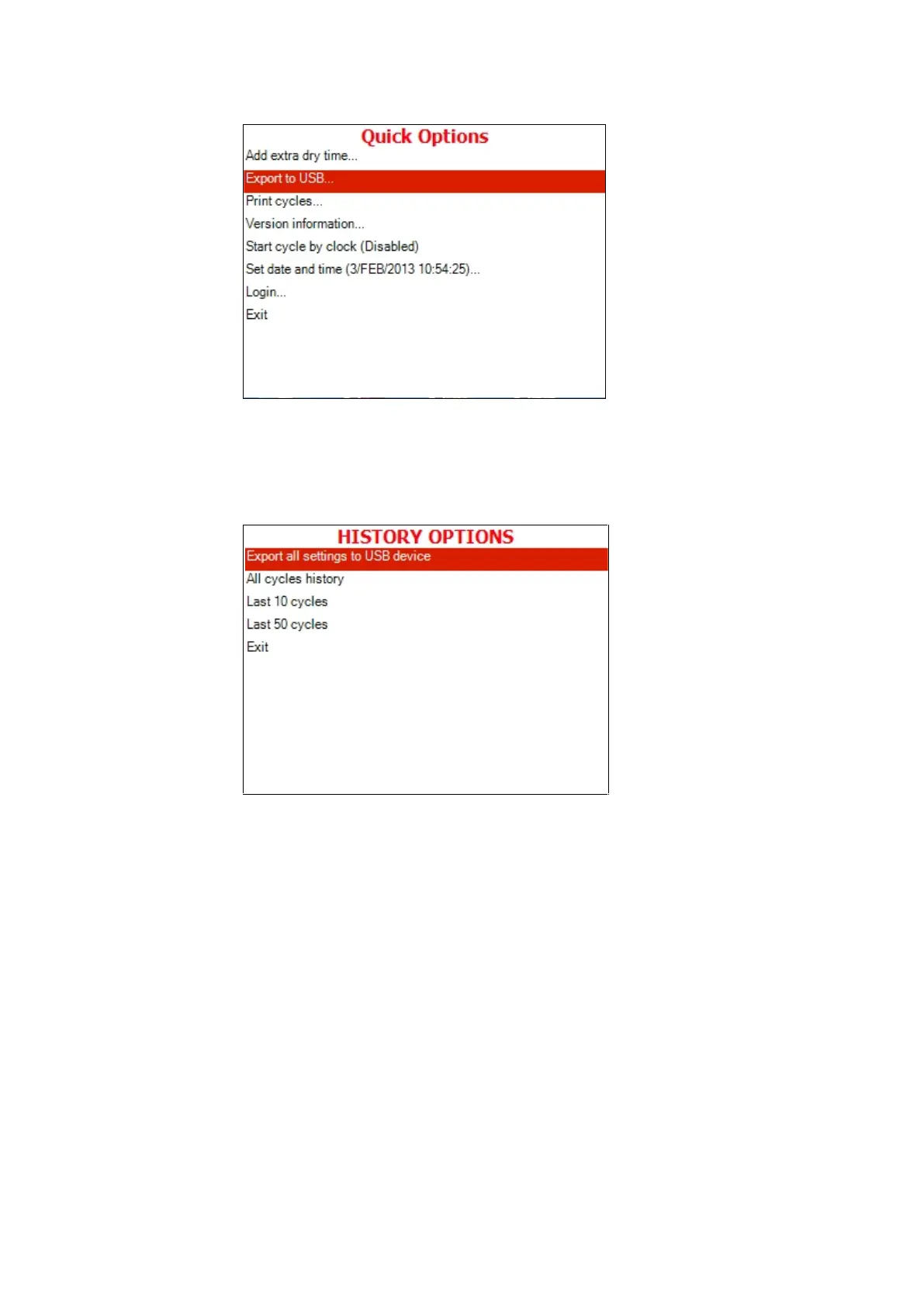
1. Move the cursor to Export to USB
2. Press the START/STOP key.
3. The following screen will be displayed:
Export all settings to USB device
This subdirectory allows exporting all settings to USB device
1. Insert the USB device into the USB socket.
2. Press START/STOP key on the Export all settings to
USB device item.
3. The following screen will appear:







 To Next Page