45
NOTE: PB 1 thru 6 must be set sequentially, with 1 being the lowest
rack level, 2 the next etc. If the racking is changed by adding a lower
rack level the stops will need to reset. Trying to program a higher PB,
i.e. setting PB 6 at a lower level than PB 1 will cause the following
warning screen on the meter panel display.
NOTE: Lift limit button for B rack is still off and needs to be turned on
separately. To turn on the B rack lift limit button, press the A/B button.
The LED should now be on. Repeat steps 1 thru 6 to program the B
rack lift limit button.
Using Lift Limit Feature
NOTE: Maximum mast heights must be programmed prior to using.
Limits maximum mast Height. When programmed, two separate
maximum lift heights can be set using the A rack/B rack pushbutton
(PB).
1. Press the A/B button to select preset maximum
mast height for the area to be worked in.
NOTE: If the LED for the A/B switch is off the A presets are active. If
the LED for the A/B switch is on the B presets are active.
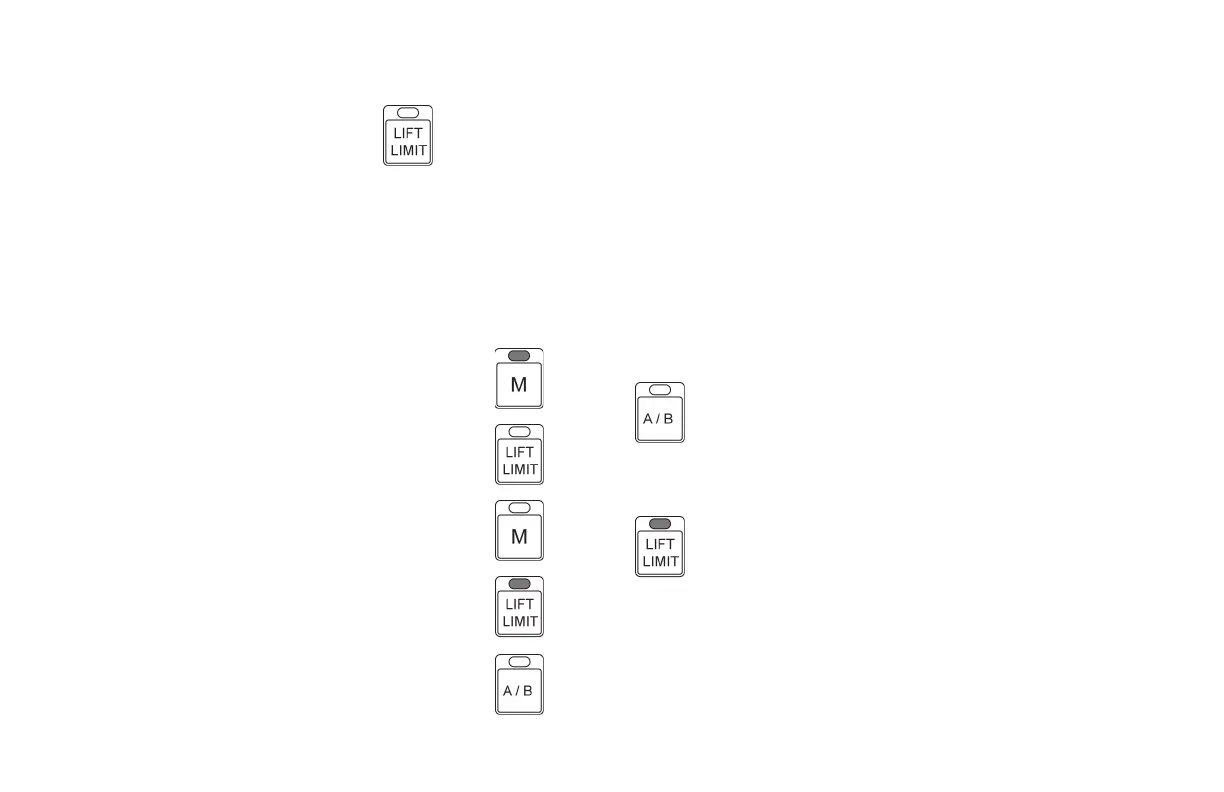
2. Press the lift limit PB.
3. The LED on the lift limit switch should now be on.
NOTE: If the LED is not on, push the lift limit PB again. If the LED is
not on lower the mast, it might be raised higher than the preset
limit.
4. When using the Multifunction Handle the mast will only raise to
the maximum preset height.
OPERATING CONTROLS AND FUNCTIONS
METERS, INDICATORS AND LAMPS (cont’d)
AFHS PROGRAMMING (cont’d)
Programming Lift Limit Button to On
NOTE: Maximum mast heights must be programmed prior to using.
Limits Maximum Mast Height
In conjunction with the A/B pushbuttons it can be programmed
for two (2) separate areas, each have different maximum lift height
requirements.
Lift limit for rack A or B are independent of each other and most be
programmed separately.
1. Raise mast to maximum desired lift height.
2. Press and hold PB M until the LED on the switch
turns on.
3. Press and release the Lift Limit Button.
4. Press and release PB M.
5. LED for PB is now off.
6. LED for Lift Limit button is now on.
7. LED’s on any programmed numbered preset
buttons should now be off.
8. LED for A/B switch is OFF. Lift limit switch for
rack A preset settings is now active.





 To Next Page