ТМ
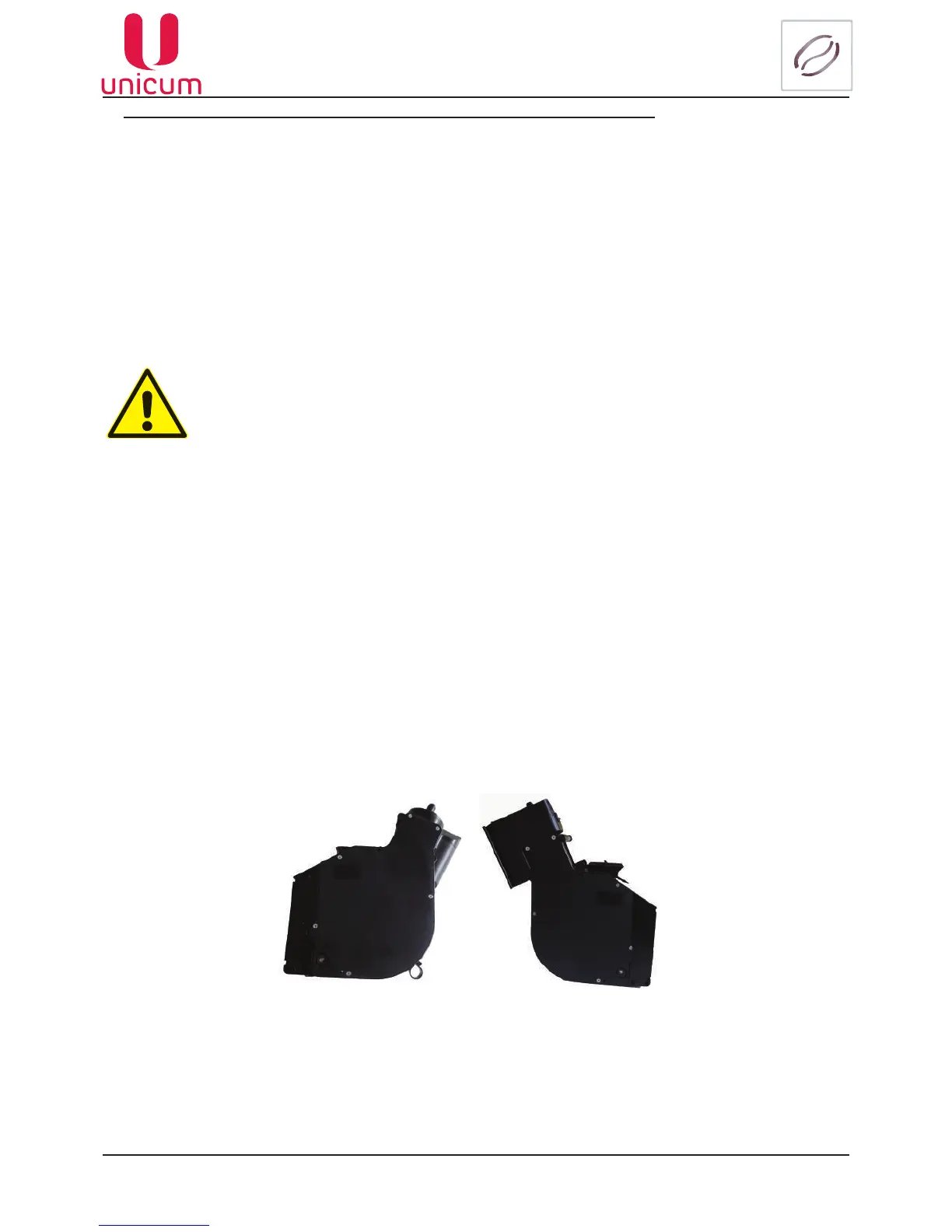
Espresso group brewing camera with motor volume increase (option)
This setting is carried out in the special Congurator program (see the instruction at the web-site:
www.unicum.ru) at the Coffee tab.
1. Select the value Vario-brewer (7..15) in the Adjustablecoffeedoseeld.
ATTENTION! To select this value at the vending machine the special espresso group with motor-
ized changing of the brewing camera volume option should be installed. Otherwise, when select-
ing this value the vending machine will show an error and will stop making coffee-based drinks.
2. Set the required ground coffee dosage value from 7 to 15 g in tenths of gram (from 70 to 150).
3.The values set in item 2 permit programming the ground coffee dosage in the recipe.
Fig. 5.15 - Vario-brewer with motorized changing of the brewing camera volume
ATTENTION!
BeforeactivatingtheVario-brewermode,adjustthedosingunitinsuchawaythatone
coffeeportionwillbe7gsharp(ifthedosingunitpermitsadjustingthevaluesto6.8
and 7.2, select 6.8 g) for more information contact the service center.
ATTENTION! It’s prohibited to switch the vario-brewer off in the vending machine set-
tings when the vario-brewer is connected!
Whenreplacingcircuitboardsrstswitchthevario-breweroff,adjustthesettings,and
only then connect the vario-brewer (with power supply switched off)!
When removing the vario-brewer it’s PROHIBITED to install it back in zero position.
Wheninstallingintheposition,whichisnotzero,rstinitializethevendingmachine
with the brewer connector disconnected (to bring it to the zero position, then switch
off the power supply, connect the connector and switch the vending machine again)!
Failuretoobservetheserequirementsmayleadtothevario-brewerandvendingma-
chine breakdown.
Shouldyouhaveanyquestionsaboutthevario-breweroperationconsultthesupplier
service center.



 To Next Page