ТМ
Washing operations:
1. Switch the vending machine off by turning the switch at the rear wall to the “0” position.
2. Open the door.
3. Get the milk supply tube from the milk container.
4. Empty the container for liquid wastes.
5. Place the container for liquid wastes under the cappuccinatore.
6. Insert the service key into the door trip (see section 3.2).
7. Switch the vending machine on by turning the switch at the rear wall to the “I” position.
8. Wait for the vending machine boilers to heat up, this may take some time.
9. When you see the inscription Make a selection on the screen you may proceed to the milk system
washing.
10. To wash the milk system put the milk supply tube into the container with water.
11. Press the Flushingbuttonontheinnersurfaceofthevendingmachinedoor(seeg.5.2pos.10
andg.6.2).
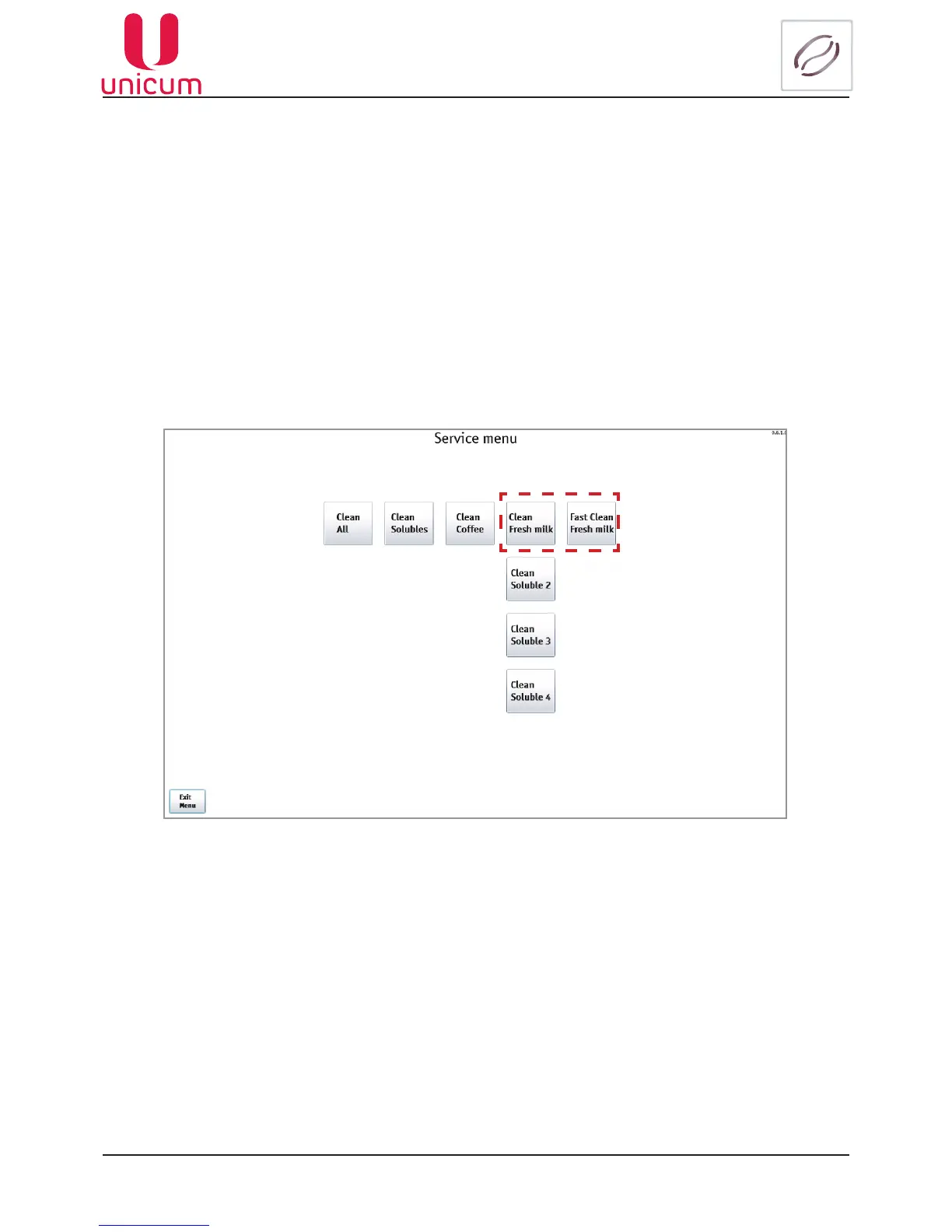
12.Onthevendingmachinescreen,thewashingpageshouldappear(seeg.11.1).
Fig.11.1 - Milk system washing
13. Press the Clean Fresh milk button.
14. Follow the instructions on the vending machine screen:
•when the Cleaning by water inscription appears – the vending machine washes milk residues from
thesystem(thesystemwillbeushedby100mlofwater).
•upon completion of the previous operation, the Prepare cleanser inscription appears – put the milk
supply tube into the washing solution and press YES.
•the Cleaning by cleanser inscription appears – the vending machine washes the system by 225 ml
of washing agent.
• the Prepare cleanserinscriptionappears–in1minutetheconrmationoftheoperationbecomes
available, press YES again.



 To Next Page