Ceilometer CT25K
CT25K-U059en-2.1 User’s Guide
107
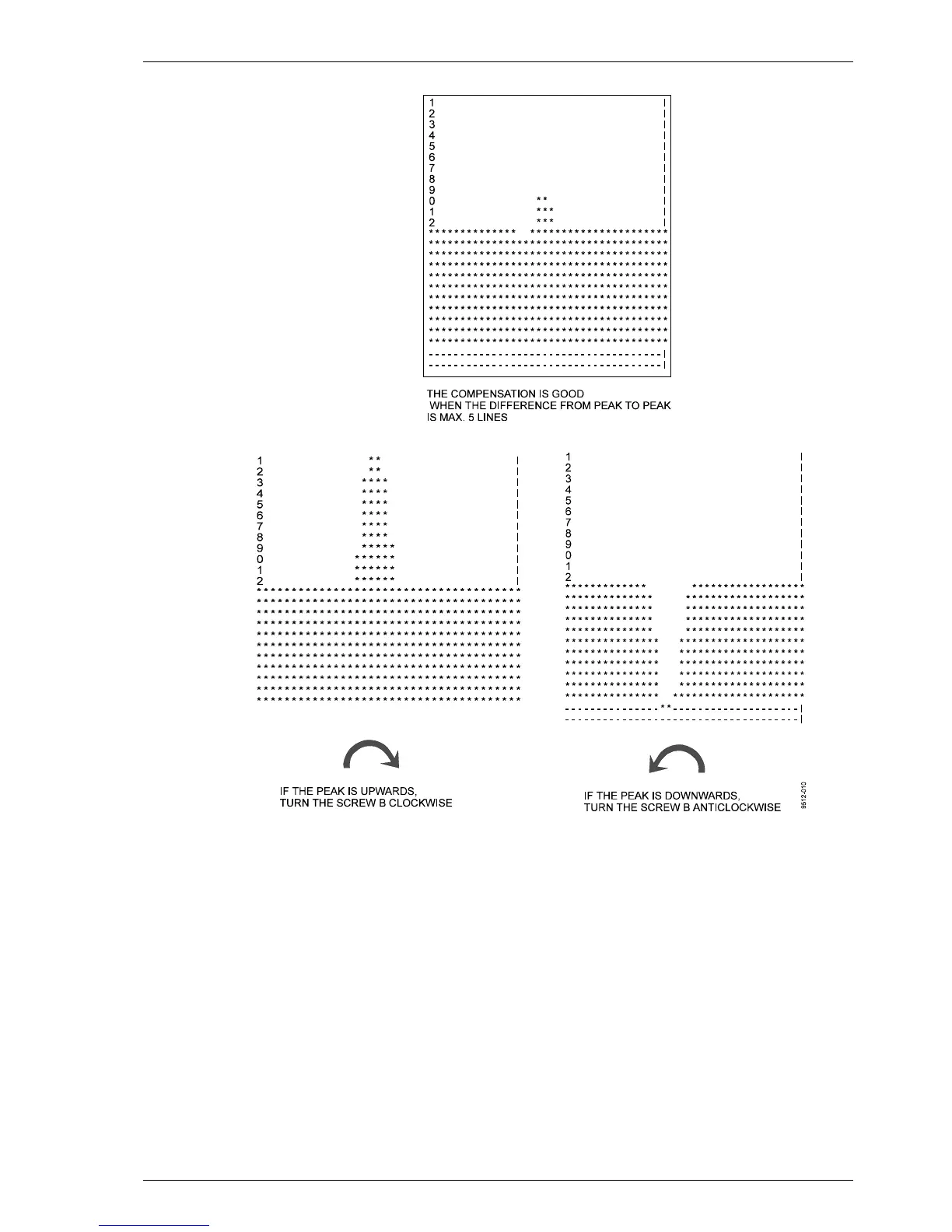
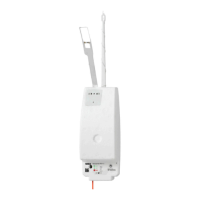
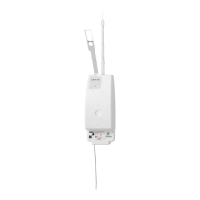
Figure 8-4 Adjusting the compensation
5. Set the autoadjustments on with the following command:
SET DATA_ACQ AUTOADJ ON↵
6. Wait for some minutes. Give the command
GET STATUS↵
Check from the status message under the title Receiver that the COMP
values, which are fine adjusted by the software, are close to the original 13
(Coarse) and 125 (Fine). In case either of these values has changed more
than 3 steps, calculate the following sum:
17 x Coarse + Fine






 To Next Page