EasyManua.ls Logo

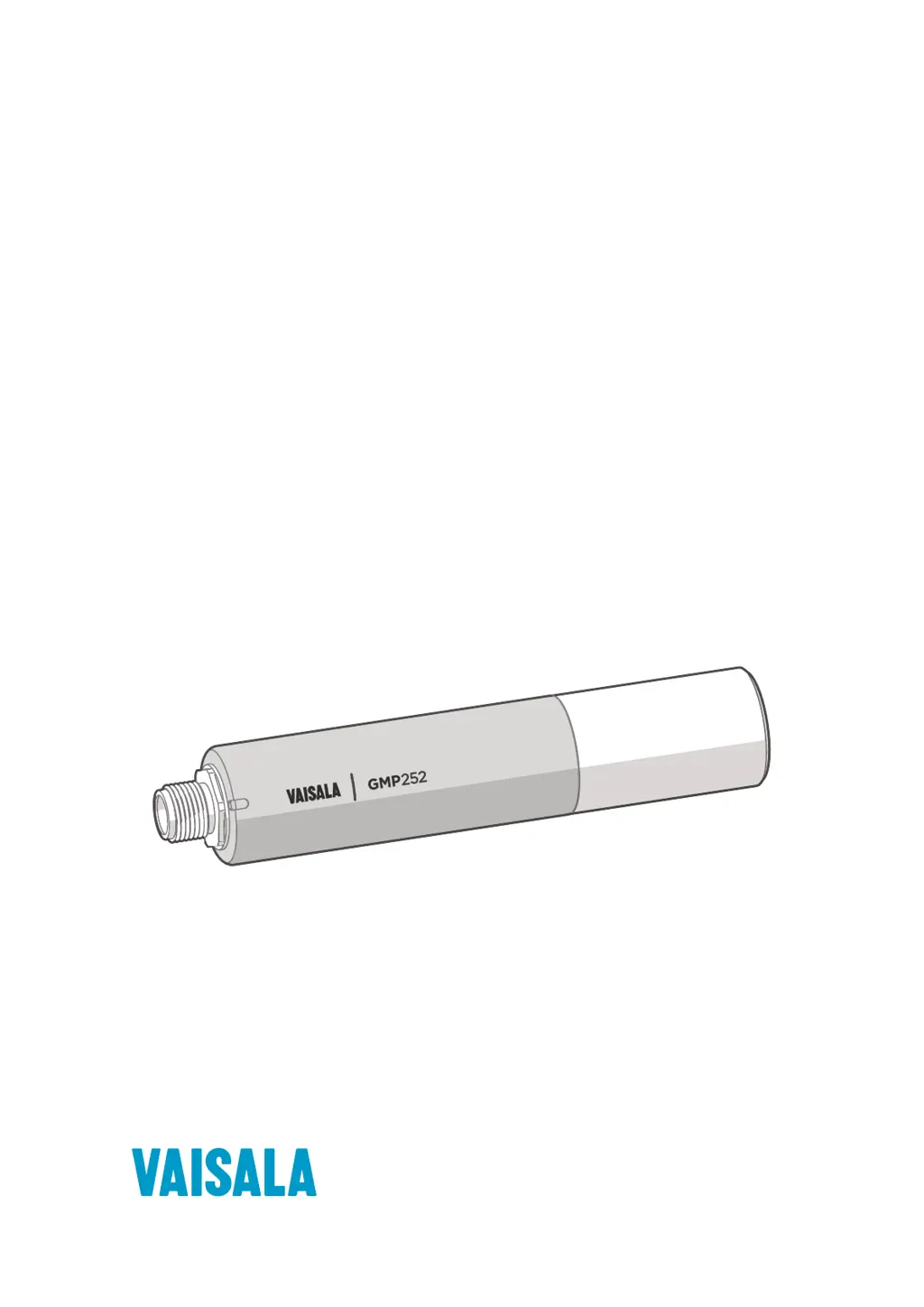
Vaisala GMP252 - User Manual

Vaisala GMP252
126 pages
Print Icon
To Next Page IconTo Next Page
Loading...
M211897EN-D
User Guide
Vaisala CARBOCAP
â
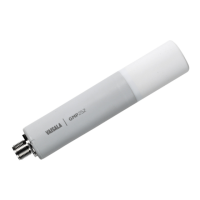
Carbon Dioxide Probe
GMP252

Table of Contents

Questions and Answers

  • A
    Ashley KlineAug 12, 2025
    What to do if Vaisala Measuring Instruments wireless device connected to Indigo access point, but configuration interface doesn't launch?
    • J
      Jeffrey WoodsAug 12, 2025
      If the configuration interface does not launch automatically after connecting to Indigo, open your browser application. Also, check your device's notifications for an authentication or login prompt for the Indigo connection. Acknowledge the connection and then open your browser application if the interface still doesn't launch automatically.
  • A
    Allen DunnAug 15, 2025
    Why Vaisala Measuring Instruments Indigo access point does not show up in device's list of available WLAN connections?
    • D
      Darlene EvansAug 16, 2025
      The Indigo access point might not appear in your device's WLAN list because it is not enabled or an error has occurred. Try switching the Indigo WLAN connection off, then enable it again. Alternatively, your device may be too far from the transmitter, or obstacles are blocking the signal. Move closer to the transmitter and refresh your device's access point list.
  • J
    John JordanAug 23, 2025
    What to do if Vaisala Measuring Instruments CO measurement not working?
    • J
      Jennifer WestAug 23, 2025
      If the CO measurement is not working, condensation may have formed on the sensor. Remove the filter and check for condensation. If present, dry it out with instrument air and insert a new dry filter. To prevent recurrence, keep the probe powered and operating.
  • M
    Michael LinAug 27, 2025
    How to fix Vaisala Measuring Instruments probe outputs stars on serial line?
    • T
      Timothy GrayAug 27, 2025
      If the probe outputs stars instead of measurement data, it could be due to an incorrect supply voltage. Check the power supply. Another possible cause is an unsuitable operating environment. Verify that the operating environment is within specified operating limits.
  • S
    Spencer FoxAug 30, 2025
    What to do if Vaisala Measuring Instruments Indigo does not respond when pressing the wireless connection activation button?
    • J
      James MorrowAug 30, 2025
      If Indigo does not respond when pressing the wireless connection activation button, the WLAN functionality may have been disabled with the WLAN ON/OFF DIP switch on Indigo's circuit board. Enable WLAN functionality with the WLAN ON/OFF DIP switch.
  • K
    Kerry BrightSep 3, 2025
    How to access Vaisala Measuring Instruments probe on the RS-485 line?
    • A
      Abigail AlvarezSep 4, 2025
      If you are unable to access the probe on the RS-485 line, it may be due to incorrect wiring. Check that the RS-485 connection is wired correctly. Another possible cause is the probe being in POLL mode with an unknown address. Power cycle or reset the probe and try again.
  • T
    Thomas TaylorSep 7, 2025
    Why Vaisala Measuring Instruments analog output reading is unchanging and appears incorrect?
    • K
      Kristin HernandezSep 7, 2025
      The analog output reading may be unchanging and incorrect because the analog output is in an error state. Remove the cause of the error state to allow the analog output to recover its normal function.
  • K
    Kristen ReeseSep 10, 2025
    What to do if Vaisala Measuring Instruments interface does not open in the browser?
    • S
      Seth ThomasSep 12, 2025
      If the interface does not open in the browser, it may be due to issues with the browser loading the landing page. Try entering the default Indigo IP address http://192.168.1.1 in the browser's address bar.

Summary

About This Document

Version Information

Details document versions and release dates.

Related Manuals

Lists other relevant Vaisala manuals for related products.

Product Overview

Introduction to GMP252

Introduces the GMP252 probe for CO2 measurement and its technology.

Basic Features and Options

Details key features, measurement capabilities, and output options of the GMP252.

Operating Principle of CO2 Measurement

Explains the NDIR measurement principle used by the CARBOCAP sensor.

Environmental Compensation

Details environmental factors affecting measurement and compensation methods.

Installation

Recommended Installation

Offers guidance on optimal probe installation for accurate measurements.

Installation Accessories

Lists optional accessories for probe installation.

Wiring

Provides information on probe wiring and M12 connector pinout.

Vaisala Industrial Protocol

Connecting with a Computer

Explains how to connect the probe to a computer for communication.

Serial Commands

Lists and describes available serial commands for communication.

Calibration and Adjustment

Guides on performing calibration and adjustment for the probe.

Modbus

Default Modbus Serial Communication Settings

Presents the default serial communication settings for Modbus.

Vaisala Insight Software

Connecting to Insight Software

Details the process of connecting the probe to Vaisala Insight software.

Using GMP252 with Indigo Transmitters

Taking a Probe in Use with Indigo

Guides on connecting and using the probe with an Indigo transmitter.

Connecting to Wireless Configuration Interface

Details the steps to connect to the wireless configuration interface.

Calibrating GMP252 with Indigo

Guides on calibrating the probe using the Indigo transmitter interface.

Operating with MI70 Indicator

Connecting Probe to MI70 Indicator

Guides on connecting the probe to the MI70 indicator.

Calibration and Adjustment with MI70 Indicator

Guides on performing calibration and adjustment using the MI70.

Maintenance

Cleaning

Provides instructions for cleaning the probe body and filter.

Changing the Filter

Guides on how to replace the probe filter.

Calibration and Adjustment

Explains the process of CO2 measurement calibration and adjustment.

Troubleshooting

Problem Situations

Lists common problems and their possible causes and remedies.

Error Messages

Categorizes and explains error messages and their severity.

Indigo Wireless Connection Troubleshooting

Provides troubleshooting steps for Indigo wireless connection issues.

Technical Data

GMP252 Specifications

Lists detailed performance specifications for the GMP252 probe.

Spare Parts and Accessories

Lists available spare parts and accessories with order codes.

Appendix A. Modbus Reference

Modbus Registers

Details Modbus register addresses and their descriptions.

Modbus Communication Examples

Provides examples of Modbus communication for reading values and writing data.

Warranty

Technical Support

Recycling

Vaisala GMP252 Specifications

General IconGeneral
Resolution (Temperature)0.01 °C
Measurement Range (Humidity)0 to 100 %RH
Protection ClassIP65
Measurement Range (Temperature)-40 to +60 °C
Accuracy (Temperature)±0.2 °C
Accuracy (Humidity)±0.8 %RH (0 ... 90 %RH)
Output4 to 20 mA
Sensorhumidity sensor and thermistor
Response Time15 s
CommunicationRS485

Related product manuals