Page 102 of 244
3. Remove the bite block and set the handle frame for the CT mode.
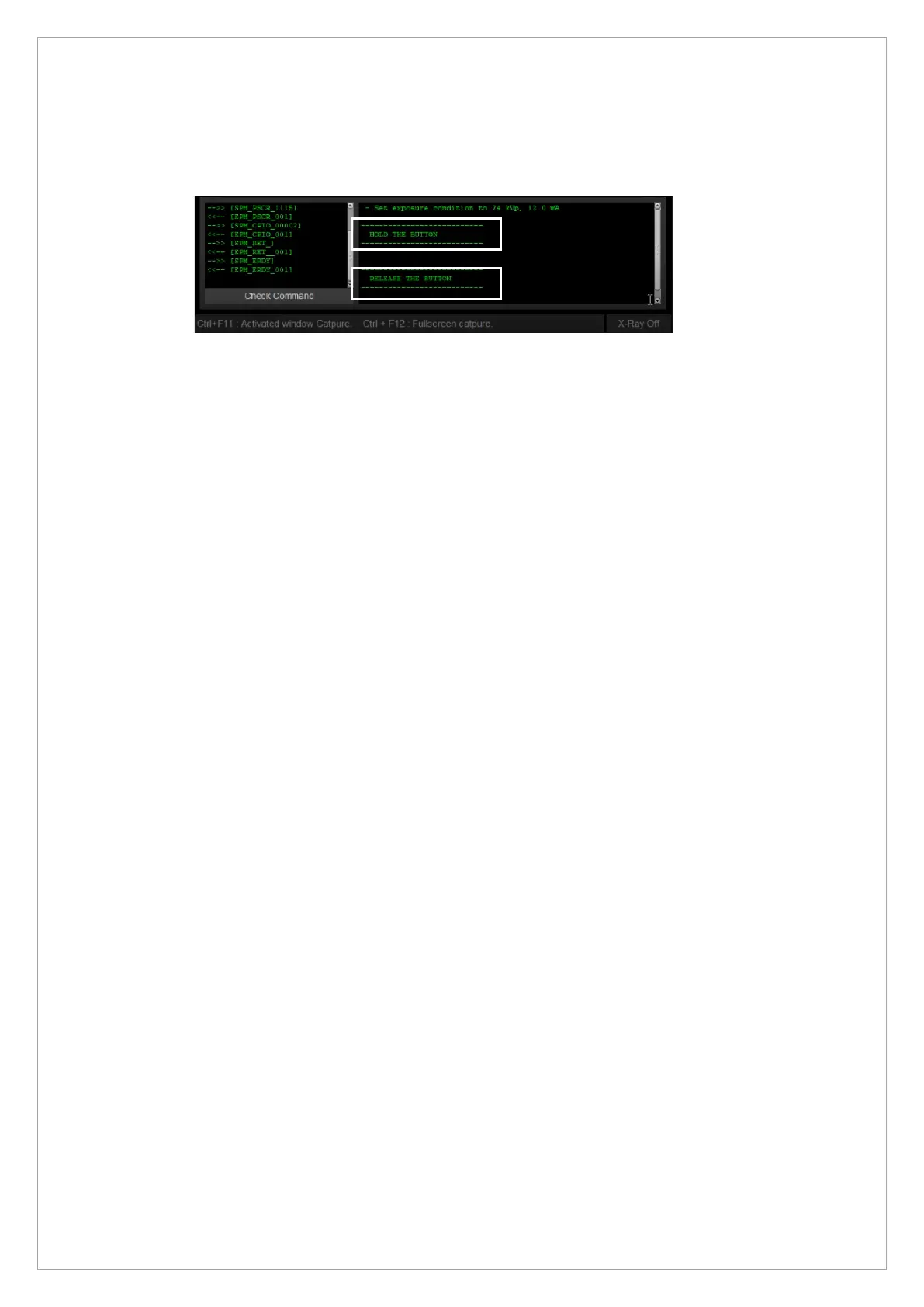
4. Press and hold the X-ray exposure switch wheen you see the message “HOLD THE
BUTTON” (marked in the white box).
5. Release the switch when you see the message “RELEASE THE BUTTON” (marked in the
white box). If the system does not show this message, repeat step 3.
6-1. When you see a pop-up message notifying the end of CBCT auto-alignment, click OK to
finish.
6-2. When the system shows an error message, repeat steps 1 to 5 until the CBCT auto-
alignment is completed.



 To Next Page