Page 105 of 244
6. After confirming of position, capture the image to measure DAP.
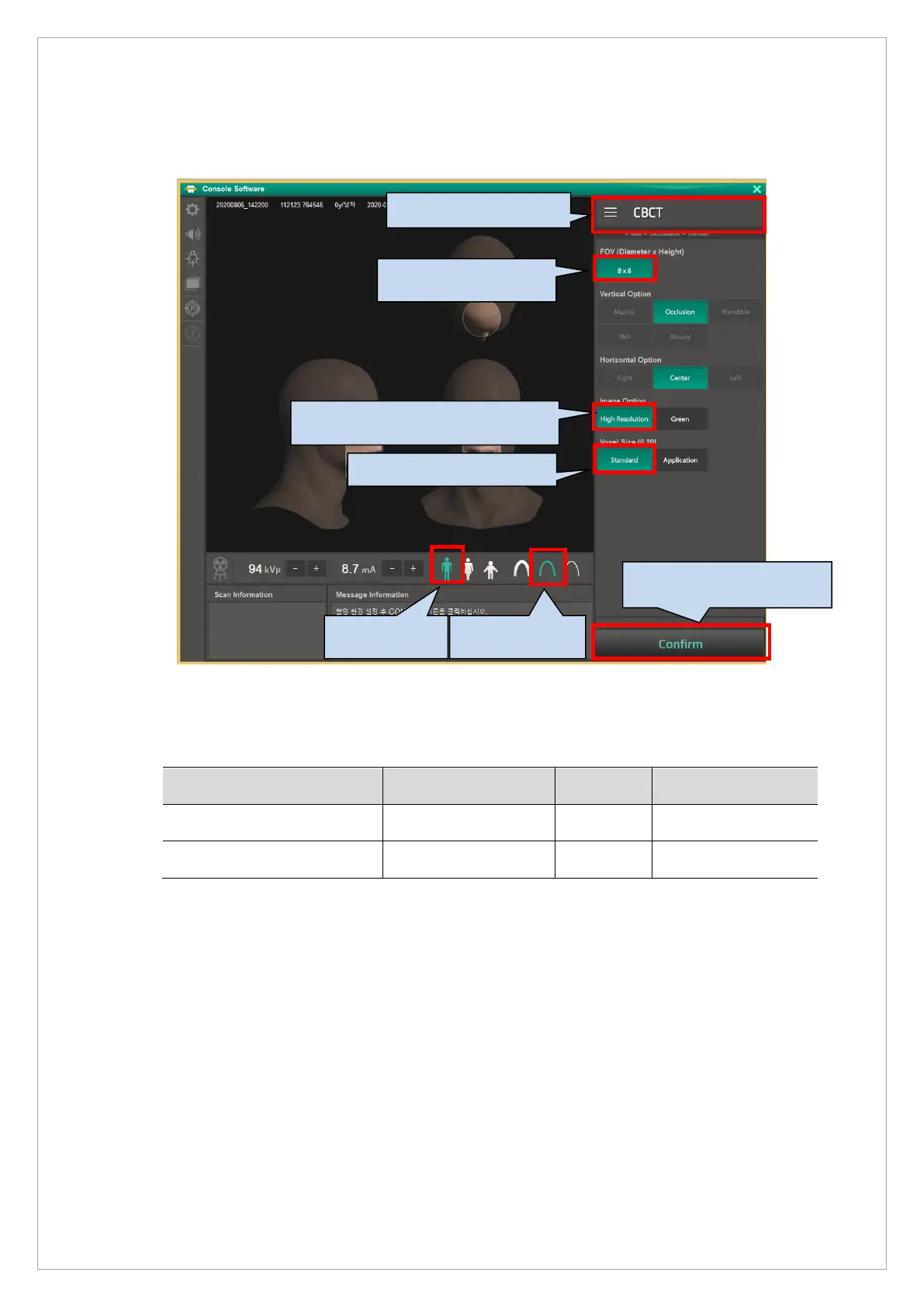
7. Run the Console Software, and set as below and capture the image.
8. Measure mGy and check if it meets the standard as follows. If not, adjust mA and re-capture.
※ Background level standard value
Mode exposure condition mGy Background Level
Man (High resolution) 95kVp 8.5 (±0.1) 7000 ~ 11500
Man (Green) 80kVp 5.4 (±0.1) 2000 ~ 5500
3. Choose the High resolution.
7. Click the Confirm button.



 To Next Page