Page 106 of 244
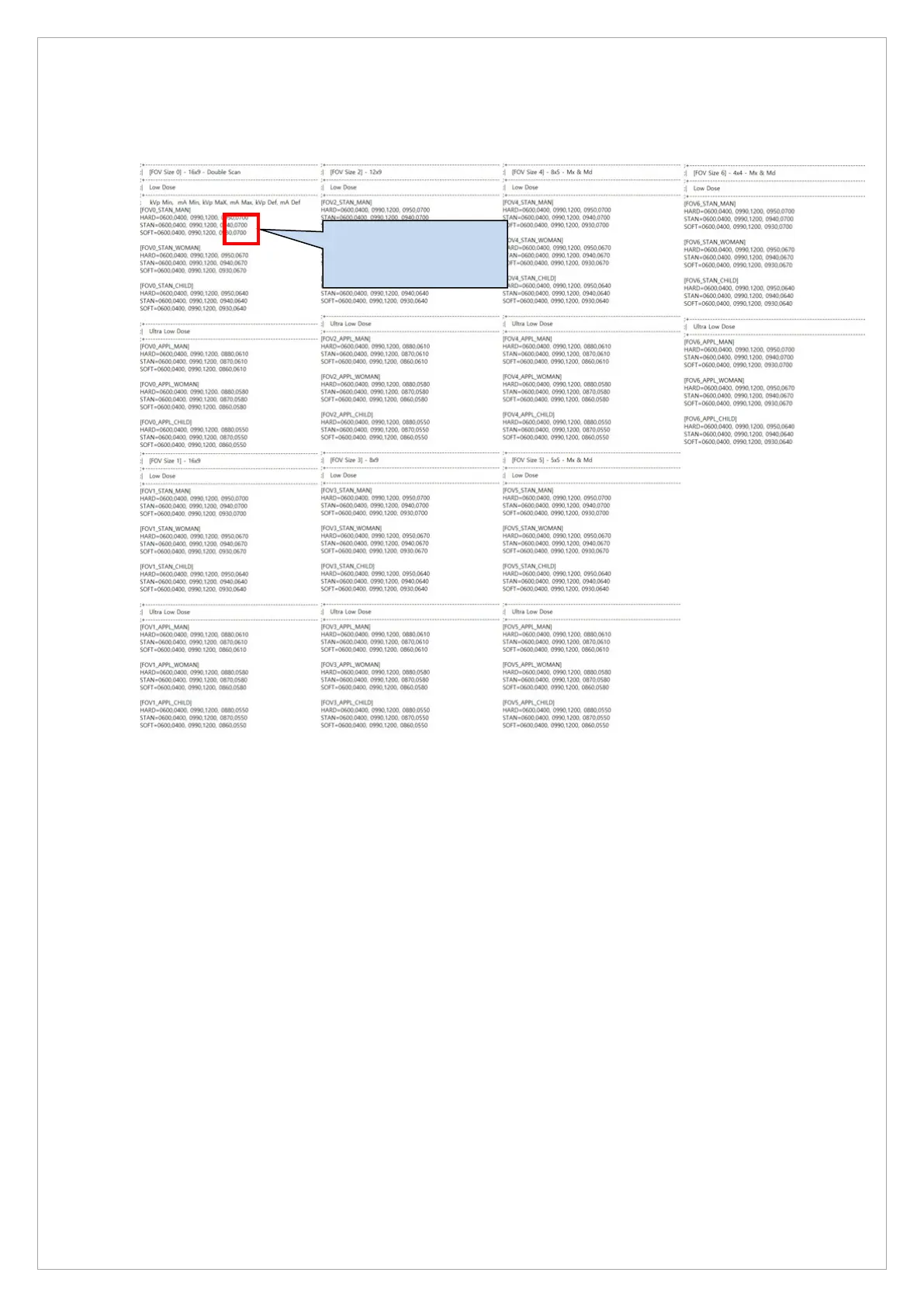
9. When 8.5mGy is measured at 95kVp, input the mA value to PwrParam_CBCT.ini.
(C:\VCaptureSW\Acquisition\CBCT\WidePANO\UserParam\PwrParam_CBCT.ini)
10. If 8.5 mGy is measured at 95 kVp 7.3 mA, input all mA values in the above exposure
condition table as +30 increments.
11. Compare with the DAP value output from the Console Software and check if it is within 15%.
12. If the output DAP of the Console SW is more than 15% different from the measured DAP,
correct the DAP Level in the Control Panel so that the difference is within 15%.
13. DAP levels can be modified in three levels: Low, Normal, and High.
14. Since kVp values are the same, choose High, Normal, or Low depending on mA.
MAN_STAN = kVp, mA
MAN_SOFT = kVp, mA



 To Next Page