Page 144 of 244
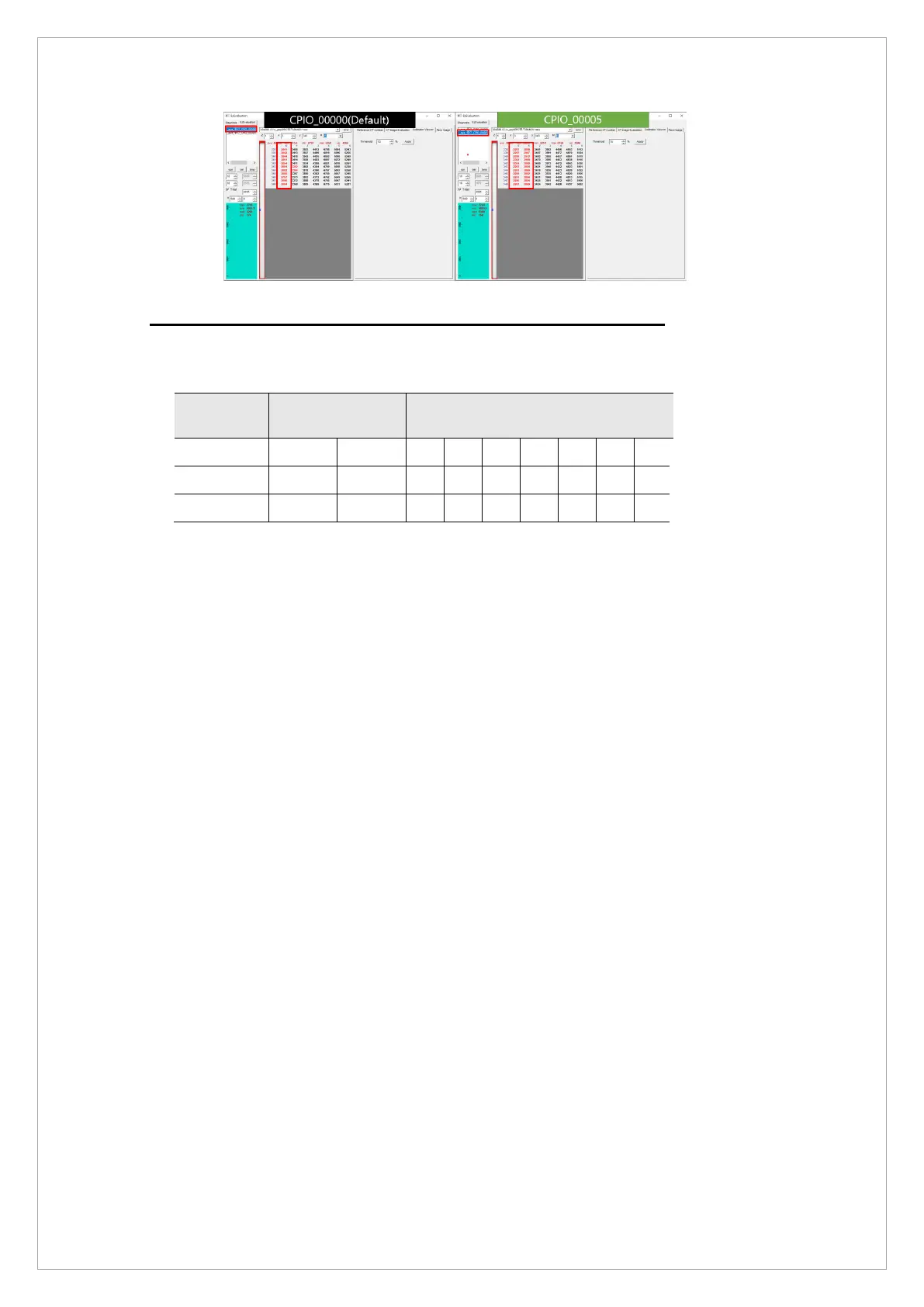
▲ The trend of Left Cutting Pixel according to CPIO value
Step 2. Checking the reference of the end position from the beginning
If Step 1 is satisfied, check if the Left Cutting Pixel of the average projection at the
Beginning/Middle/End position satisfies the standard range below.
Exposure
section
Projection
range
Manufacturing operation
standards
Beginning 87 387 1 1 2 2 2 3 3
Middle 1524 1624 2 2 2 2 2 2 2
End 2820 3120 1 2 1 2 3 2 3
▲ Left Cutting Pixel Standard of Average Projection at Beginning/Middle/End Position
If not, perform the following tasks to satisfy the standard.
1) When the number of Left Cutting Pixels is Beginning <Middle <End : Increase the value of
[SPM_PSCR_XXXX]. (Note: [SPM_PSCR_1125] = Default value
* It moves by 1 pixel for every 5 PSCR values.
When the PSCR value increases, the number of Left Cutting Pixels of the
projection at the end position decreases.
2) When the number of Left Cutting Pixels is Beginning> Middle> End: Decrease the
value of [SPM_PSCR_XXXX]. (Note: [SPM_PSCR_1125] = Default value)
* It moves by 1 pixel for every 5 PSCR values.
When the PSCR value decreases, the number of Left Cutting Pixels of the
projection at the end position increases.



 To Next Page