Page 149 of 244
4.6.2. Right and Left Pin Distance Calibration
Make sure to move the Chin Block to the PANO Mode Position.
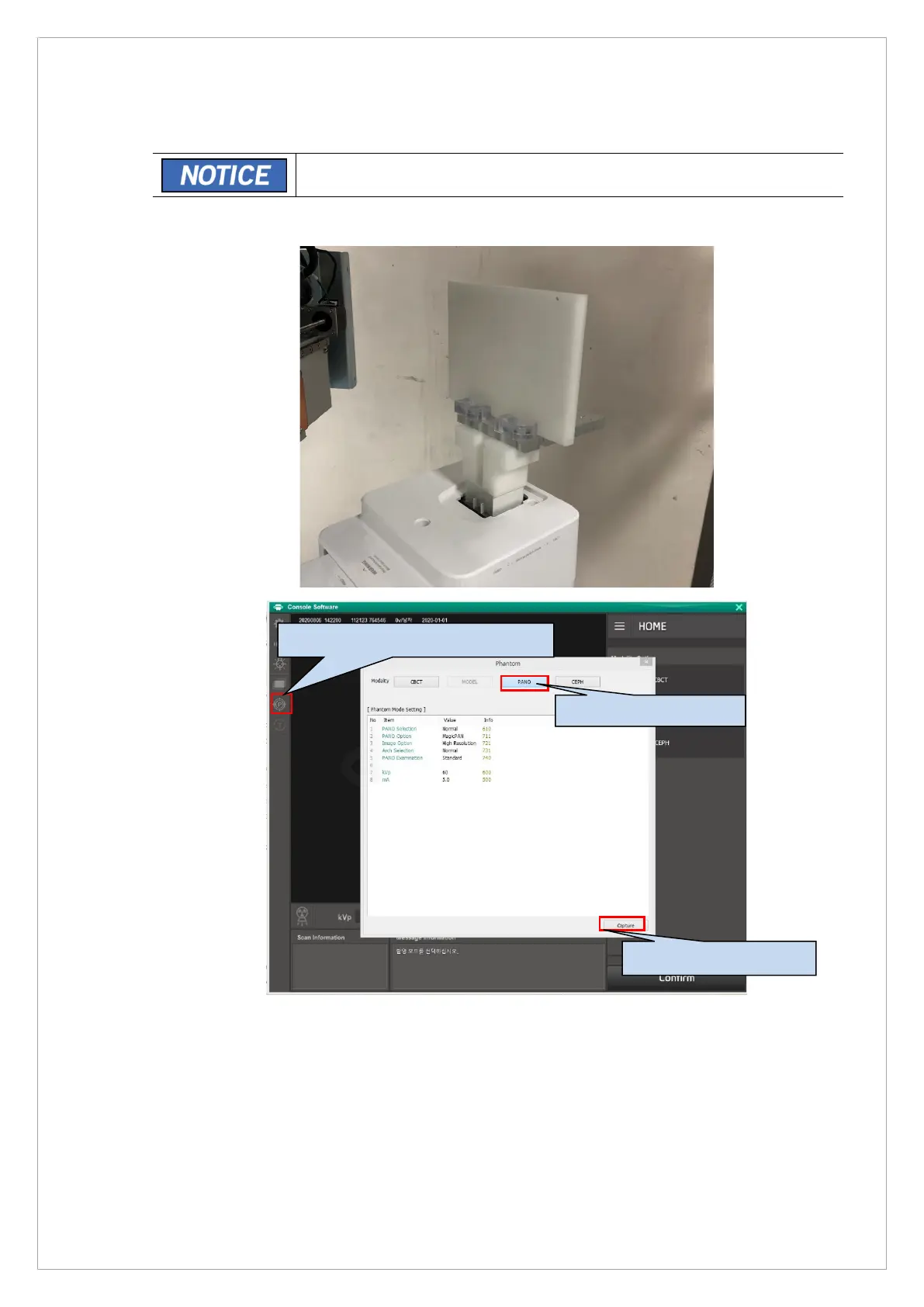
1. Attach the PANO ball phantom 2.0 to the chinrest.
2. Run the Console Software and click the Phantom Capture Mode icon.
3. Click the PANO mode and acquire the phantom image.
4. When the image acquisition is completed, run the VAKCAP.exe file.
5. Save the Captured image as ampt.raw file in
C:\VCaptureSW\Acquisition\PANO\WidePANO\PAN.
1. Click the Phantom Capture Mode.
3. Click the Capture buton.



 To Next Page