Page 169 of 244
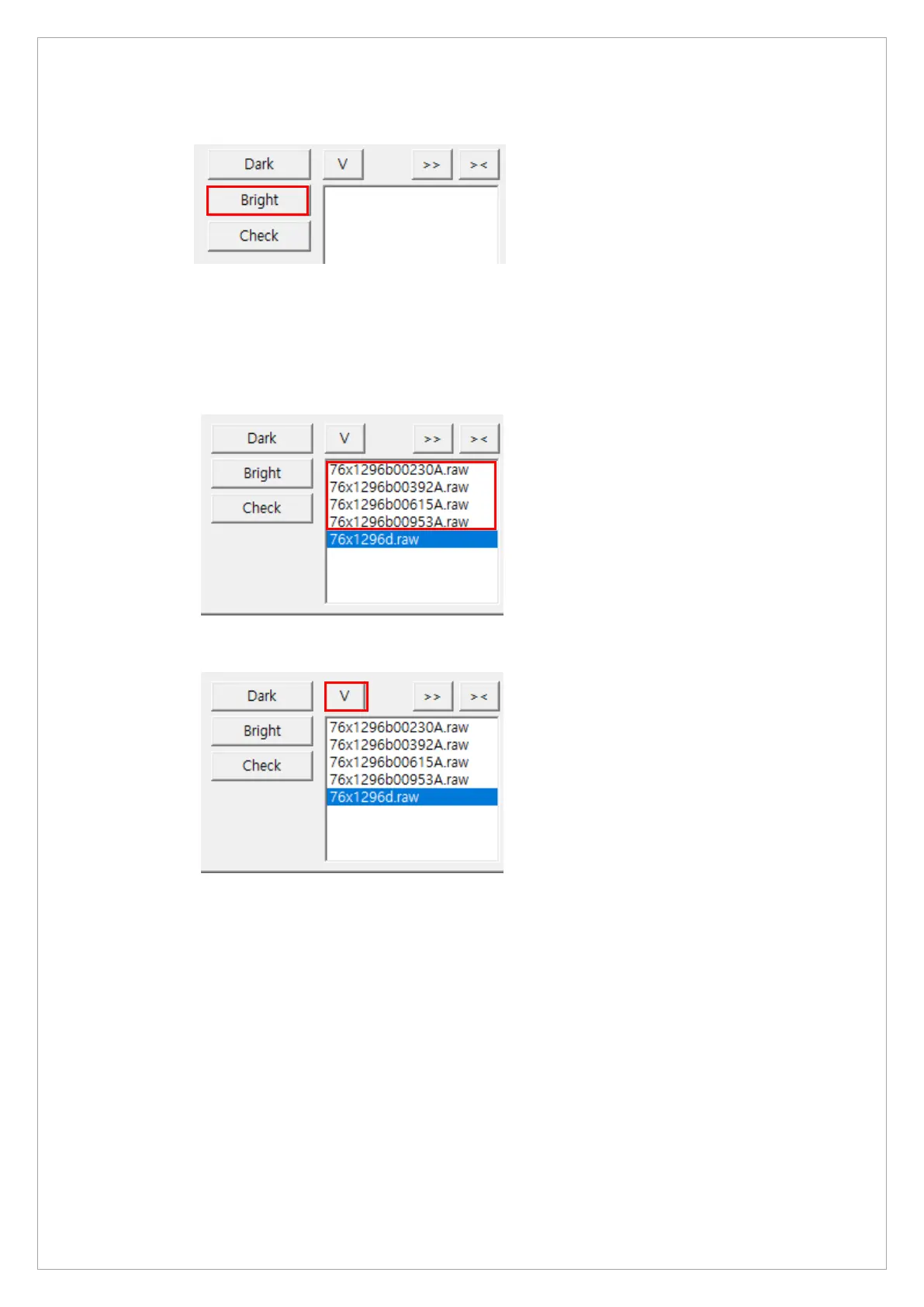
7. Click Bright.
8. When you see the message, “HOLD THE BUTTON FOR ~3 SEC” on the status window,
press the X-ray exposure switch.
9. Release the switch when the message, “RELEASE THE BUTTON” shows up in the status
window.
10. Repeat steps 8 to 9 until you capture four data files.
11. Click V to open View 16.



 To Next Page