Page 89 of 244
2.5.3.4 Bad Pixel Verification
If a BPM file is not created after clicking the Check button, skip the bed pixel
verification.
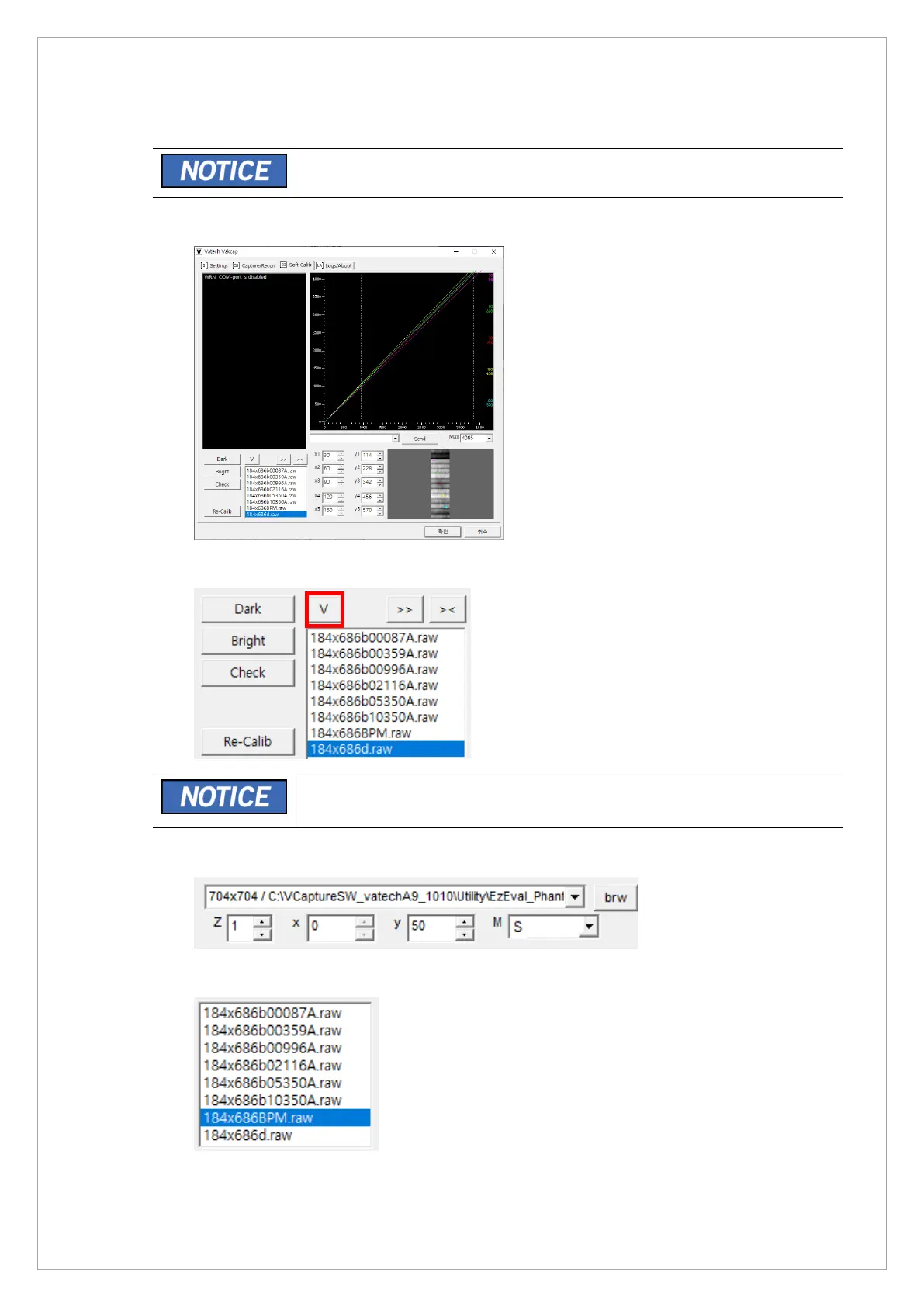
1. Run VAKCAP.exe file.
2. In the Soft Calib tab, click the V button to open the View 16 program.
VAKCAP.exe file Path : C:\VCaptureSW\Acquisition\CT\WidePANO.
3. Go to the M box, select S in a drop-down list
4. Click the 184 x 686BPM.raw in the raw file list.
5. Examine the sensor effective area to make sure that there is a bad pixel of a bad line.



 To Next Page