Page 95 of 244
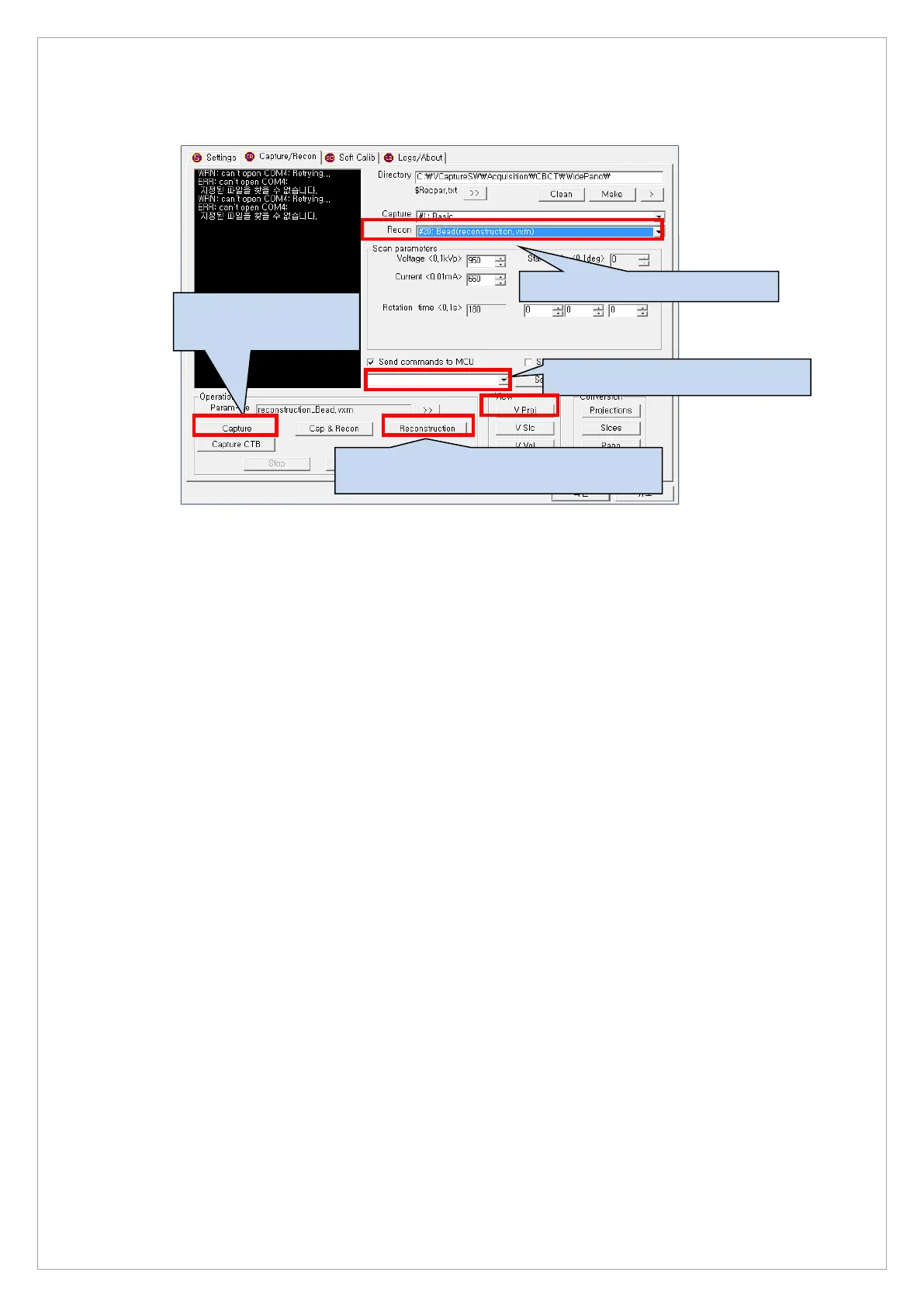
7. Click the Capture/Recon tab and set the parameters and then click the Capture button
8. When the VAKPAR screen shows, press the X-ray exposure switch button.
9. When the exposure is completed, click the V Proj button to open the raw files.
1. Send the [SPM_ABMS] command.
button after optiating the
3. Set the Bead(Reconstruction.vxm)
4. Click the Reconstruction button.



 To Next Page