108
12.4 Power Save.
The power save feature allows you to control the time before the screen dims due to inactivity
on the terminal� This feature is typically used to conserve battery power and extend the amount
of time the terminal can be used for without re-charging�
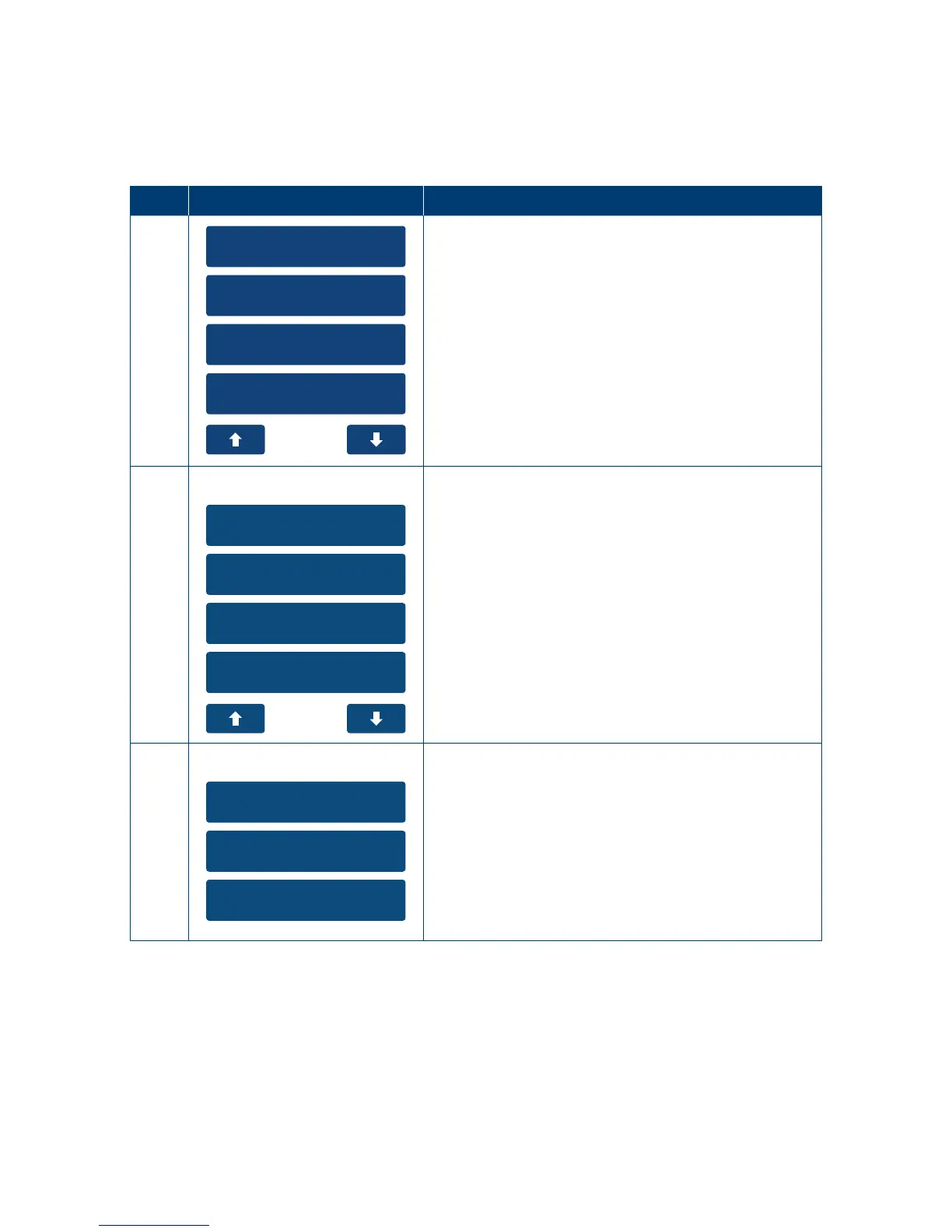
Step Terminal Display Action
1
1. Stationery Order
2. Utility
3. Setup
4. Functions
On the main menu select the “Utility” menu option
on the touch screen or enter the number of the
menu item using the keypad�
2
1. TMS Settings
2. Menu Settings
3. Power Save
4. Restart Term
To turn o Power Save select ”None”.
To turn on Power Save and enter an inactivity
time select “Inactive”.
To turn on Power Save always select “Always“�
This will automatically adjust the contrast on
the terminal instantly when the terminal is in an
idlestate.



 To Next Page