EasyManua.ls Logo

VeriFone EFTPOS 1 - By Date Time

VeriFone EFTPOS 1
148 pages
Print Icon
To Next Page IconTo Next Page
To Previous Page IconTo Previous Page
Loading...
EFTPOS 1 USER GUIDE
89
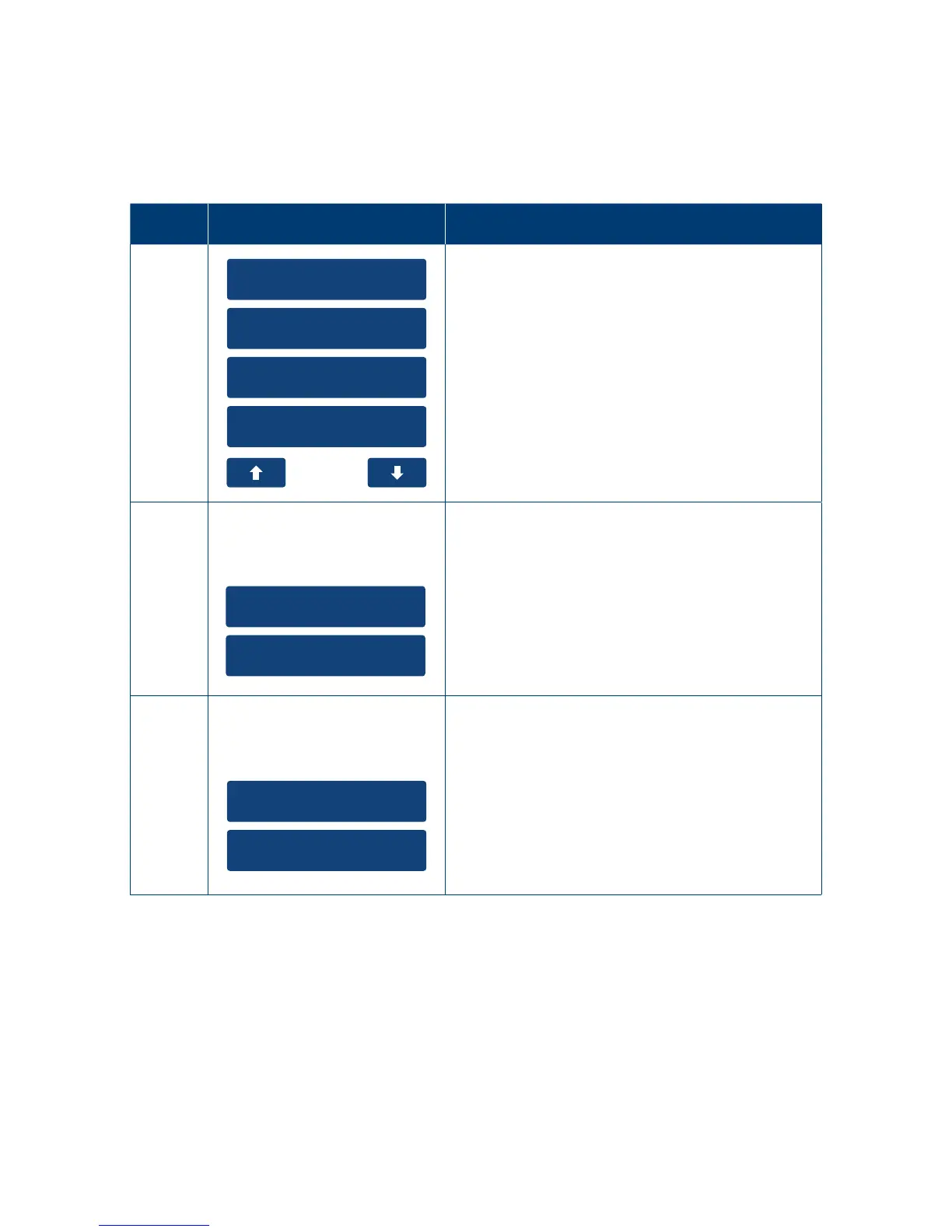
10.2 By Date Time.
The Show transaction function will only display Approved transactions stored on the terminal for
a 14-days duration�
10.2.1 User Interaction.
Step Terminal Display Action
1
1. Settlement
2. Reprint Receipt
3. Load Params
4. Transaction List
On the main menu navigate to the “Transaction
List” option and press the touch screen.
2
1. Show Transaction
2. Print Transaction
Transaction
Listing
Select "Show Transaction" to view the transaction
completed on the terminal in the last 14 days�
3
1. Since Settlement
2. By Date Time
2. Show All
Print
Transaction
Select “By Date Timeto view all the transactions
completed within a specic transaction period.

Table of Contents

Related product manuals