90
Step Terminal Display Action
4
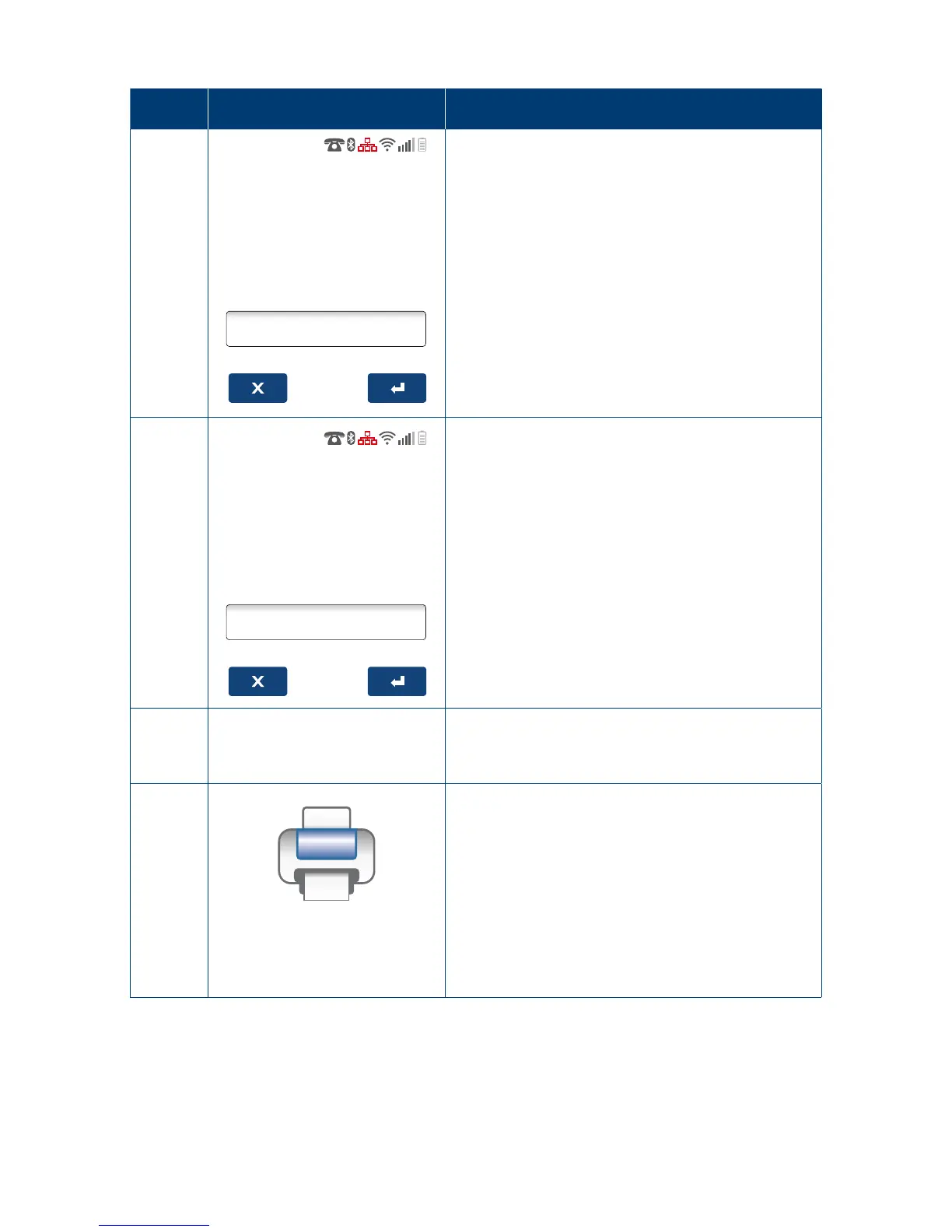
FRO M
(DDMMYYHHMM)
__/__/__/__:__
Enter the date and time period in DDMMYYHHMM
format to start searching from�
5
__/__/__/__:__
Enter the date and time period in DDMMYYHHMM
format to search to�
6
NO TRANS FOUND
If an invalid date period has been entered, the
terminal shall prompt (NO TRANS FOUND)�
7
Printing...
The terminal will print out a transaction listing
with a breakdown of each individual transaction
completed on the terminal for the specic
transaction period�



 To Next Page