111
13 NetworkConguration.
13.1 Ethernet Setup.
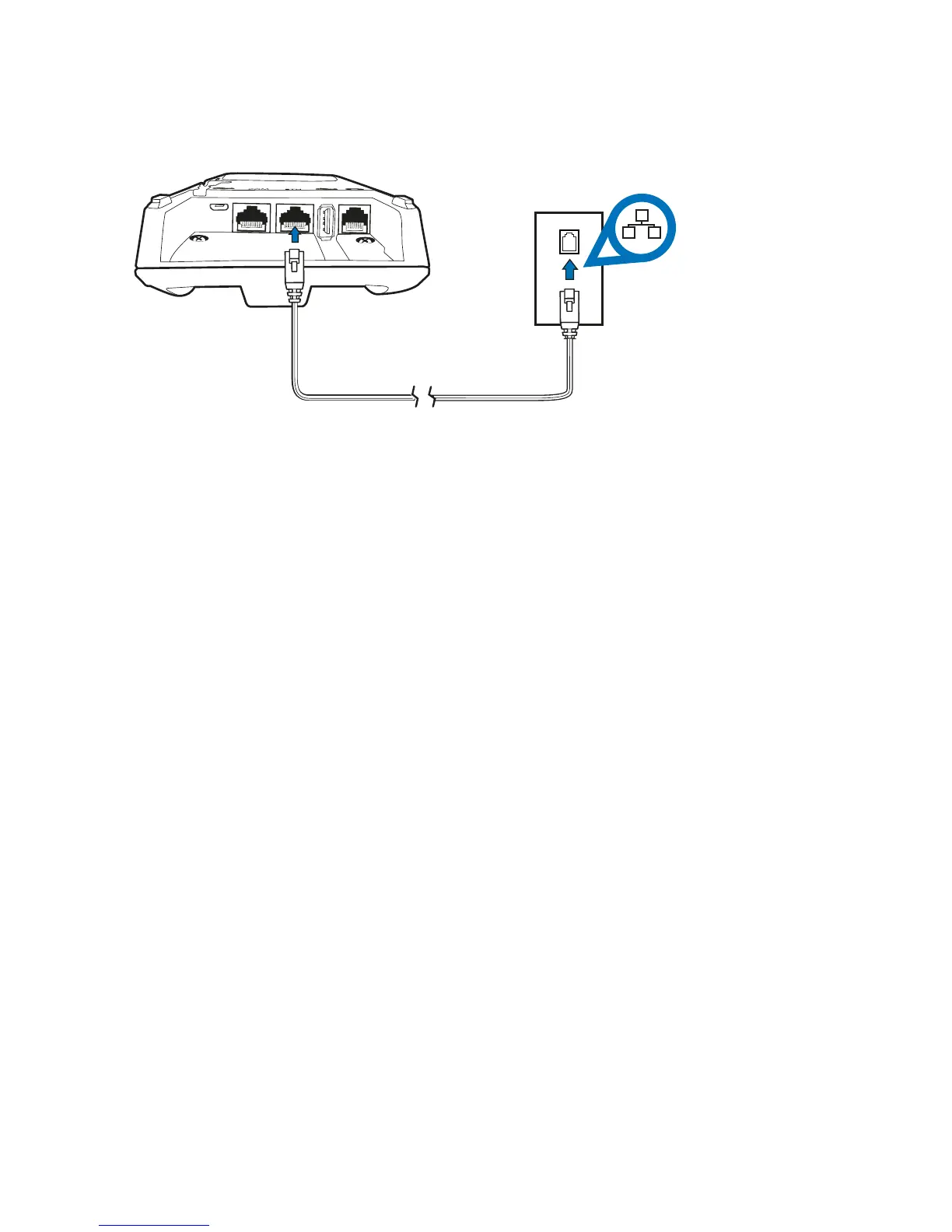
Your terminal has the ability to process transactions through a broadband connection� If you
wish to use your broadband connection for transaction processing (via an Ethernet cable)
please connect your terminal base to your broadband modem and follow the steps below�
Note: Most networks use Dynamic Host Conguration Protocol “DHCP” to allocate unique
addresses to each computer on your network� It is recommended that you have DHCP Turned on
at your router�
If DHCP is not turned on, you will need to have the following information on hand prior to your
new terminal being installed:
• IP Address
• Subnet Mask
• Default Gateway
• Primary DNS
• Secondary DNS



 To Next Page