112
Step Terminal Display Action
1
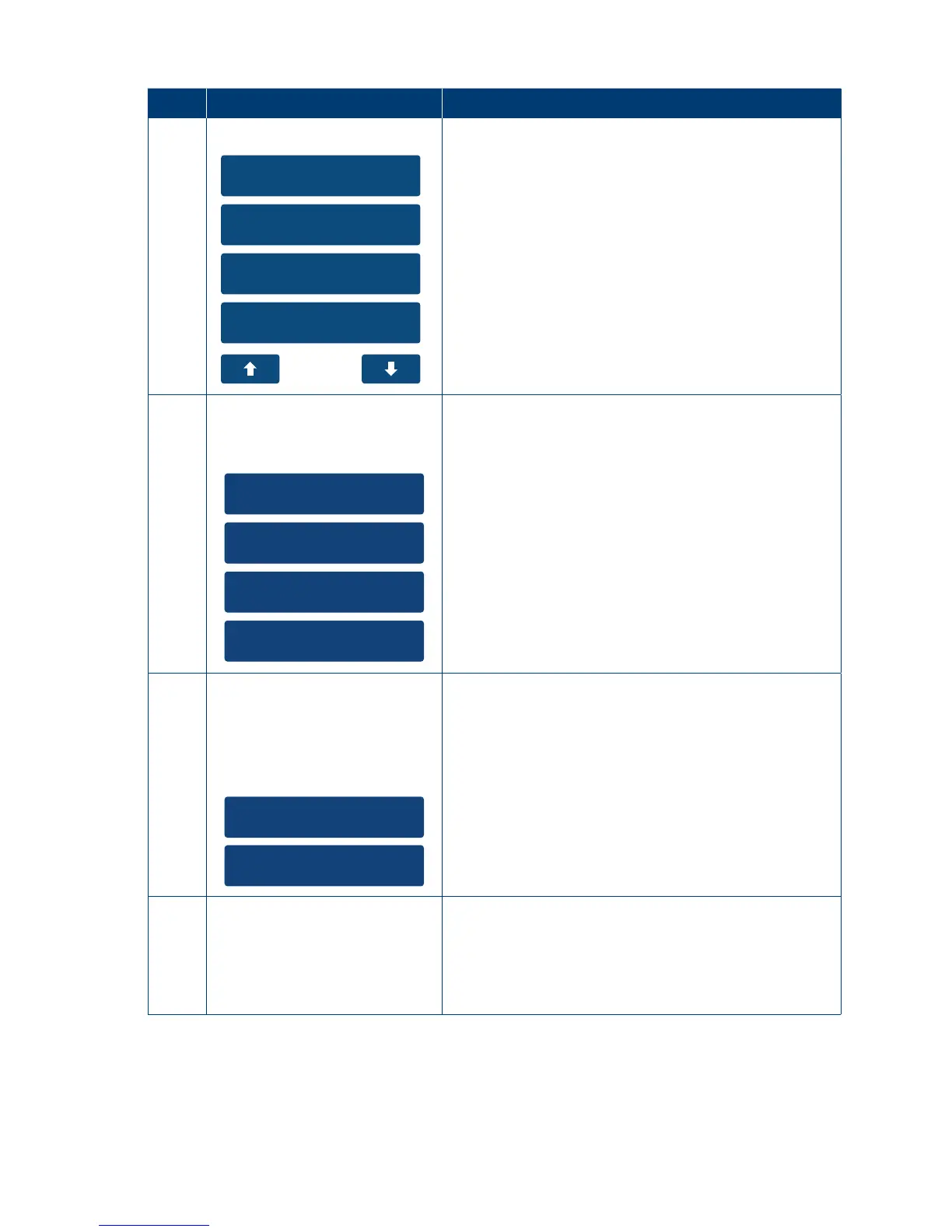
1. Reset Terminal
2. Delete S&F
3. Network
4. Bluetooth Config
On the main menu navigate to and select the
“Utility” option on the touch screen or enter the
number of the menu item using the keypad�
In the Utility menu select the “Network” option on
the touch screen or enter the number of the menu
item using the keypad�
2
1. WiFi
2. GPRS
3. Ethernet
4. Dial Up
Select Type
Select the “Ethernet” option on the touch screen or
enter the number of the menu item using the keypad�
3
1. Edit
2. Disable
Network
Select “Edit” option on the touch screen or enter the
number of the menu item using the keypad�
4
Connecting
Ethernet
Please wait
The terminal will now attempt to connect�
Once successful the terminal will then revert back
to the idle screen�



 To Next Page