133
13.4 Dial Setup.
13.4.1 Enabling Dial Up Network.
Note: Bluetooth base must be paired prior to enabling Dial Up for the Dial icon to appear
Step Terminal Display Action
1
1. Reset Terminal
2. Delete S&F
3. Network
4. Bluetooth Config
Utility
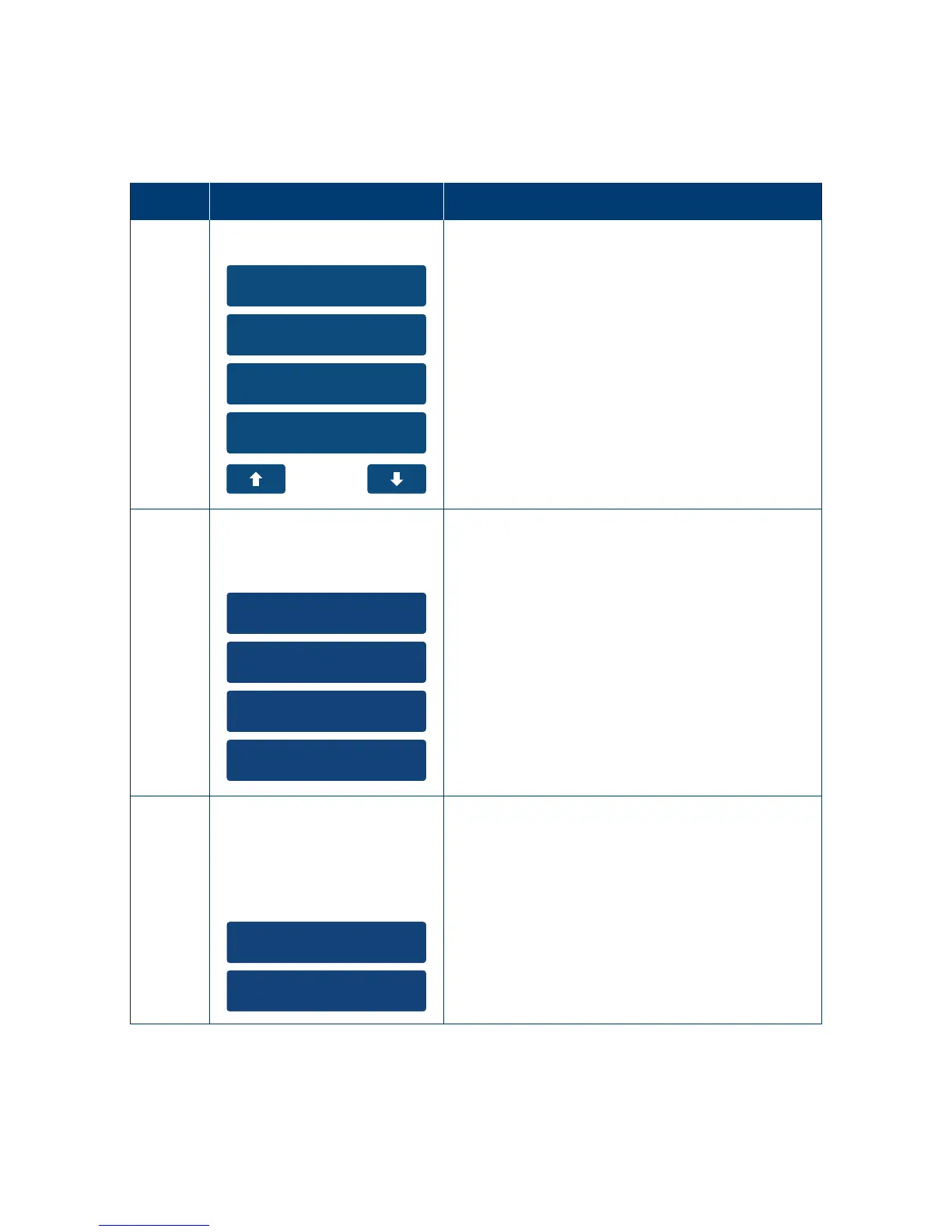
On the main menu select the “Utility” option
on the touch screen or enter the number
of the menu item using the keypad�
In the Utility menu select the ”Network” option
on the touch screen or enter the number
of the menu item using the keypad�
2
1. WiFi
2. GPRS
3. Ethernet
4. Dial Up
Network
Select Type
Select “Dial Up” as the communication method.
3
1. Edit
2. Enable



 To Next Page