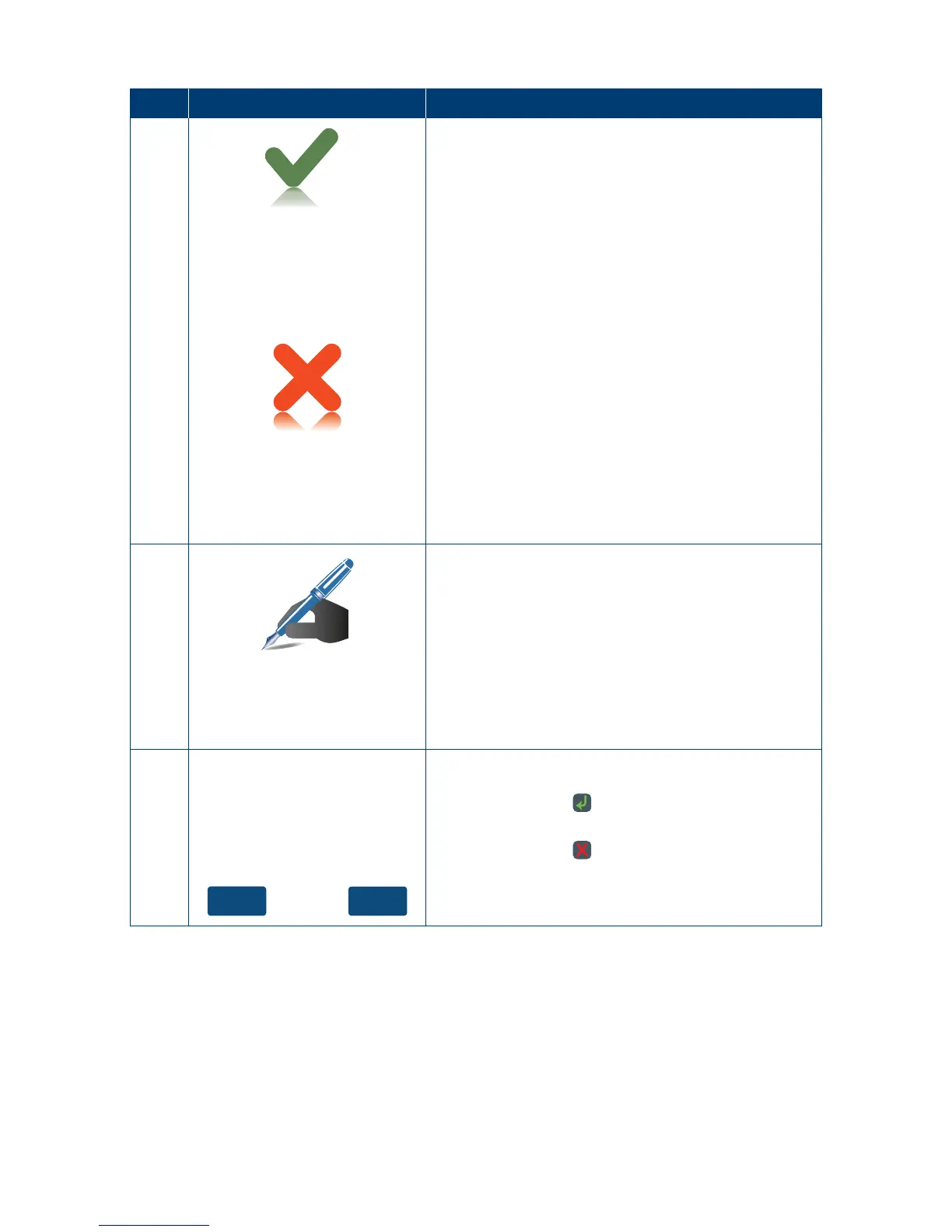
The terminal will now begin printing the receipt
anddisplay the transaction result.
<Declined Reason>
Press ENTER Key
9
Signature
re quired
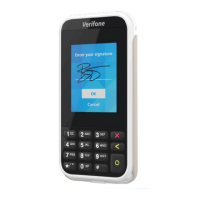
If a signature is required, remove the card from the
terminal and have the customer sign the receipt�
Note: Signature will still be required for UnionPay
Credit card transactions as well as PIN authorisation�
Certain cards (for example signature-only cards,
payment cards that do not have a chip and some
international cards) will also require a signature�
Yourterminal will be able to process these cards
asnormal.
10
YesNo
If the signature on the receipt matches the signature
on the card, touch the “Yes” button on the touch
screen or press the key to conrm.
Otherwise touch the “No” button on the touch
screen or press the
key to cancel the transaction�


 To Next Page