46
4.7.3 Account Verify
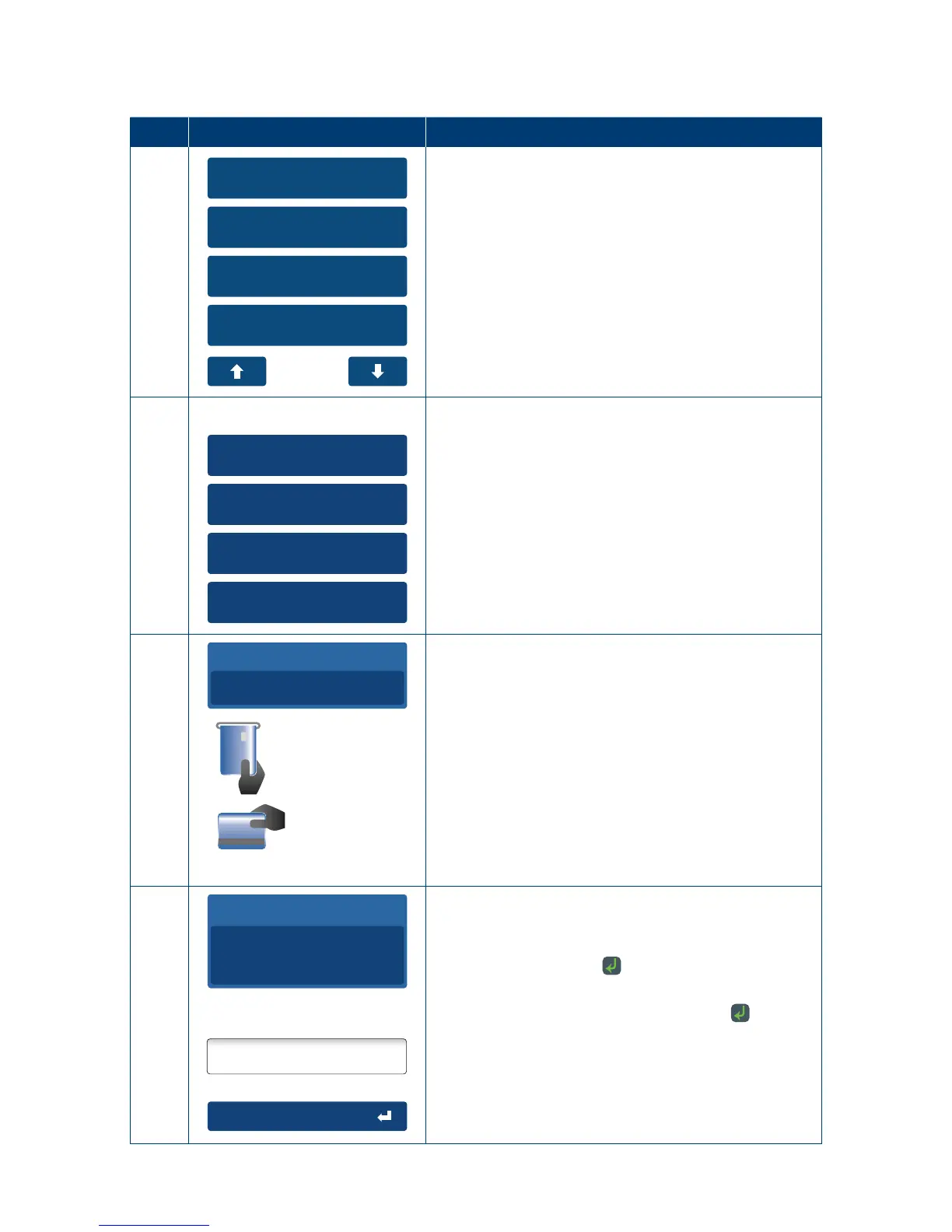
The account verify function is used to conrm the validity of a card only. No transaction value is
processed for this function� No funds are reserved on the card�
Step Terminal Display Action
1
1. Cash Out
2. Refund
3. MOTO
4. Pre-Auth
From the main menu select the “Pre-Auth” option on
the touch screen or enter the number of the menu
item on the keypad�
2
1. Pre-Auth
2. Completion
3. Cancellation
4. Account Verify
From the Pre-Auth menu select the “Account Verify”
option on the touch screen or enter the number of
the menu item on the keypad�
3
Insert card
Swipe card
Total Amount
AUD
0.00
The terminal will now display the Insert/Swipe card
or Press “#” for Manual input screen.
4
Signature
PIN or Enter
Total Amount
AUD
0.00
The cardholder can now enter their Personal
Identication Number (PIN).
Once entry is complete the cardholder can press
the touch screen or the
key�
Note: A PIN can be bypassed for certain card types
by leaving the PIN blank and pressing the
key�



 To Next Page