NOT FOUND
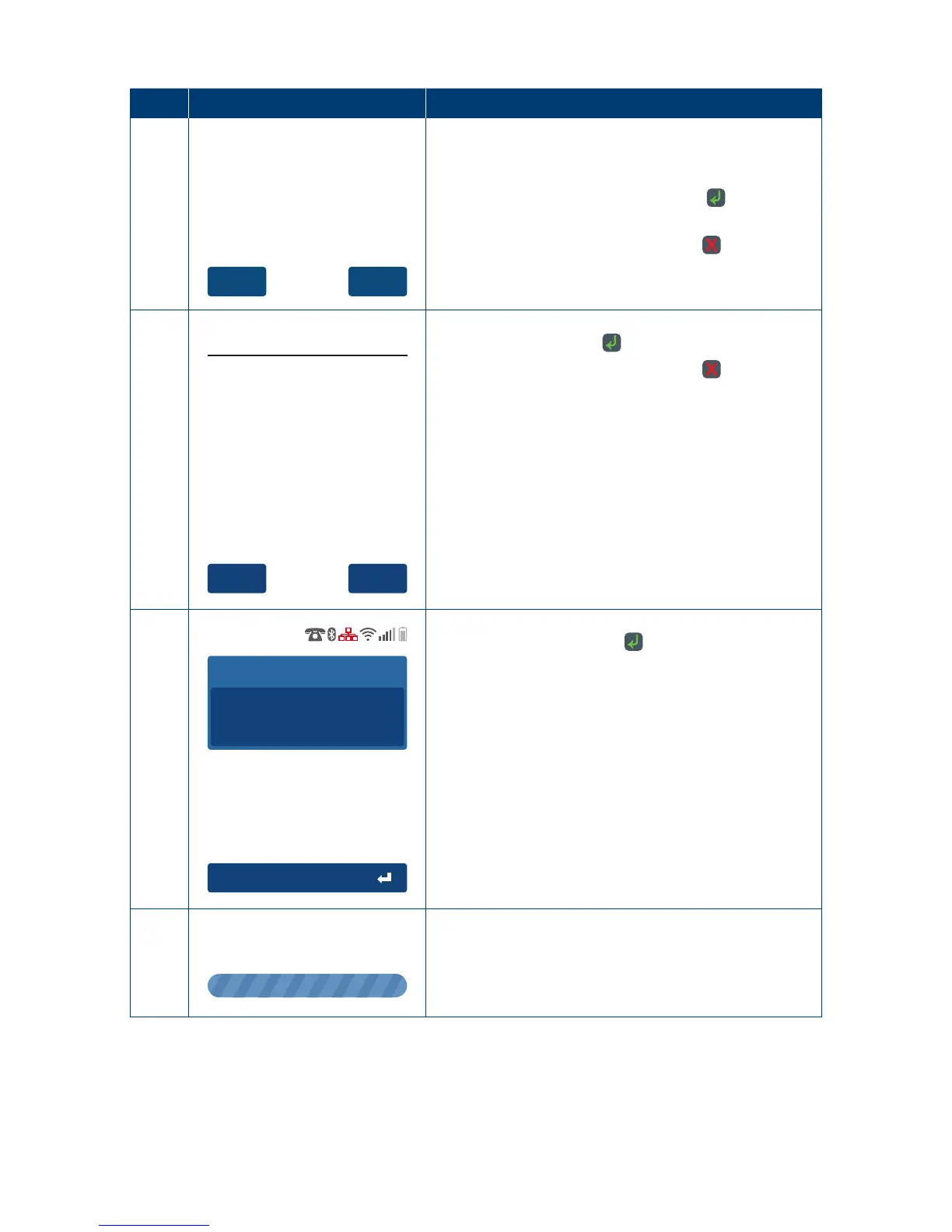
Retry Tran?
If the Pre-Auth ID was entered incorrectly or if the
transaction could no longer be found, the terminal
will prompt “TRANSACTION NOT FOUND Retry Tran?”
Press “Yes” on the touch screen or the
key to
re-enter the Pre-Auth ID�
Press “No” on the touch screen or the
key to
return to the idle screen�
10
Ye sNo
Confi rm ?
CA RD ......0 4 12
Pre-A ut h $8 .0 0
To p - Up
To conrm the transaction is to be cancelled press
the touch screen or the key to continue�
Press “No” on the touch screen or the
key to
return to the idle screen�
11
Accept Amount
To p - Up
AUD
6.0 0
Enter the top-up amount and press “Accept Amount”
on the touch screen or the key �
12
Please Wait
The terminal will begin processing the
Pre-Auth top-up�



 To Next Page