80
7.2.7 EMV Scheme Fallback / Technical Fallback.
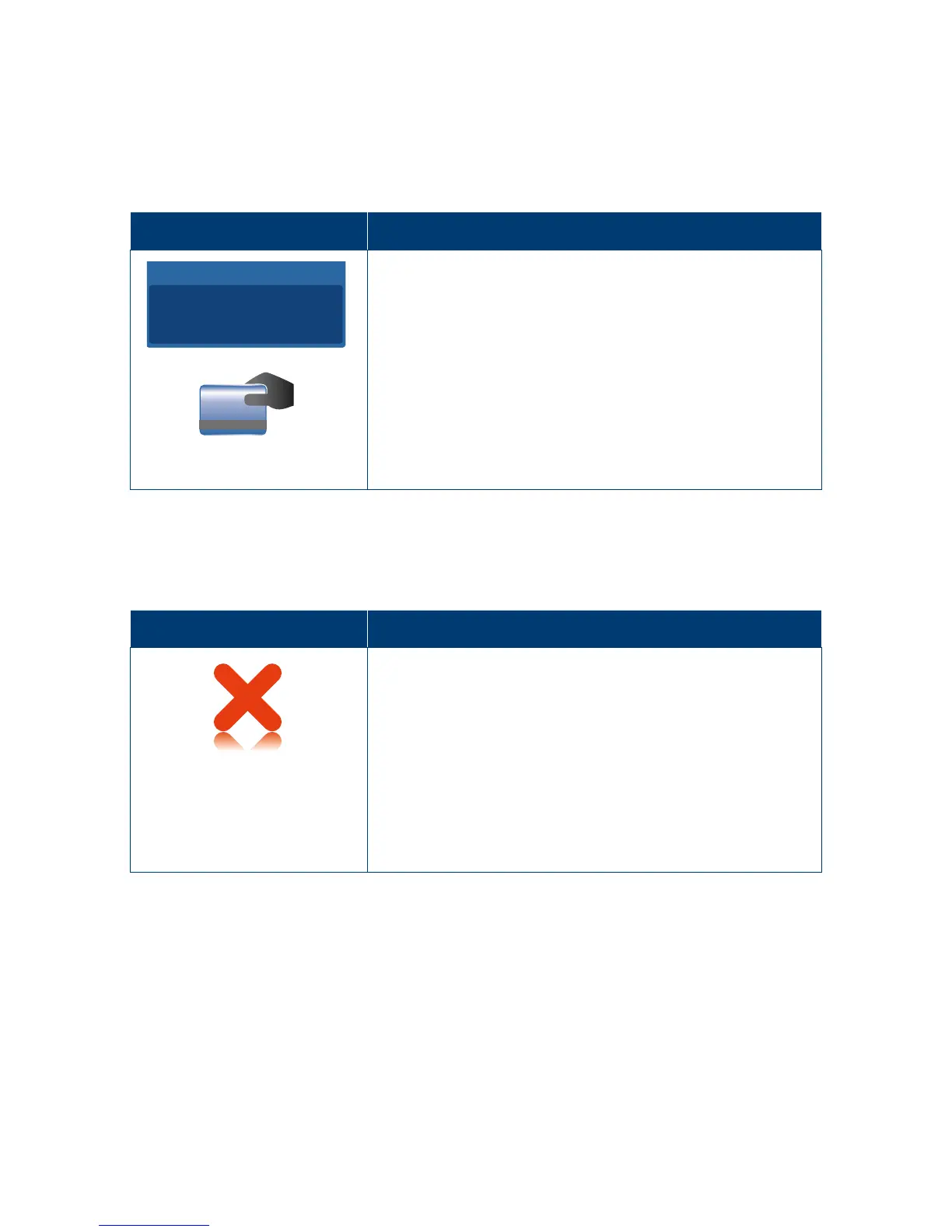
The “EMV Scheme Fallback” screen is displayed if there are no jointly-supported applications
between the terminal and the inserted EMV card.
The “EMV Technical Fallback” screen is displayed if an EMV card is inserted and receives
either an error or no response�
Terminal Screen
Next Step
Total Amount
AUD
5.00
Remove the card from the chip slot, and prepare
to swipe it using the magnetic stripe reader�
7.2.8 Transaction Time Out.
The following screen will be shown when nothing is entered onto the terminal within
acertain time out period during a transaction.
Terminal Screen
Next Step
Trans
Cancelled
Press ENTER Key
If required, re-attempt the transaction�



 To Next Page