Hunt Groups 87
SBX IP 320 Features & Operation Guide
Select the database item, scrolling with the [VOL UP]/[VOL DWN] button.
Overflow Destination- station/group
Overflow Time- xxx seconds
Wrap-Up Time- xxx seconds
Enter new data.
Press the [SAVE] button.
Agent Status and Control
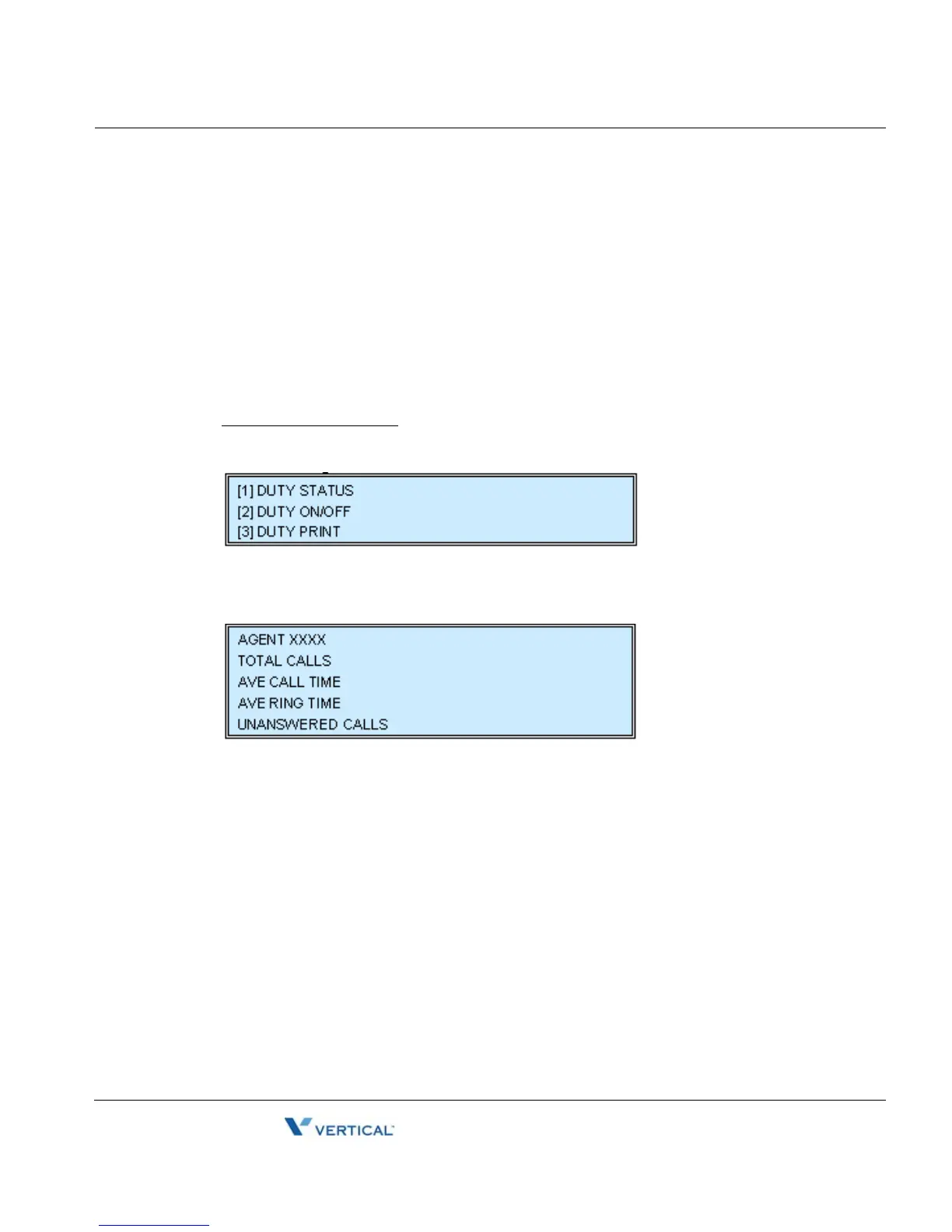
Dial "3" for Agent Status.
To view Agent Status:
Dial Agent Status Code "3 + 1 (duty status)"
Press the '*' key or '#' key to select the next agent.
Press [VOL UP] or [VOL DOWN] key to view:
- Number of ACD calls served
- Average ACD call service time after answer.
- Average ring time before answer
- Number of unanswered ACD Calls





 To Next Page