4-8 Changing Variable Information Rev AA
Videojet DataFlex 6420 Operator Manual
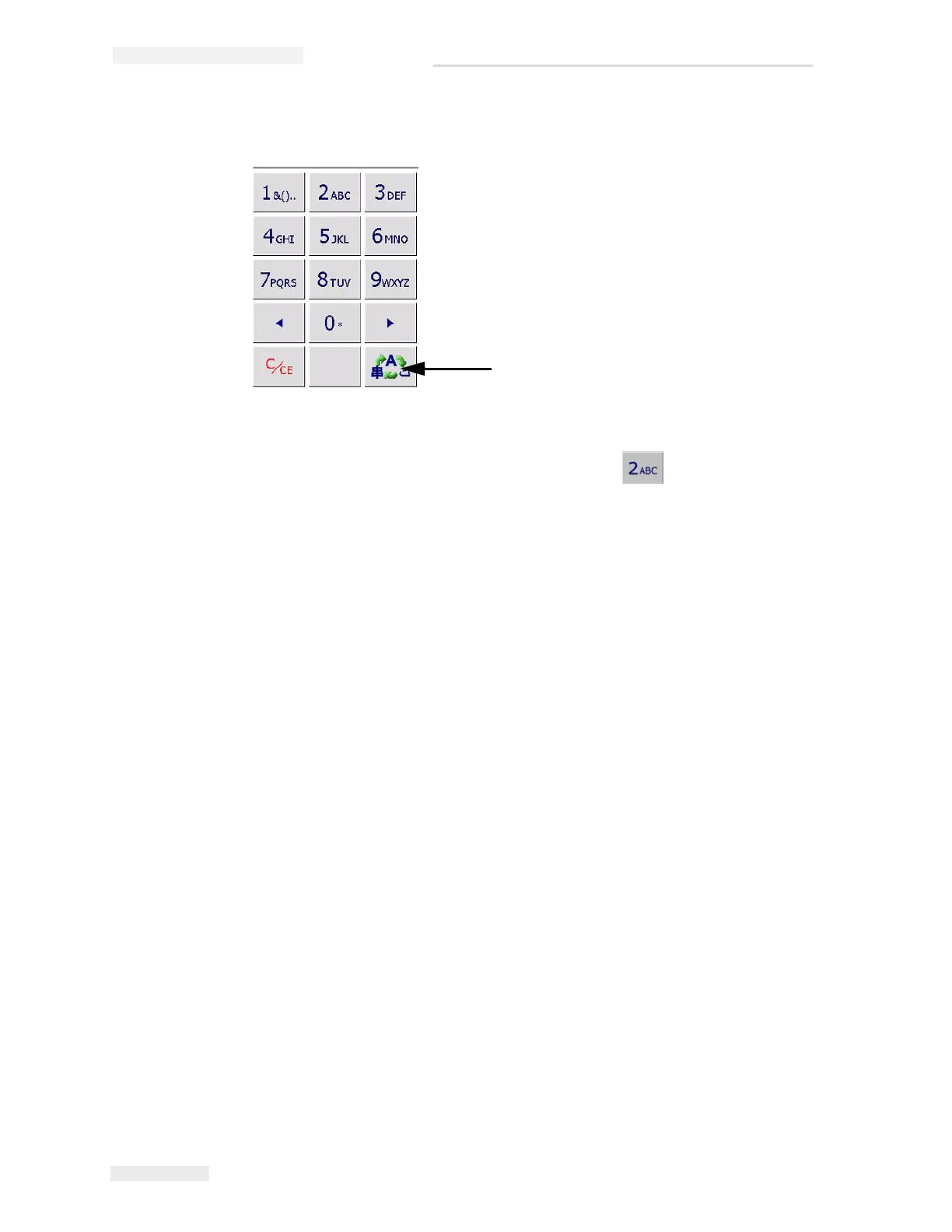
Touch the 'language selection key', to cycle the keypad through the
language selections available (Figure 4-8).
The keypad functions the same way as the keypad on a mobile phone. For
example, to type the letter C, you must press
the key three times.
Figure 4-8: Default Keypad
Language Selection Key



 To Next Page