5-2 Working with Fault Messages and Warnings Rev AA
Videojet DataFlex 6420 Operator Manual
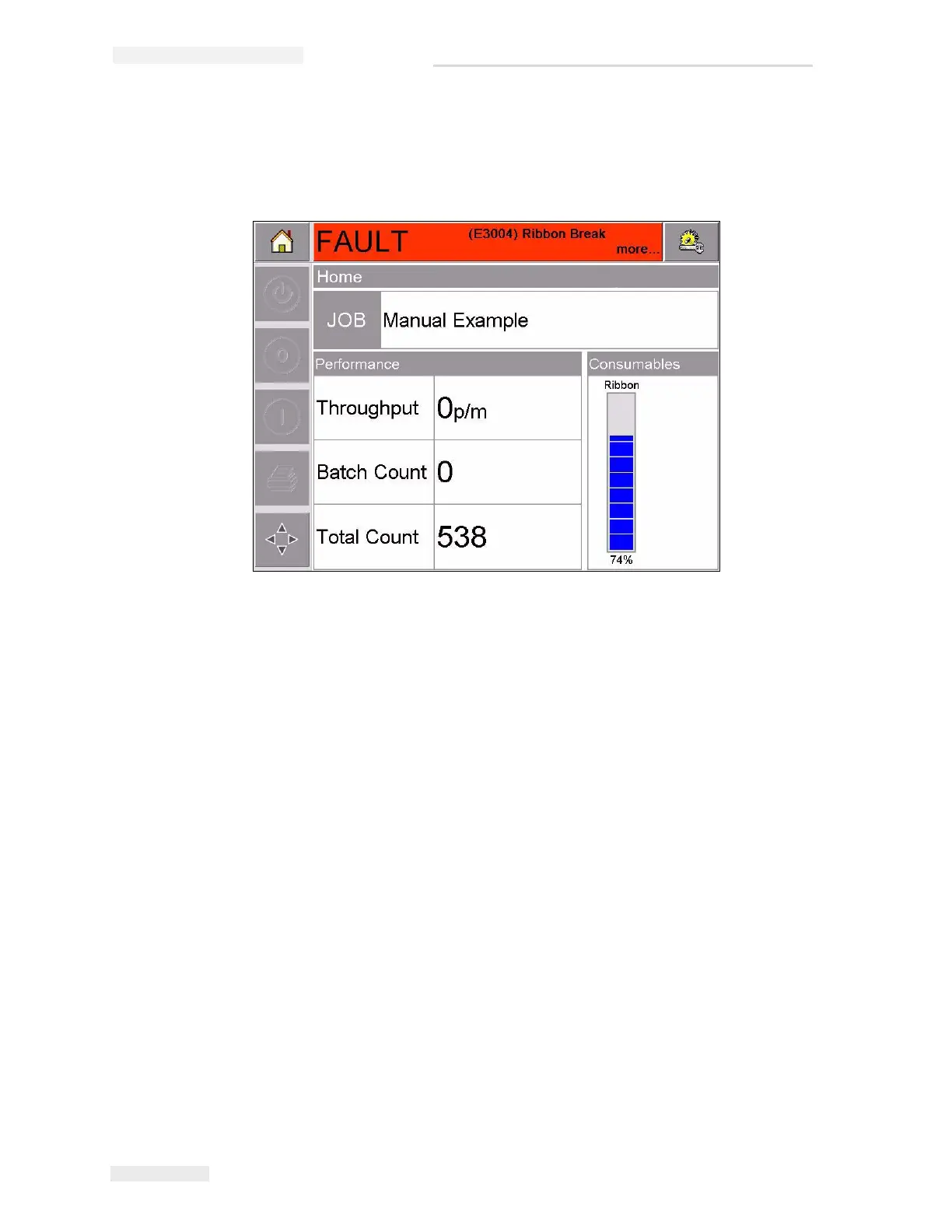
For example, when the entire reel of ribbon has been used, CLARiTY
®
will
display the red FAULT banner with the message Ribbon Break, as shown in
Figure 5-1.
Several faults and warnings may occur at the same time. Faults will
always be displayed first.
To view the faults/warnings in more detail and to view instructions on
what to do about them, touch the red or yellow area in the status window
at the top of the CLARiTY
®
display.
Figure 5-1: Fault Display



 To Next Page