5-4 Working with Fault Messages and Warnings Rev AA
Videojet DataFlex 6420 Operator Manual
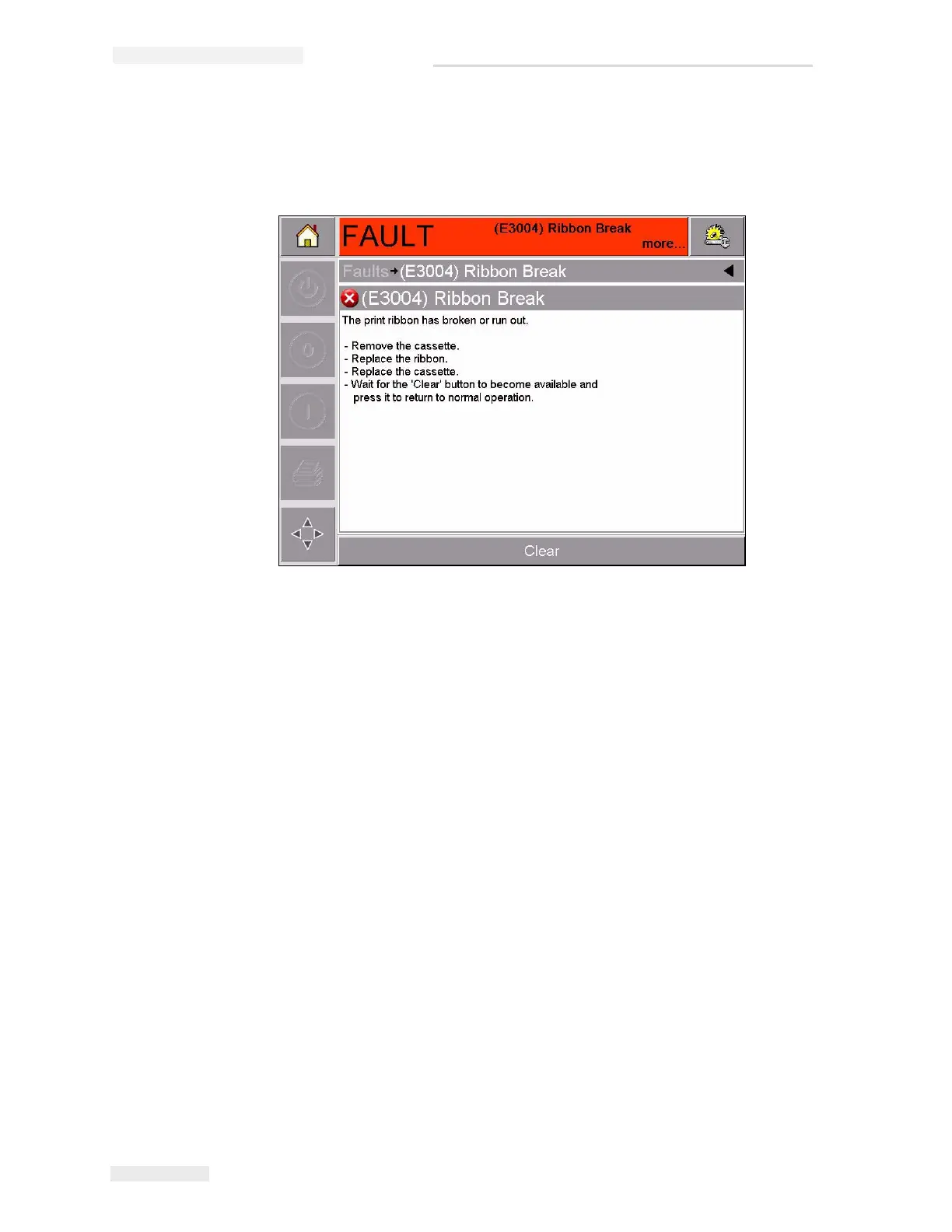
The example in Figure 5-3 shows a ribbon break fault. To correct a
ribbon break fault, you need to re-attach the ribbon to the required
spool (refer to “Checking and Replacing the Ribbon” on page 5-9).
4 When you have corrected the fault, the Clear button is activated.
Touch Clear to remove the fault message.
Figure 5-3: Fault Details Display



 To Next Page