Rev AA Cleaning the Printhead 5-17
Videojet DataFlex 6420 Operator Manual
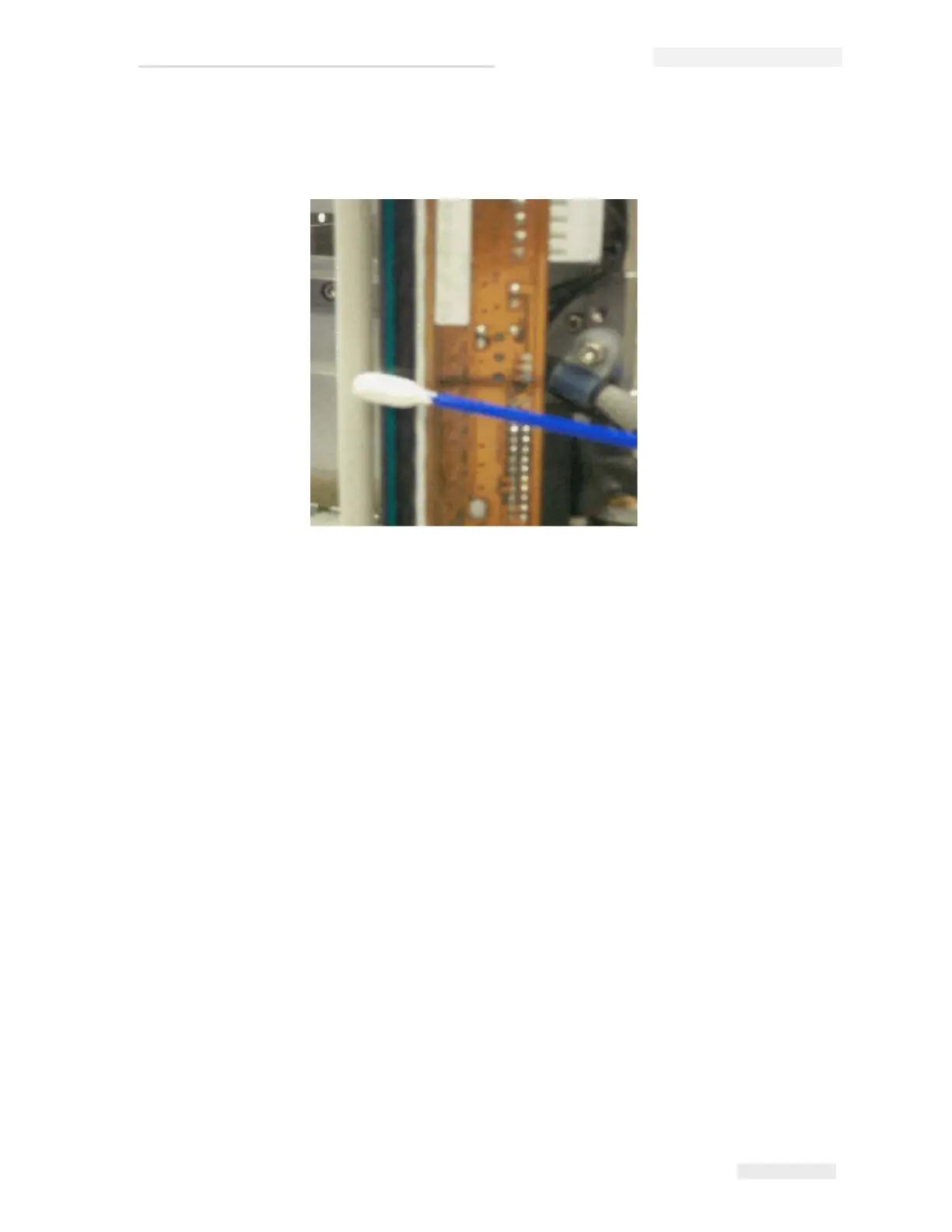
3 Clean the printhead pixel line (Figure 5-16), the white cassette rollers
and the peel roller gently, using the cleaning swabs provided with the
printer.
Note. Use only isopropanol to clean the printer. Do not touch the printhead
with sharp objects.
If you have been supplied with a cleaning kit that contains cleaning
wipes, use a wipe to clean the print line on the printhead carefully. If
you have been supplied with cotton swabs and a bottle of cleaning
solvent, take a new cotton bud and dip the bud into the solvent. Wipe
the print line on the printhead carefully.
Note: When the power is turned off, the printhead can be hinged away from
the printer body to get better access to clean the print line.
Note: Allow one minute for the excess isopropanol to evaporate. Failure to
allow this interval can result in damage to the printhead by thermal shock.
4 Replace the cassette and lock it in place.
Figure 5-16: Printhead Cleaning



 To Next Page