– 49 –
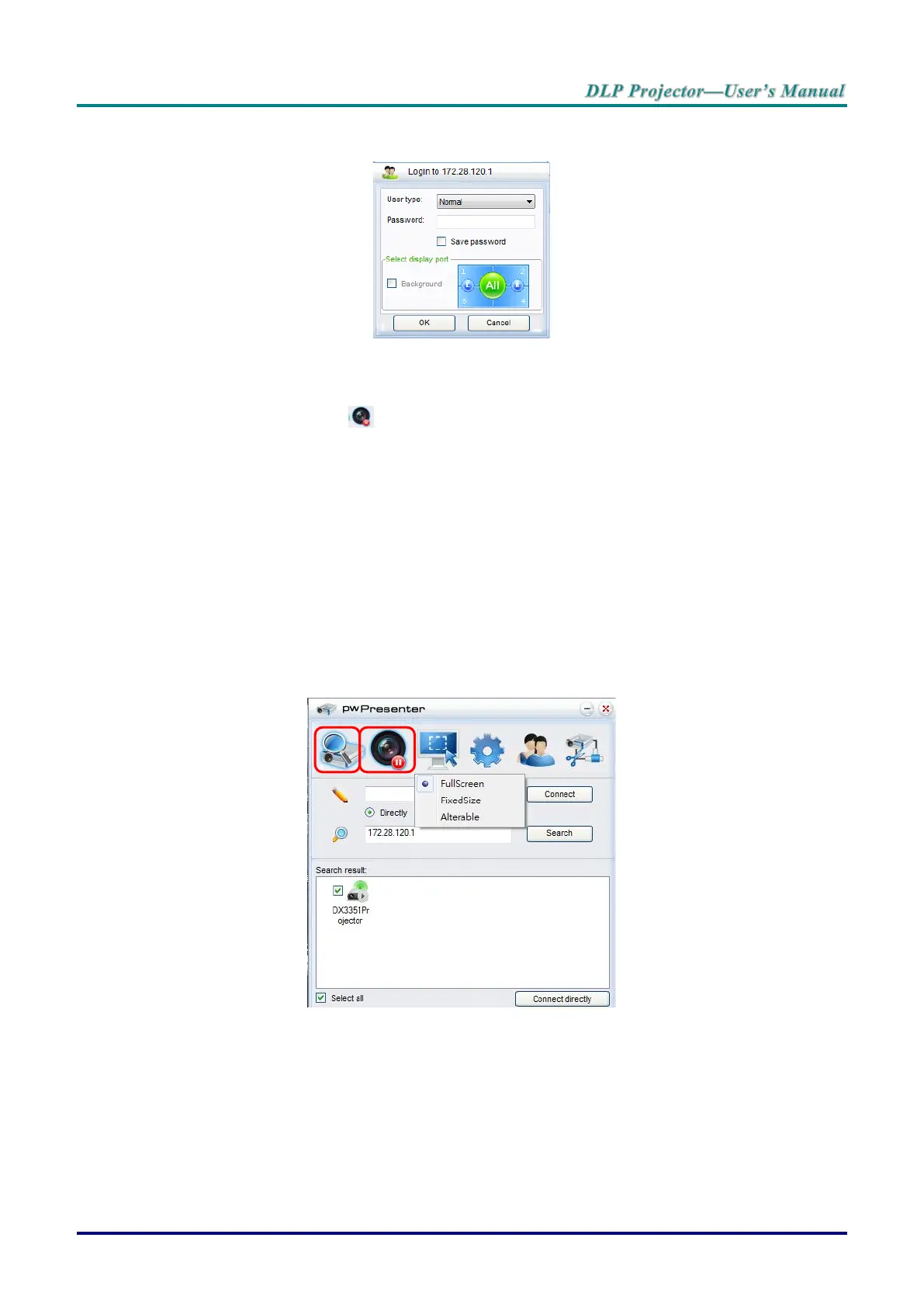
d. After connecting to the projector, pwPresenter prompts for a password, as set up in the
Presenter Setup screen.
e. Click the disconnect button to disconnect all available projectors.
6. Controlling the remote display
a. Click Play/Pause to display the desktop on the connected network display.
b. Display up to four computers on a single projector at one time. Click a location to display
the image. Four locations can be selected (1-4) or two in a continuous mode (Left and
right) for two computers.
c. Once the display is selected the image displays through the projector. Select any location
or revert to full screen or blank out mode.
d. Capture mode allows management of advanced functions.
e. Define the projector’s display area
i. Full Screen: displays the entire screen through the projector.
ii. FixedSize: displays a fixed screen, place the screen over a desired area to
identify the display area for the projector.
iii. Alterable: displays an adjustable screen, which is used to identify the display area
for the projector.



 To Next Page