WAGO-I/O-SYSTEM 750 Notes about this Documentation 9
750-461 2AI Pt100/RTD
Manual
Version 1.4.1
Pos: 15.7 /Alle Serien ( Allgemeine Module)/ Überschriften/Ebene 2/ Darstellung der Zahlen systeme - Überschrift 2 @ 23\mod_143564 7128078_21.docx @ 184811 @ 2 @ 1
1.4 Number Notation
Pos: 15.8 /Alle Serien ( Allgemeine Module)/ Rechtliches, Allge meines/Zahlensyste me @ 3\mod_1221059454015_21. docx @ 21711 @ @ 1
'0110.0100'
In quotation marks, nibble separated
with dots (.)
Pos: 15.9 /Alle Serien ( Allgemeine Module)/ Überschriften/Ebene 2/ Schriftkonventi onen - Überschr ift 2 @ 23\mod_1435647186005_ 21.docx @ 184814 @ 2 @ 1
1.5 Font Conventions
Pos: 15.10 /Alle Seri en (Allgemeine Module)/ Rechtliches, Allge meines/Schrif tkonventionen @ 3\mod_1221059 521437_21.doc x @ 21714 @ @ 1
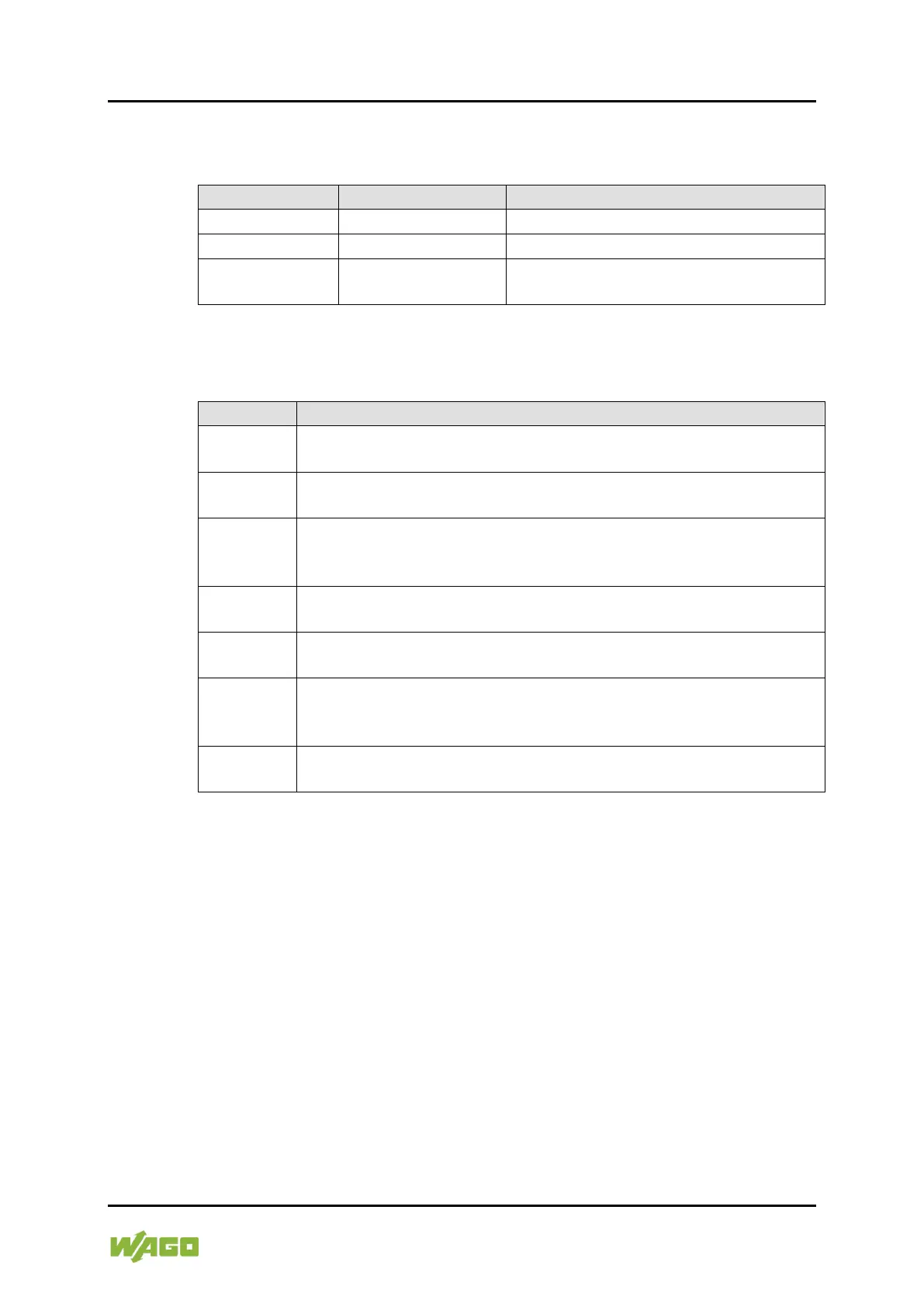
Table 3: Font Conventions
Names of paths and data files are marked in italic-type.
e.g.: C:\Program Files\WAGO Software
Menu items are marked in bold letters.
e.g.: Save
A greater-than sign between two names means the selection of a
menu item from a menu.
Designation of input or optional fields are marked in bold letters,
e.g.:
Start of measurement range
Input or selective values are marked in inverted commas.
e.g.: Enter the value “4 mA” under Start of measurement range.
Pushbuttons in dialog boxes are marked with bold letters in square
brackets.
Keys are marked with bold letters in square brackets.
e.g.: [F5]
Pos: 16 /Dokumentation al lgemein/Glieder ungselemente/---Seitenwec hsel--- @ 3\mod_122110804 5078_0.docx @ 21810 @ @ 1


 To Next Page
 Loading...