117
Programme unit
BUZZER ON BUTTON Y
MAX FILLING TIME 10:00
MAX HEATING TIME 10:00
SHOW WEIGHT TIMEOUT 0:20
PC5 BLOCKING OF HEATING N
PC5 BLOCKING OF SPINNING Y
HEAT 2 AS STANDARD Y
SERVICE ALARM HOURS Y
BUZZER TIMEOUT AT END Y
BUZZER TIMEOUT AT PAUS Y
ERROR, OVERFILLED Y
PASSWORD ACTIVE Y
CMIS ADDRESS 0
LEVEL IN MM ACTIVE Y
START SLOW FILLING, HG 10
OFFSET LEVEL, HG 2
READY
BUZZER ON BUTTON Y
MAX FILLING TIME 10:00
MAX HEATING TIME 10:00
SHOW WEIGHT TIMEOUT 0:20
PC5 BLOCKING OF HEATING N
PC5 BLOCKING OF SPINNING Y
HEAT 2 AS STANDARD Y
SERVICE ALARM HOURS Y
BUZZER TIMEOUT AT END Y
BUZZER TIMEOUT AT PAUS Y
ERROR, OVERFILLED Y
PASSWORD ACTIVE Y
CMIS ADDRESS 0
LEVEL IN MM ACTIVE Y
START SLOW FILLING, HG 10
OFFSET LEVEL, HG 2
READY
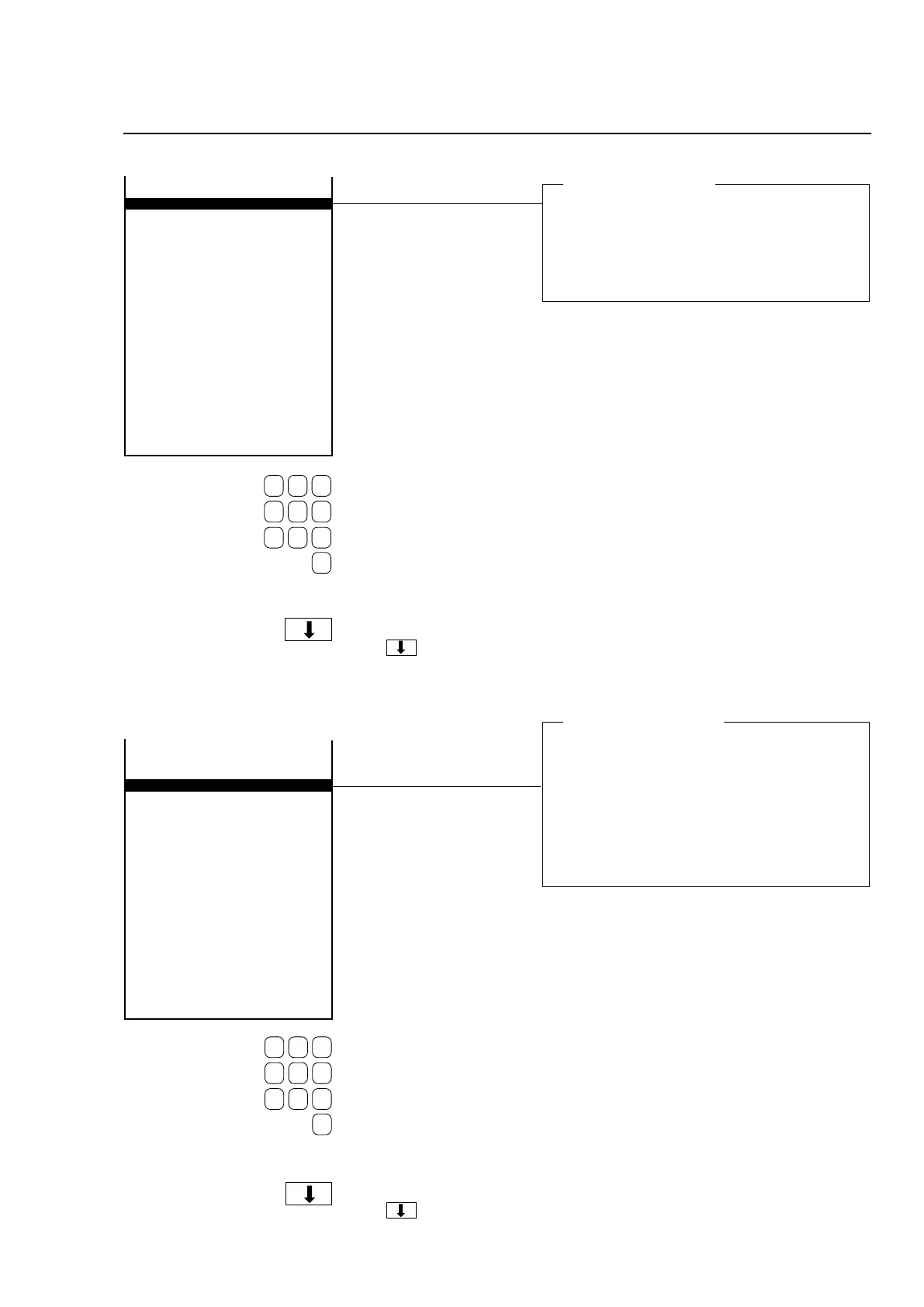
Maximum filling time
Here you determine the maximum time to be al-
lowed for filling the machine with water to the level
set.
If the correct level has not been reached within
this time, the error message ”NO WATER” will ap-
pear on the display.
Maximum heating time
Here you determine the maximum time to be allo-
wed to heat the water a certain number of degrees
(the number of degrees can be set as a parame-
ter via the function ”MINIMUM TEMPERATURE
INCREASE” under ”SETTINGS 2”).
If the water has not been heated within this time,
the error message ”NO HEATING” will appear on
the display.
Use the numeric keys to
enter the value.
If you make a mistake while
entering digits:
Press ERASE.
When you have finished:
Press .
Use the numeric keys to
enter the value.
If you make a mistake while
entering digits:
Press ERASE.
When you have finished:
Press .







 To Next Page