148
Programme unit
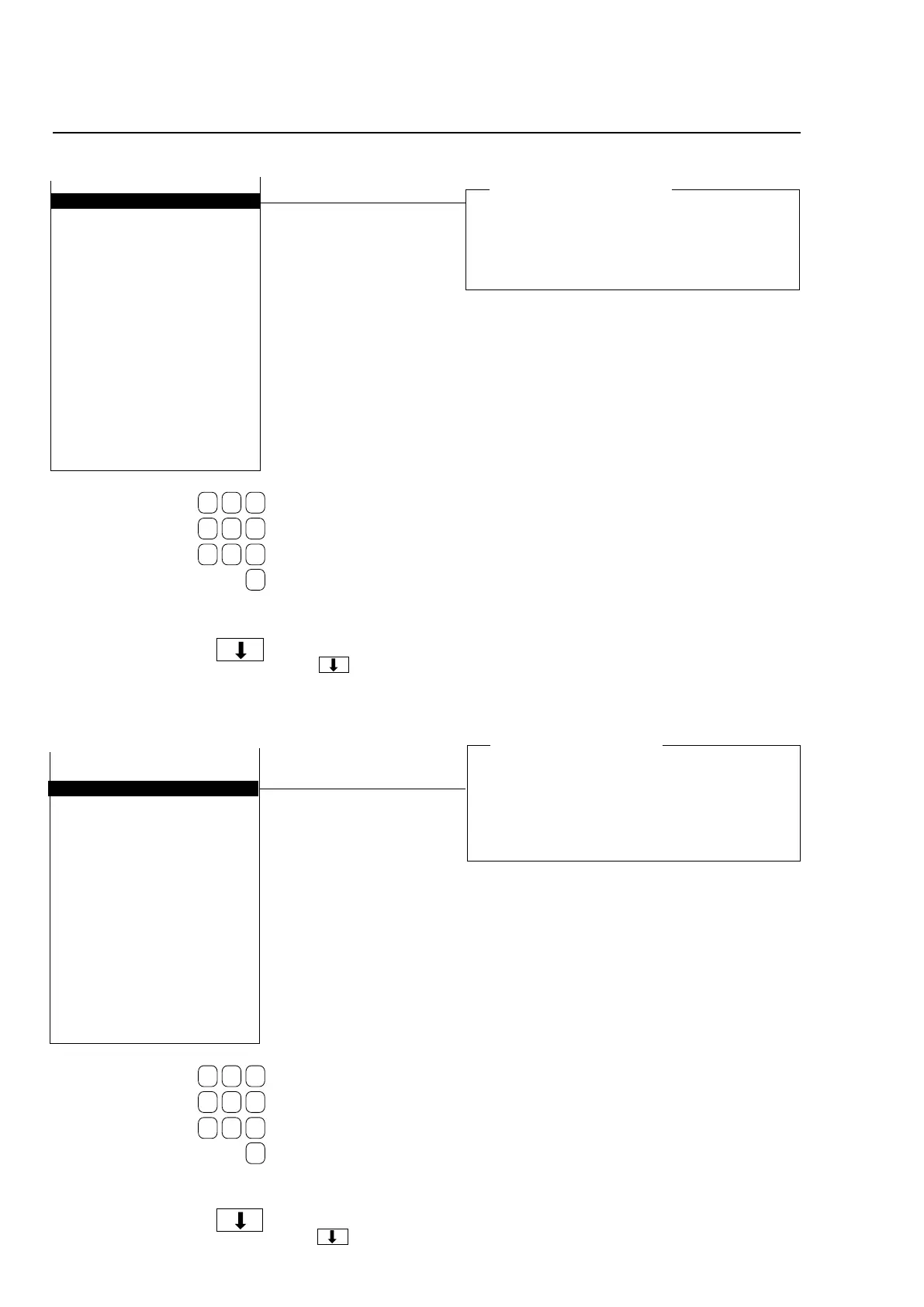
Default wash acceleration
Here you determine the acceleration rate (rpm/
second) which the machine can use to reach wash
speed when it cannot find this value elsewhere,
e.g. in the event of manual operation of the drain
sequence in machines with suspended drum.
START EXTRACT SPEED 1000
DEFAULT WASH ACCELERATION 20
DISTRIBUTION ACCELERATION 9
RETARDATION ACCELERATION
EXTRACT ACCELERATION 40
START EXTRACT ACCELERATION 40
EXTRACT RETARDATION 50
MAX SPEED DURING FILLING 100
MAX LEVEL OFFS FOR AUT. CALIB.
TIME AT DISTRIBUTION SPEED 2
NUMBER OF REDIST LOW 1 UNB.
NUMBER OF REDIST LOW 2 UNB.
NUMBER OF REDIST MEDIUM UNB.
NUMBER OF REDIST HIGH UNB.
NUMBER OF REDIST EXTREME UNB.
DRAIN TIME AT PROGR. START
DRAIN TIME AT PROGR. END
READY
Use the numeric keys to
enter the value.
If you make a mistake while
entering digits:
Press ERASE.
When you have finished:
Press .
Distribution acceleration
Here you determine the acceleration rate (rpm/
second) the machine will use to reach distribution
speed and to decelerate after distribution speed,
respectively. This value is not programmable when
you create a wash program. Instead the machine
always uses the value you set here.
START EXTRACT SPEED 1000
DEFAULT WASH ACCELERATION 20
DISTRIBUTION ACCELERATION 9
RETARDATION ACCELERATION
EXTRACT ACCELERATION 40
START EXTRACT ACCELERATION 40
EXTRACT RETARDATION 50
MAX SPEED DURING FILLING 100
MAX LEVEL OFFS FOR AUT. CALIB.
TIME AT DISTRIBUTION SPEED 2
NUMBER OF REDIST LOW 1 UNB.
NUMBER OF REDIST LOW 2 UNB.
NUMBER OF REDIST MEDIUM UNB.
NUMBER OF REDIST HIGH UNB.
NUMBER OF REDIST EXTREME UNB.
DRAIN TIME AT PROGR. START
DRAIN TIME AT PROGR. END
READY
Use the numeric keys to
enter the value.
If you make a mistake while
entering digits:
Press ERASE.
When you have finished:
Press .







 To Next Page