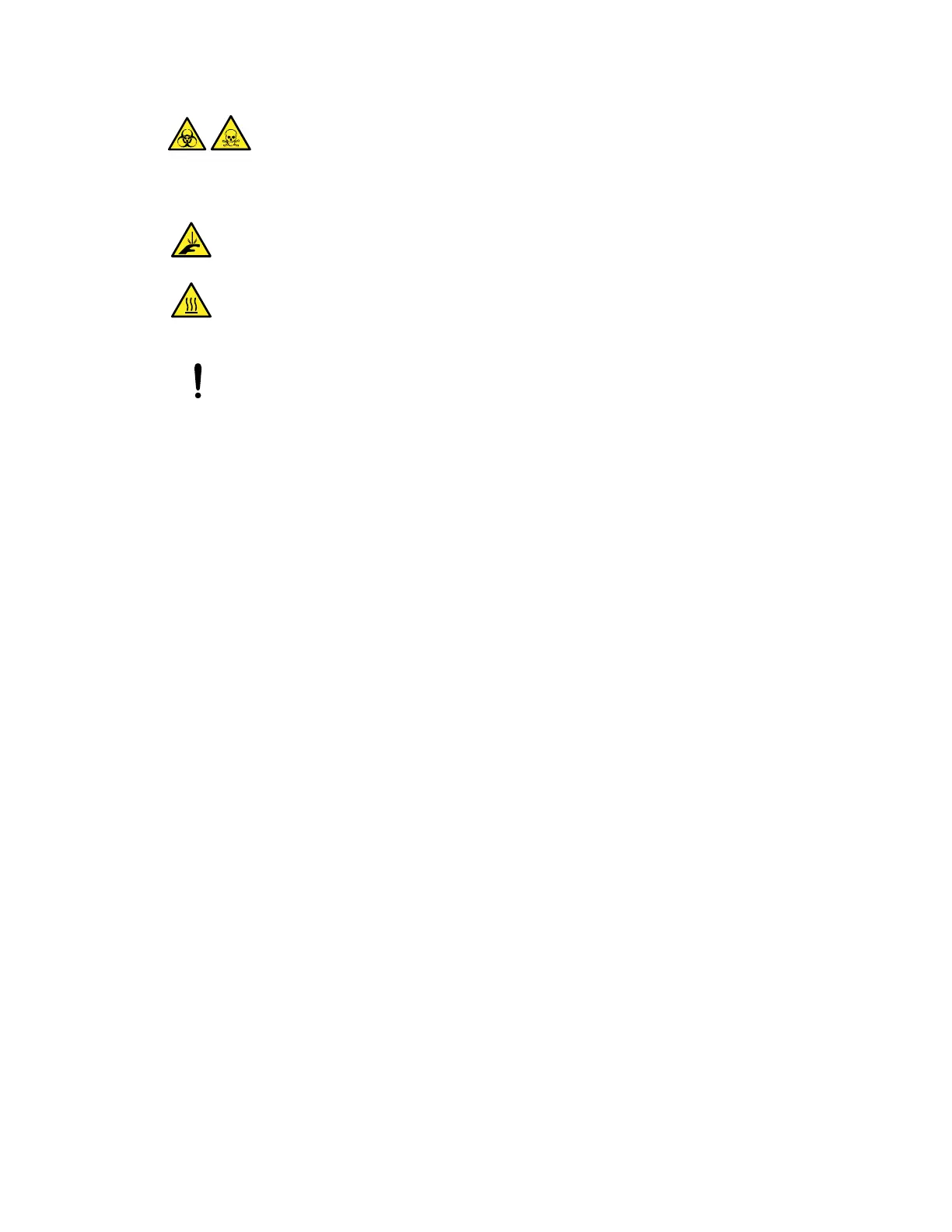
Warning: To avoid personal contamination with biohazardous or toxic compounds, wear clean,
chemical-resistant, powder-free gloves when performing this procedure.
Warning: To avoid puncture injuries from the sharp calibration pin, use care when
removing it from and replacing it in the ion block.
Warning: To avoid burn injuries, exercise care when handling the components of the
source enclosure heated to high temperatures. Wait until the hot components have
sufficiently cooled before you handle them.
Notice: To avoid damaging the StepWave ion guide assembly, handle it and its
components carefully throughout the cleaning procedure. In particular, do not touch the
wiring.
To remove the ion guide assembly from the source assembly:
1. Remove the source enclosure from the instrument (see Removing the source enclosure
from the instrument).
2. Use the 3-mm hex wrench to remove the four screws securing the pumping block to the
instrument.
3. Carefully pull the pumping block away from the instrument to remove it.
Note: The ion guide assembly is attached to the rear side of the pumping block.
June 15, 2017, 715003956 Rev. F
Page 40











 To Next Page