4 Web Operation
4.1 Quick start
4.1.1 Login and Logout
You must use Internet Explorer 7, and more to access the web management system;
otherwise, some functions may be unavailable.
Login
Step 1 Open Internet Explorer, enter the IP address of the IP camera (default value:
192.168.1.64) in the address box, and press Enter.
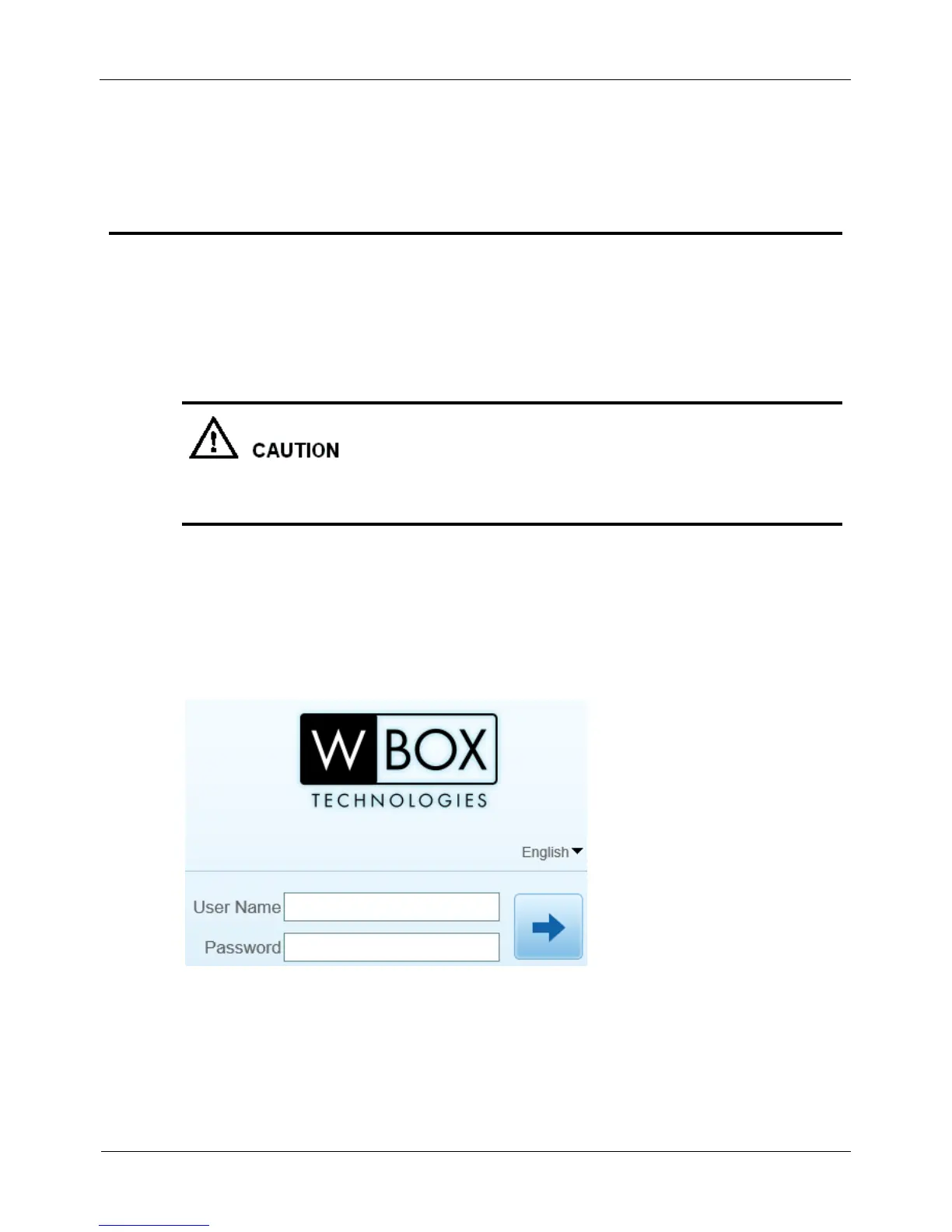
The login page is displayed, as shown in Figure 4-1.
Figure 4-1 Login page
Step 2 Enter the user name, and password.



 To Next Page