Step 3 Click Apply.
The message "Apply success!" is displayed And the system saves the settings.
----End
4.4.9 System Service
Procedure
Step 1 Choose Configuration > Device > System.
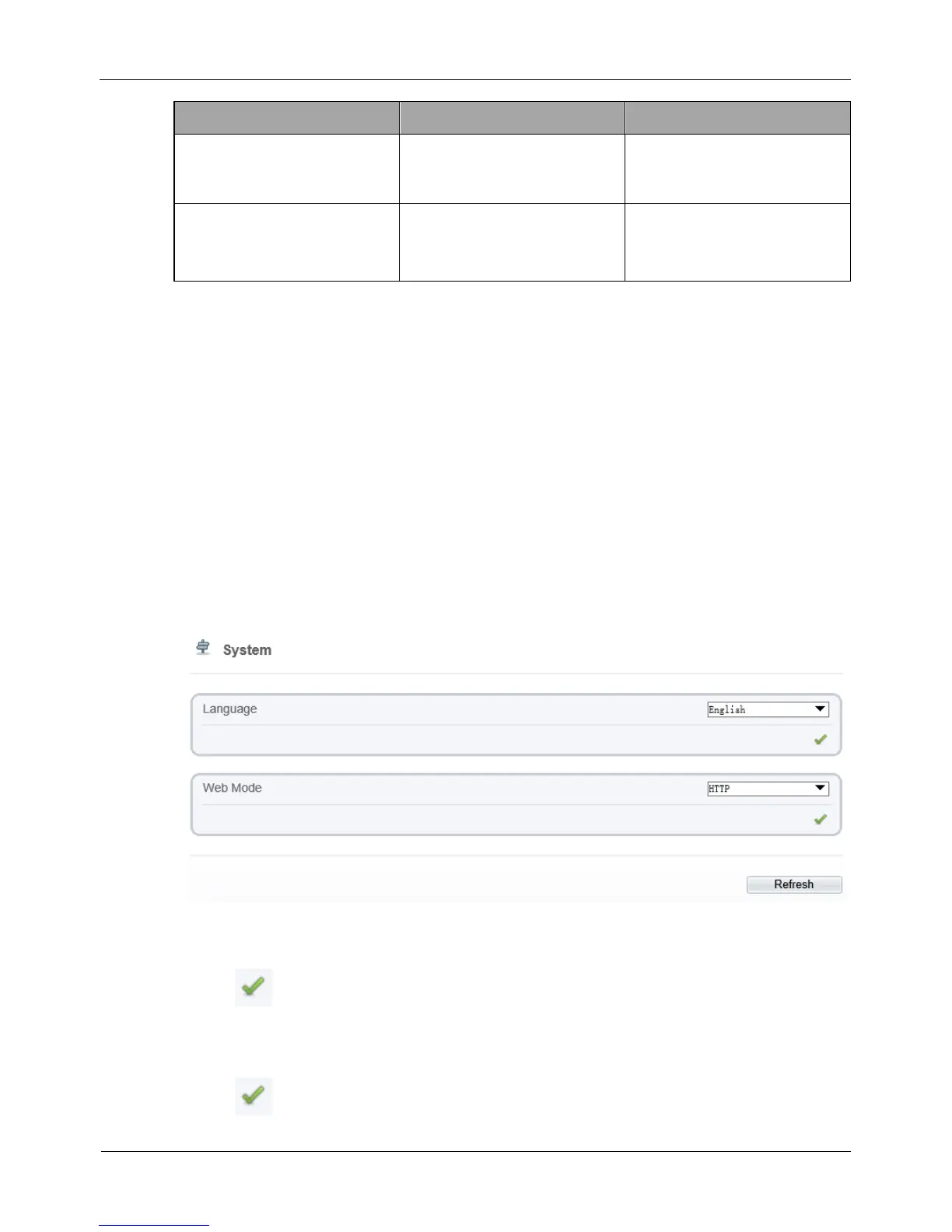
The System Service page is displayed, as shown in Figure 4-16.
Figure 4-16 System Service page
Step 2 Select a language from the Language drop-down list box.
Step 3 Click , the message "Apply success" is displayed.
Step 4 Click OK, the system saves the settings.
Step 5 Select a Web Mode from the Web Mode drop-down list box.
Step 6 Click , the message "This operation will lead to the device to restart, continue?”
is displayed.



 To Next Page