Step 4 Click Apply.
The message "Apply success!" is displayed, and the system saves the settings.
-----End
4.7 Configuring the Privacy Mask Function
Procedure
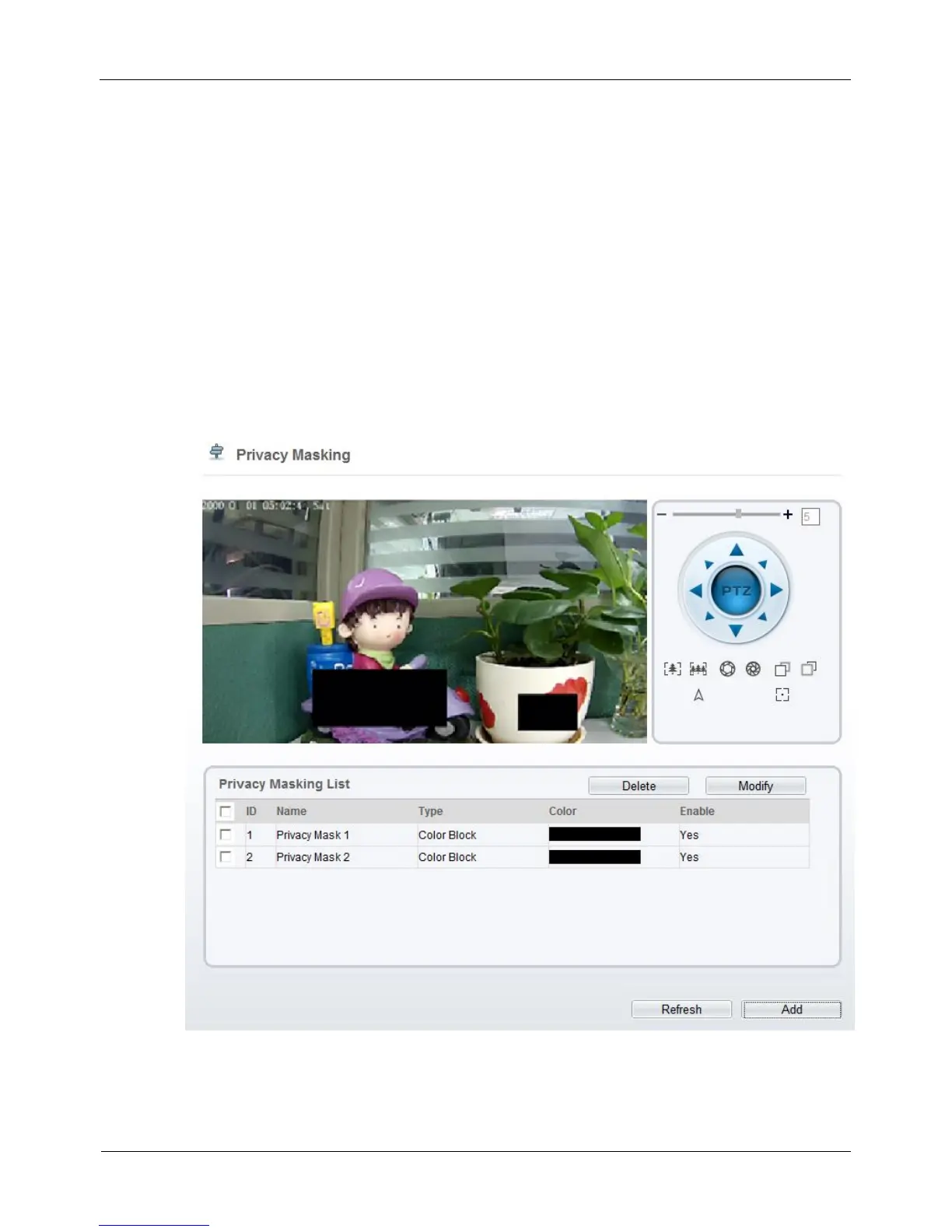
Step 1 Choose Configuration > Privacy Masking.
The Privacy Masking page is displayed, as shown in Figure 4-25.
Figure 4-25 Privacy Masking page
Step 2 Press and hold the left mouse button, and drag on the preview image to cover the part
to be masked.



 To Next Page