Procedure
Step 1 Choose Configuration >Alarm > Push Message.
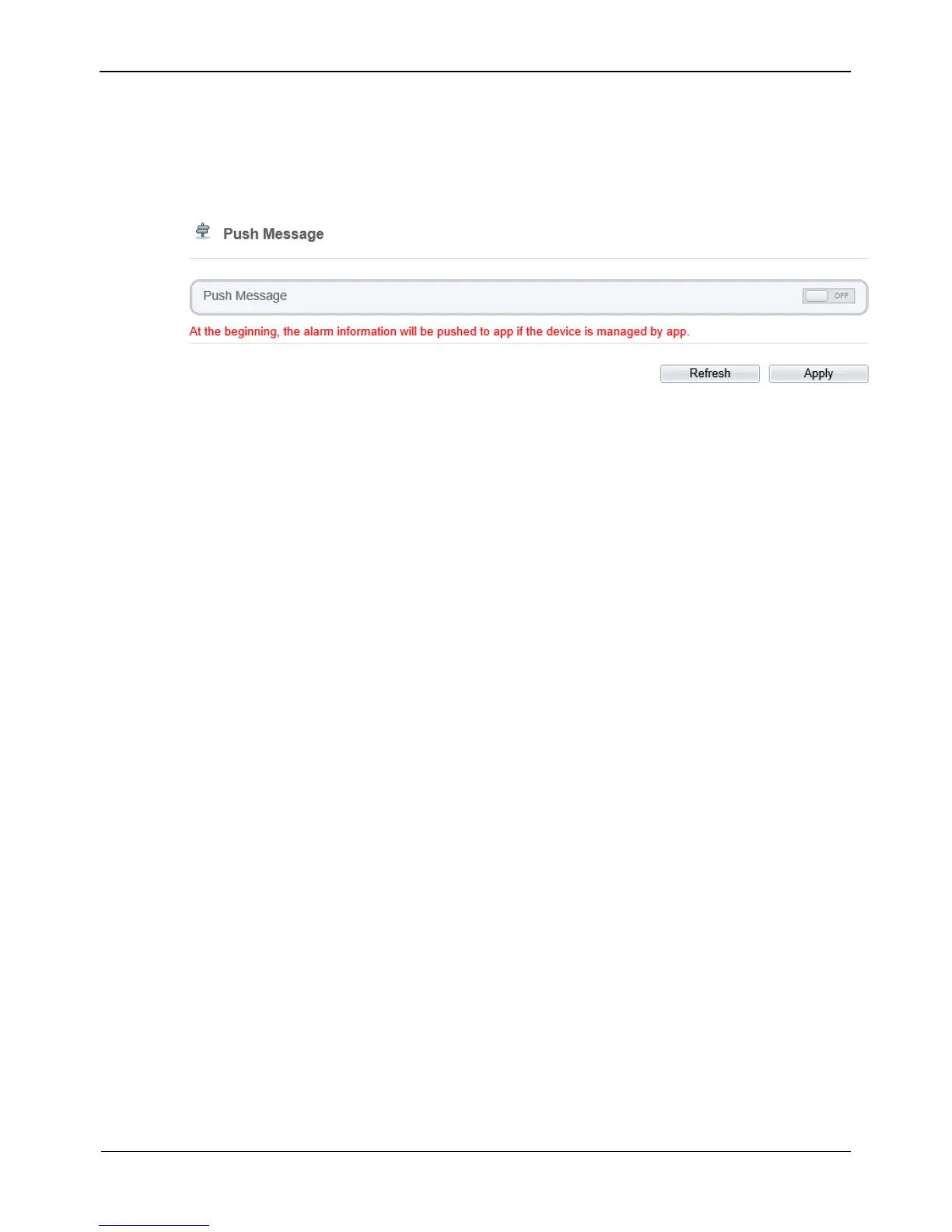
The Push Message page is displayed, as shown in Figure 4-21.
Figure 4-21 Push message page
Step 2 Click the button on to enable push message.
Step 3 Click Apply.
The message "Apply succeed!" is displayed, and the system saves the settings.
----End
4.6 Configuring the Recording Function
4.6.1 Configuring a Recording Policy
You can configure the scheduled recording function, alarm recording function,
recording quality, and recording rules.
Procedure
Step 1 Choose Configuration > Device Record > Record Policy.
The Record Policy page is displayed, as shown in Figure 4-22.



 To Next Page