High-Resolution IR Camera
User Manual
4.10 Configuring Protocol Parameters
4.10.1 Checking Protocol Information
Description
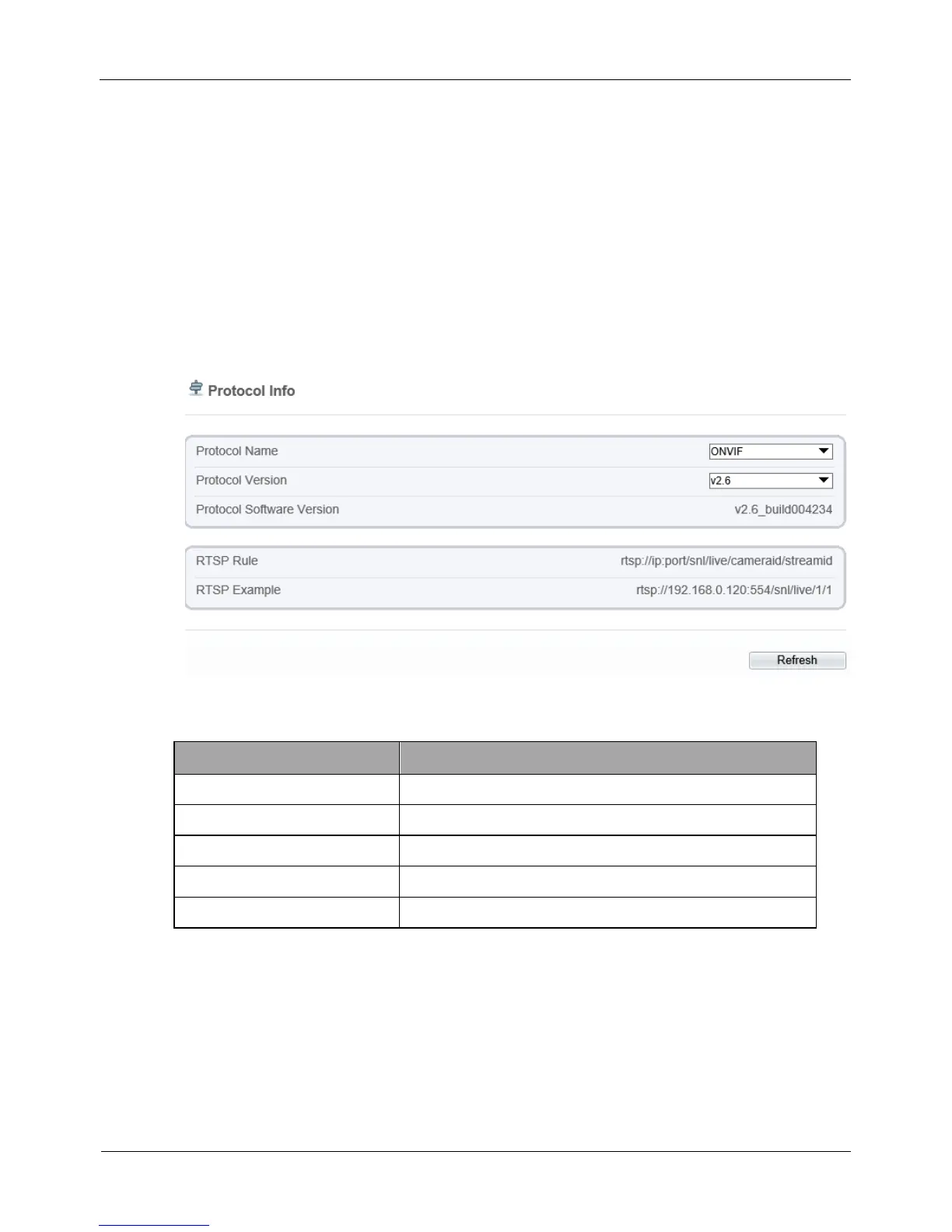
You can view the existing protocol name and version number of the current device on
the Configuration > Protocol > Protocol Info page, as shown in Figure 4-38. Table 4-
26 describes the protocol-related parameters.
Figure 4-38 Protocol Info page
Table 4-26 Protocol-related parameters
Type of the access protocol.
Version number of the access protocol.
Protocol Software Version
Software version number of the access protocol.
URL rule of Real Time Streaming Protocol.
URL example of Real Time Streaming Protocol.
4.10.2 Setting Security Authentication
Description
When an ONVIF-compliant device connects to the platform, you must authenticate the
user name and password to ensure the connection security.



 To Next Page