The default user name is admin. The default password is admin.
Change the password to ensure system security.
You can change the system display language on the login page.
Step 3 Click .
The main page is displayed.
----End
Logout
To log out of the system, click in the upper right corner of the main page. The
login page is displayed after you log out of the system.
4.1.2 Changing the Password
Description
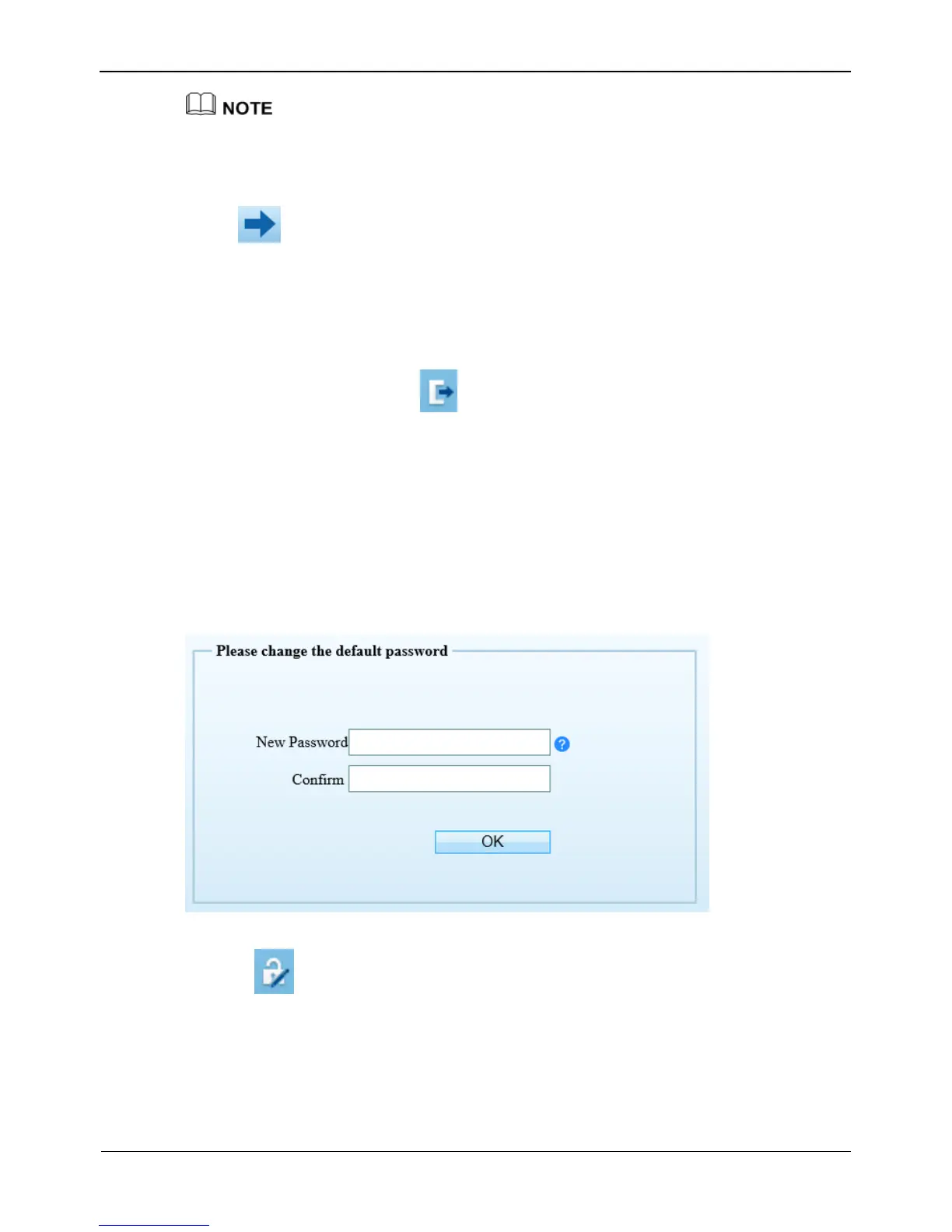
The change password page will be displayed as shown in Figure 4-2, when you login
the system for the first time.
Figure 4-2 Change the default password page
Or click to change the password for login the system, as show in Figure 4-3.



 To Next Page