----End
Description
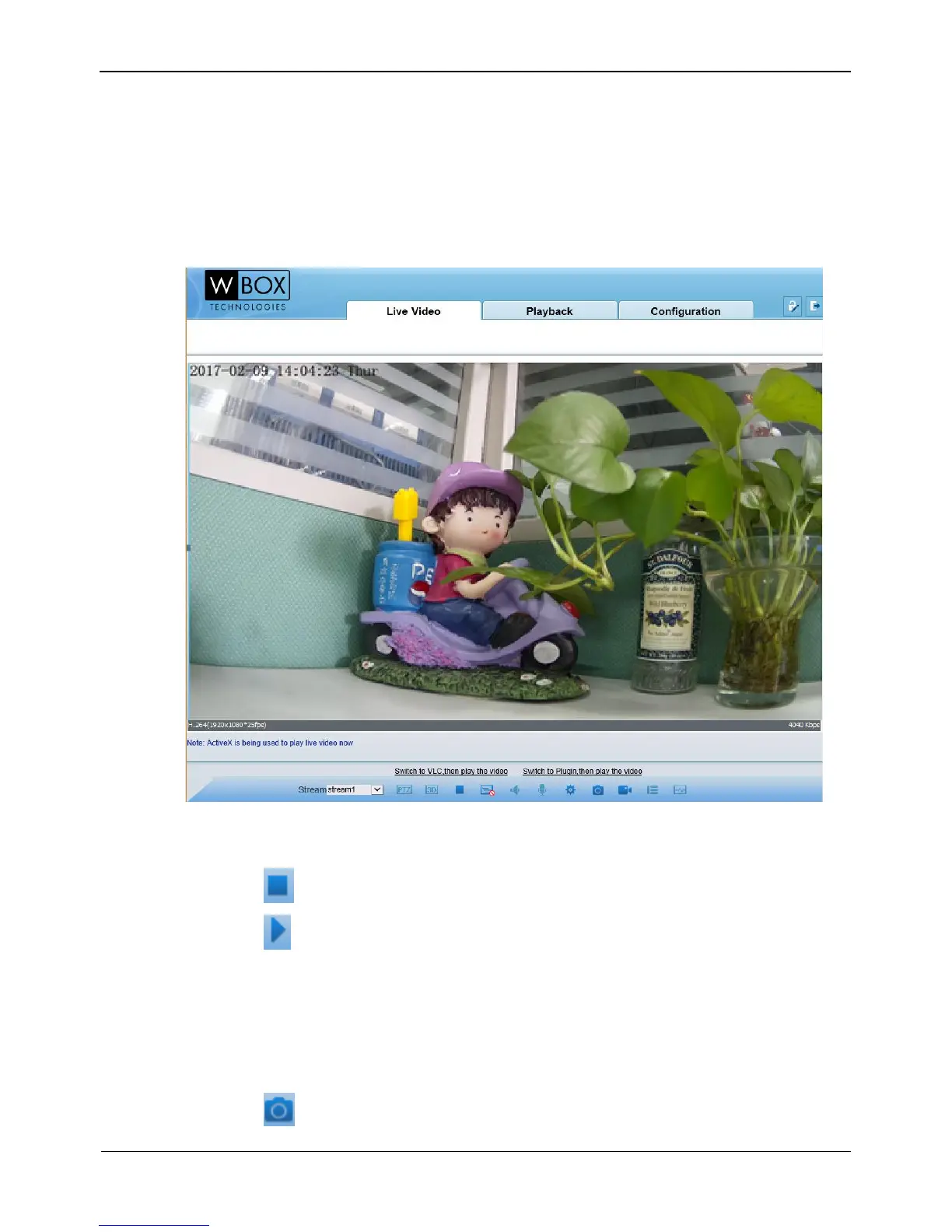
To browse real-time videos, click Live Video. The Live Video page is displayed, as
shown in Figure 4-6.
Figure 4-6 Live Video page
On the Live Video page, you can perform the following operations:
Click to stop playing a video.
Click to play a video.
Double-click in the video area to enter the full-screen mode, and double-click again
to exit.
Switch among preset streams 1, 2, and 3. For details about how to configure
streams, see
Setting Video and Audio Stream Parameters.
Click to snapshot and save the photos.



 To Next Page