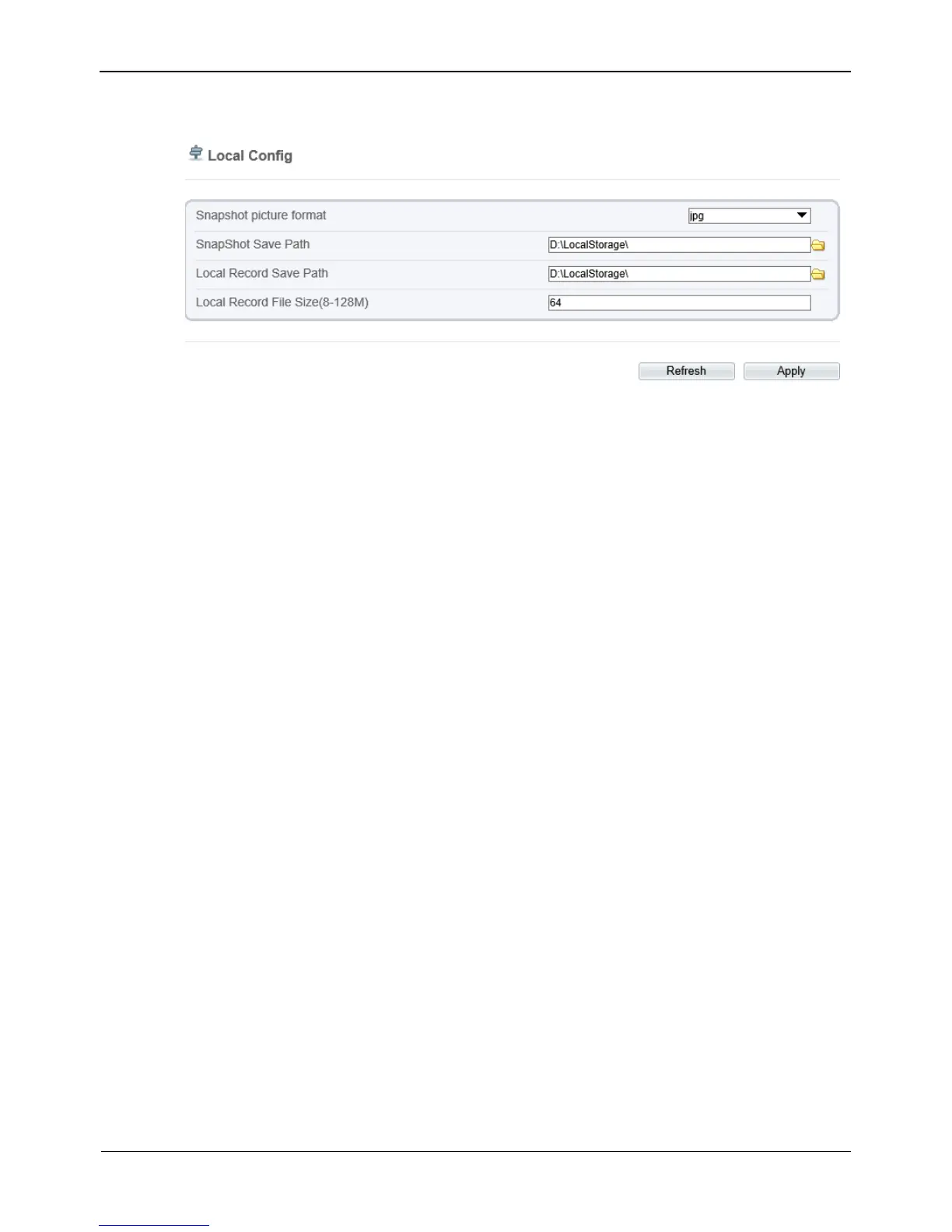
Figure 4-45 Local Config page
Step 2 Select snapshot picture format from the drop-down box..
Step 3 Set snapshot save path.
Step 4 Set local record save path
Step 5 Set local record file size(8-128M), the default value is 64.
Step 6 The message "Apply success!" is displayed, and the system saves the settings.
----End



 To Next Page