Server 1 is called the main server, server 2 is a backup server.
The backup server is only used to backup configurations. The main server alone
manages configuration file synchronisation.
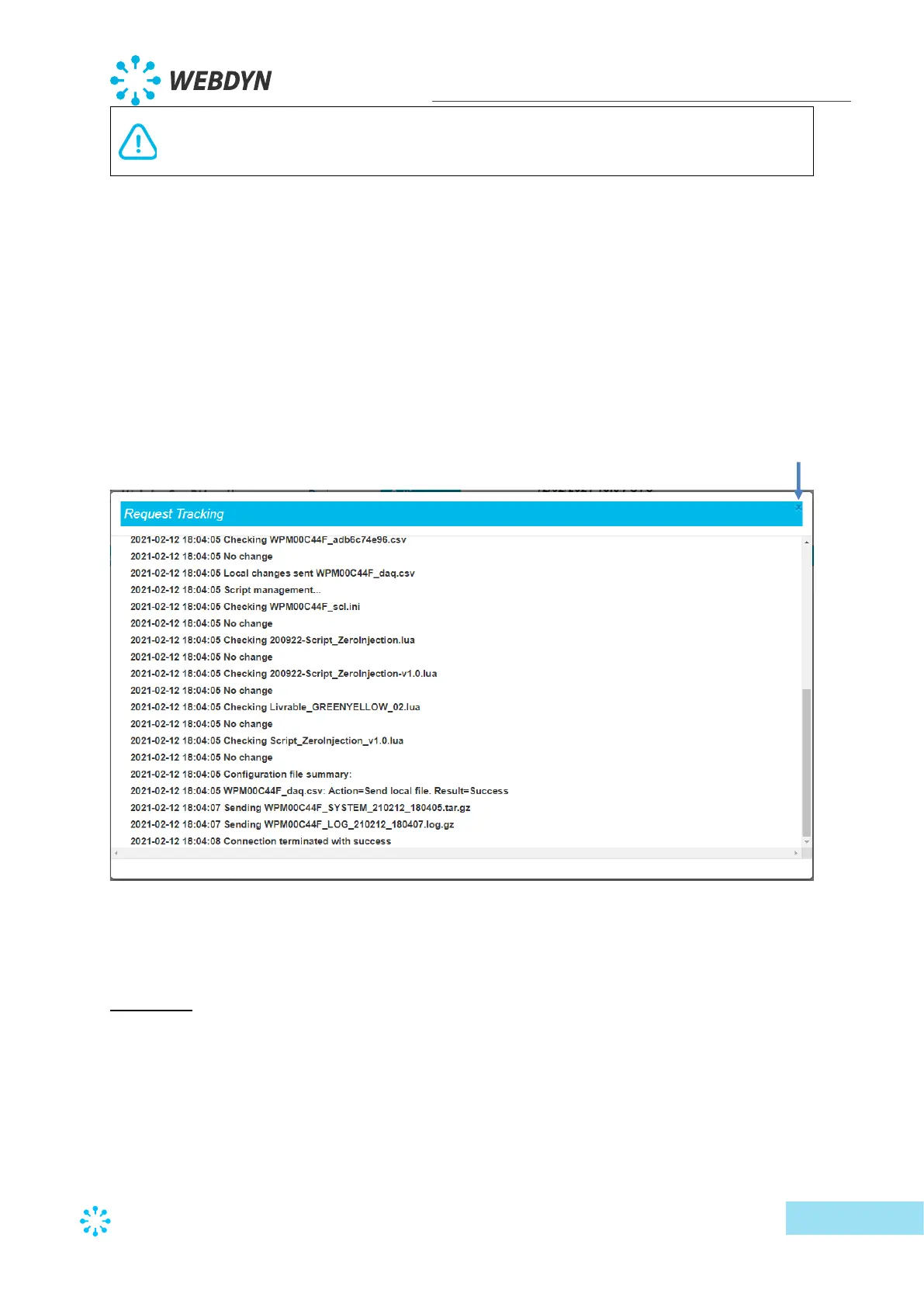
To check that the server configuration is correct, clicking the “Connect” button is
recommended. A window showing the connection log is displayed showing all the files
exchanged between the concentrator and the remote server. Looking at the last line is a quick
way to see if the connection was successful or not.
The ending of an ongoing connection using the “Abort” button is not instant, the cut occurs
between two actions. If an action is in progress, it must first complete. Every line in the
connection log represents an action.
If there are errors, check all the server settings.
Schedules:
It is possible to configure a set of connection “Schedules” for each server



 To Next Page