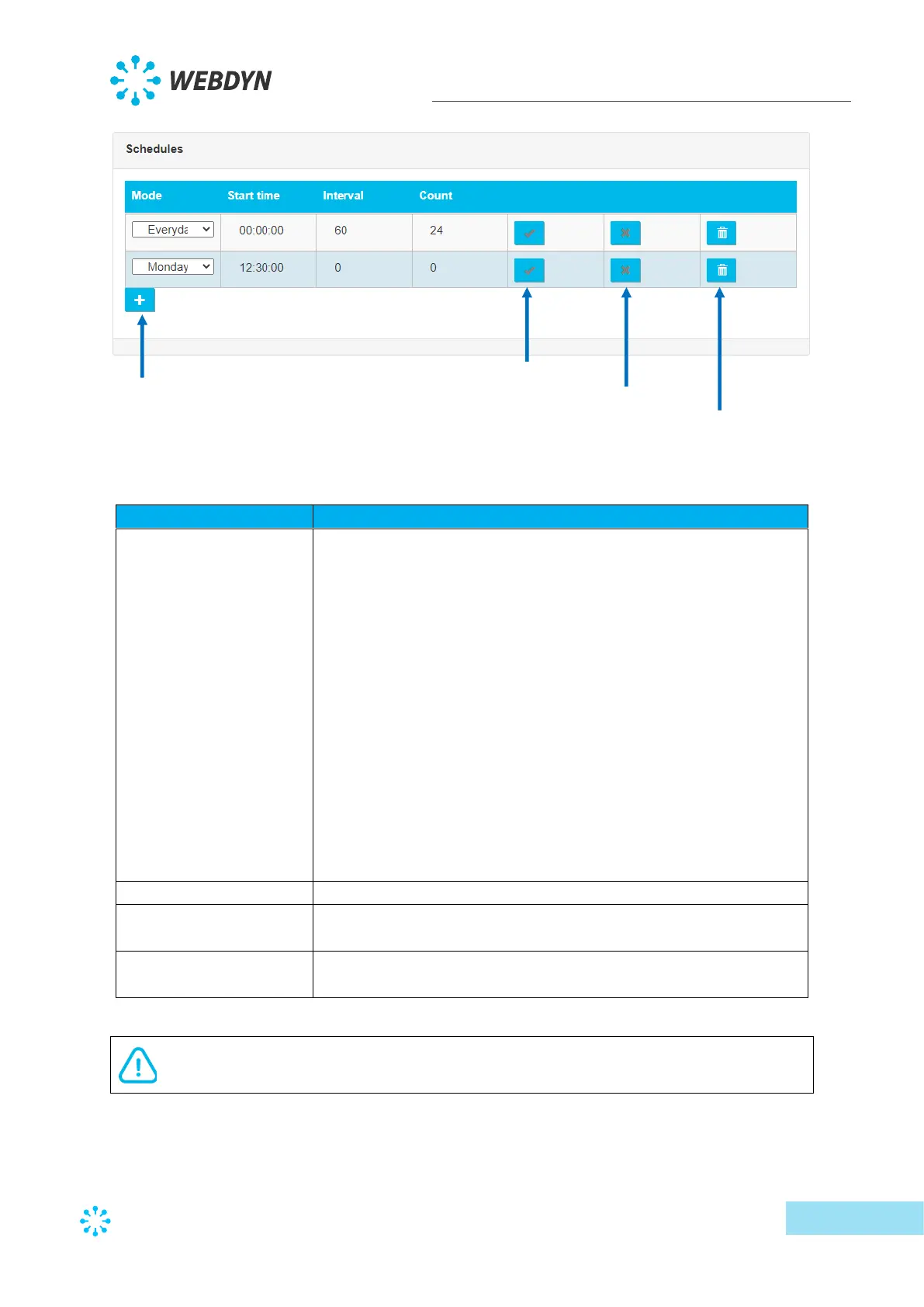
Schedule type selection:
• Everyday: the schedule will be run every day
• Monday: the schedule will be run every Monday
• Tuesday: the schedule will be run every Tuesday
• Wednesday: the schedule will be run every Wednesday
• Thursday: the schedule will be run every Thursday
• Friday: the schedule will be run every Friday
• Saturday: the schedule will be run every Saturday
• Sunday: the schedule will be run every Sunday
• First day of each month: the schedule will be run on the 1st
of every month
• 15th of each month: the schedule will be run on the 15th of
every month
• Last day of each month: the schedule will be run on the last
day of every month.
Schedules are only defined for one day, if the settings exceed one day, only the
schedules that do not exceed 23H59 will be taken into account.



 To Next Page