9
Pic8
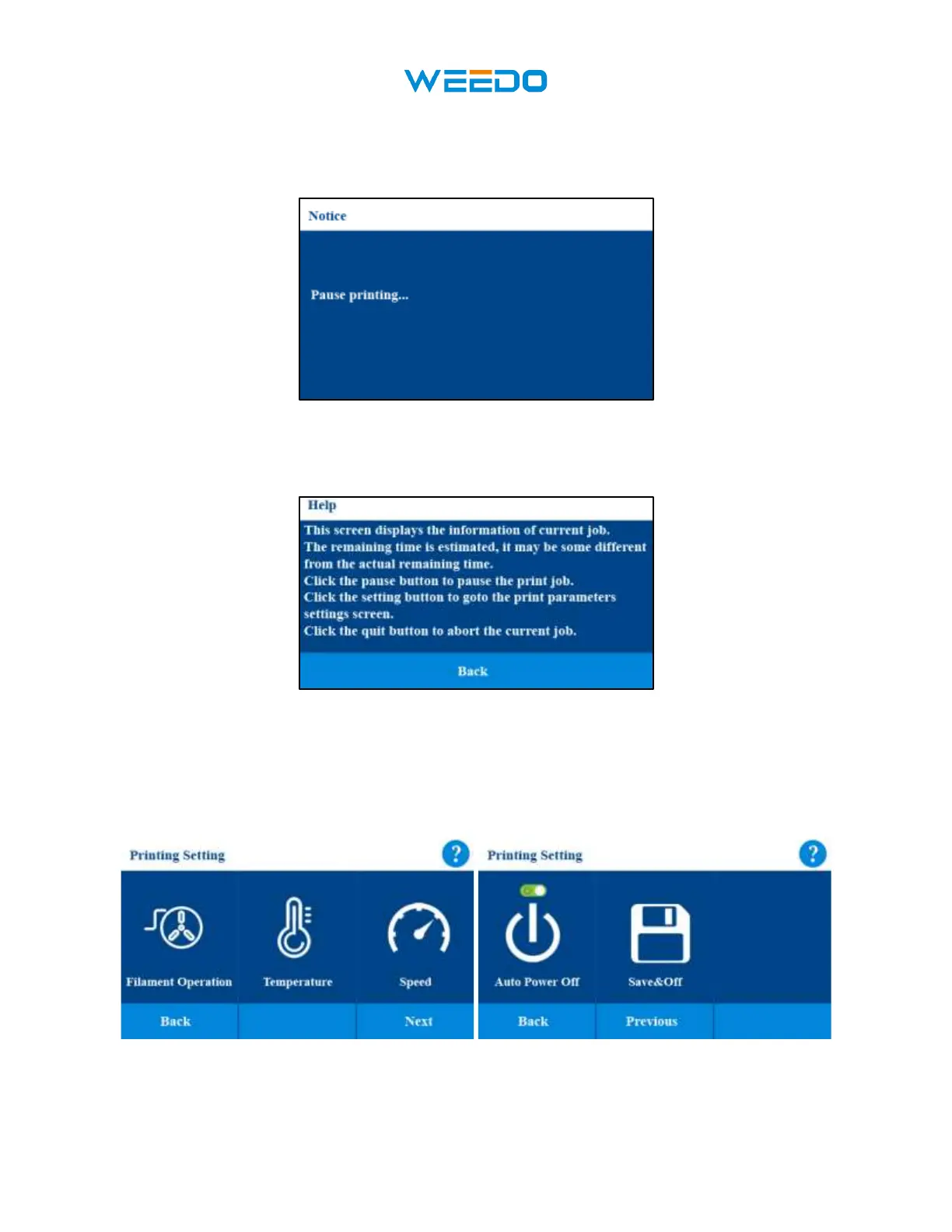
• Click Pause and it will pop up a prompt window (Pic9) and then pause the current print
process. After pausing the print process, Filament operation can be used.
Pic9
• Click the Question Mark Icon in the upper right corner to display the current interface
prompt. (Pic10)
Pic10
• Click the Setting button, printing parameter (Filament Operation, Printing
Temperature, Printing Speed, Auto Power Off, Save and Shutdown) can be reset.
(Pic11 Pic12).
•
Pic11 Pic12



 To Next Page