30
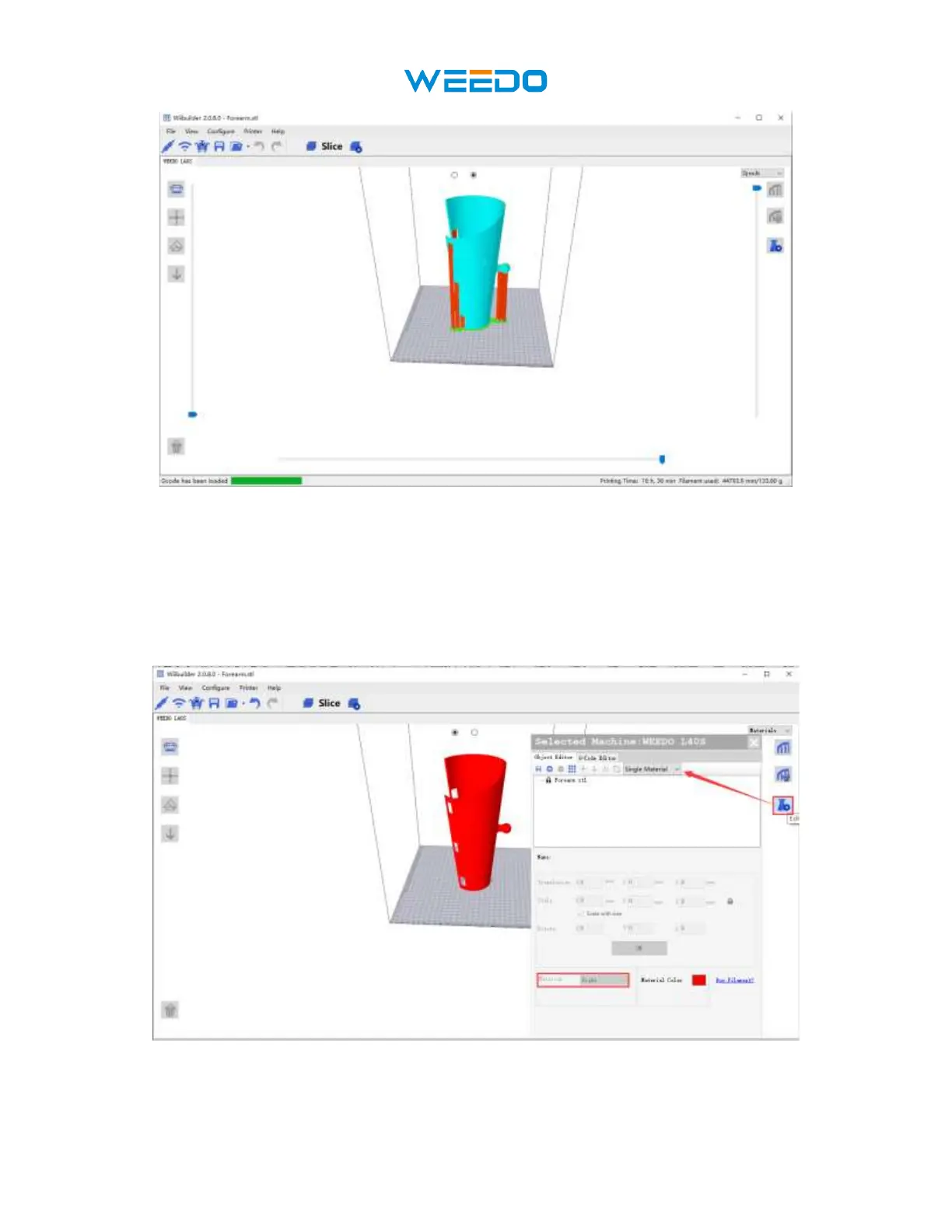
Pic55
7. Choose Nozzle for single-color model: If you print a single-color model, you can use
left or right nozzle. Click ‘edit’ in the right side of interface. Click ‘forearm.stl’ example
in Pic56, and in the Material Select the left or right nozzle in the material options. There
is a material color option on the right side of the material selection. You can choose
different colors, choose different colors, and the model color in the interface will change
accordingly. Pic57
Pic56



 To Next Page